You need business cards, but you don’t have a printer. What now?
Thank you for reading this post, don't forget to subscribe!Don’t worry—creating professional, eye-catching business cards without a printer is easier than you think. Imagine handing out cards that leave a strong impression, helping you connect and grow your network instantly. You’ll discover simple, creative ways to make your own business cards quickly and affordably.
Keep reading, and you’ll have your perfect cards ready in no time—no printer required.
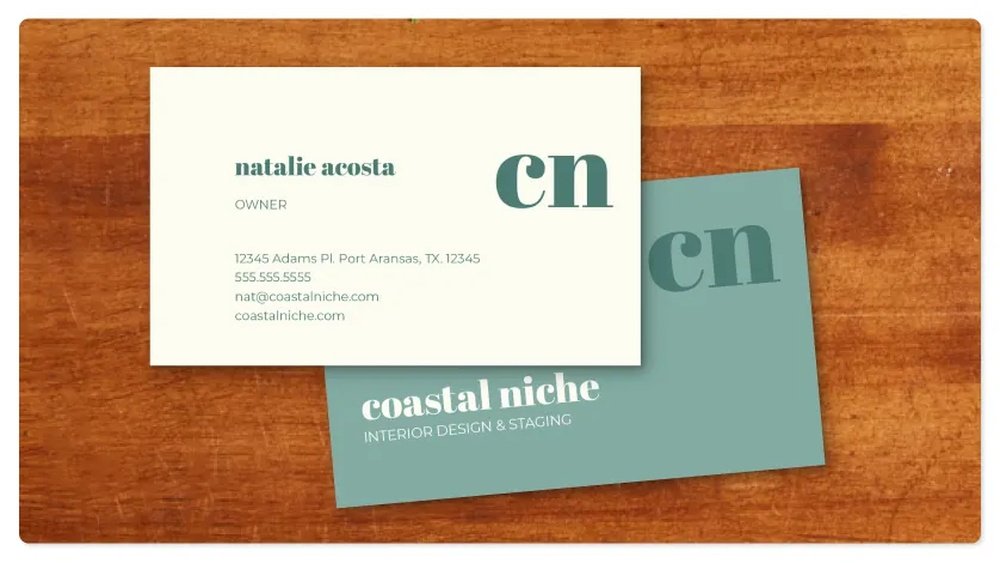
Credit: www.vistaprint.com
Materials Needed
Creating business cards without a printer is simple. You need the right materials. These materials help you make neat and professional cards by hand. Choose items that suit your style and budget. Quality materials make a big difference in the final look.
Paper Choices
Thick paper works best for business cards. Cardstock is a popular option. It feels strong and lasts longer. Choose white or light colors for easy writing. Textured paper adds a special touch. Avoid thin paper; it bends and tears easily.
Cutting Tools
Use sharp scissors or a craft knife to cut cards. A ruler helps make straight lines. A cutting mat protects your surface. Paper cutters provide clean and even edges. Take your time cutting for a neat finish.
Writing Instruments
Use fine-tip pens for clear writing. Gel pens and markers give smooth lines. Choose dark ink for better readability. Avoid thick markers that smudge easily. Test your pen on scrap paper first.
Designing Your Card
Designing your business card is the first step to make it look professional. A good design helps your card stand out. It shows who you are and what you do. Keep the design simple but clear. Your card should be easy to read and remember.
Choosing A Layout
Start by picking a layout that suits your style. Use a simple grid to keep things neat. Place your logo or name at the top or center. Leave enough space around text so it does not look crowded. A clean layout makes your card easy to read.
Selecting Fonts And Colors
Choose fonts that are clear and easy to read. Avoid fancy fonts that look confusing. Use one or two fonts only for consistency. Pick colors that match your brand or personality. Use dark text on a light background for better visibility.
Adding Personal Details
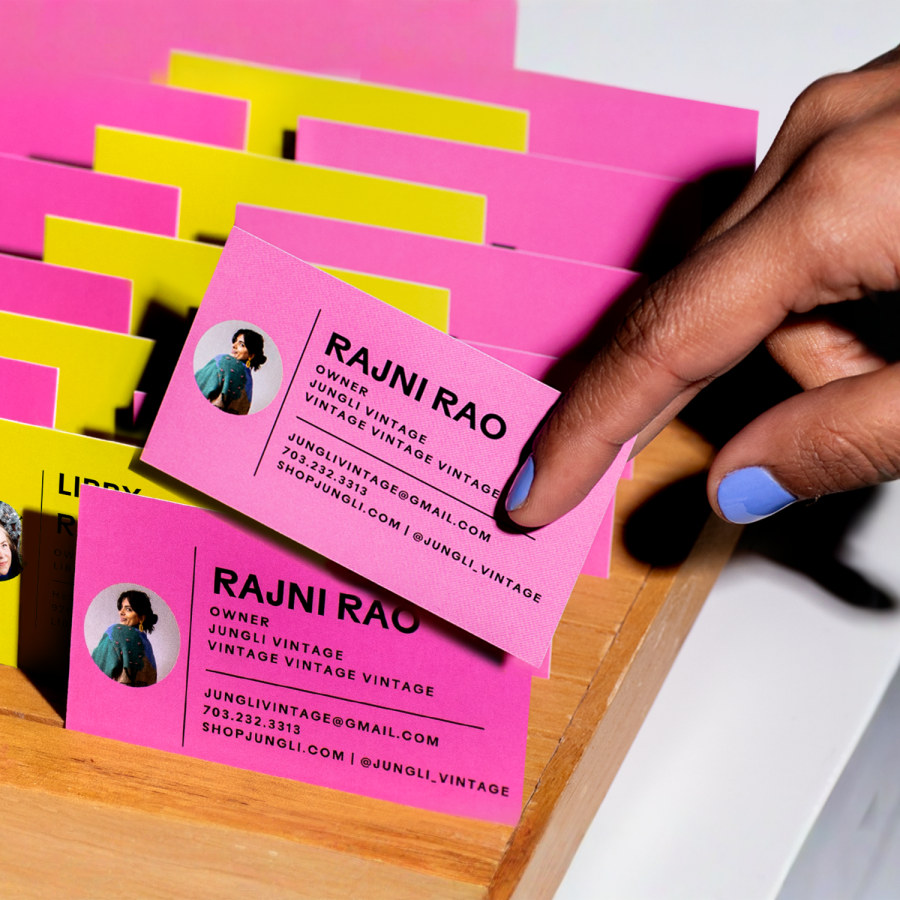
Include your name, job title, and company name. Add your phone number and email address. You can also include your website or social media links. Make sure all information is correct and up to date. Keep details short but useful for contact.
Creating Cards By Hand
Creating business cards by hand brings a personal touch to your brand. It shows effort and care. Handmade cards often stand out more than printed ones. You can control every detail and make each card unique.
With simple tools and some creativity, you can design cards that look professional. This method works well without a printer. It also saves money and allows quick changes.
Drawing And Writing Techniques
Start with clean, sturdy paper or cardstock. Use fine-tip pens for clear writing and sharp lines. Sketch your design lightly with a pencil first. This helps avoid mistakes. Add colors with markers or colored pencils. Keep designs simple for easy reading. Avoid clutter on small cards.
Using Stamps And Stickers
Stamps add consistent shapes or logos quickly. Choose stamps with your brand’s style. Ink pads come in many colors to match your palette. Stickers give a neat and colorful look. Use small stickers that fit the card size. Combine stamps and stickers for creative effects.
Incorporating Hand Lettering
Hand lettering makes your text artistic and eye-catching. Practice basic letter shapes before starting. Use different styles for names and contact details. Brush pens or markers work well for bold letters. Keep spacing even for easy reading. Hand lettering adds charm without needing digital tools.
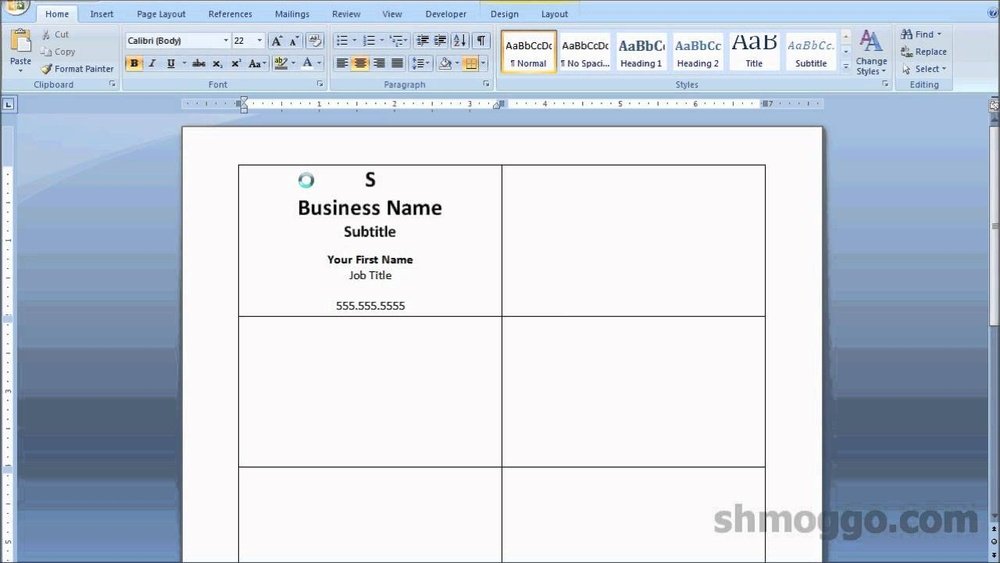
Credit: www.pixartprinting.co.uk
Using Digital Alternatives
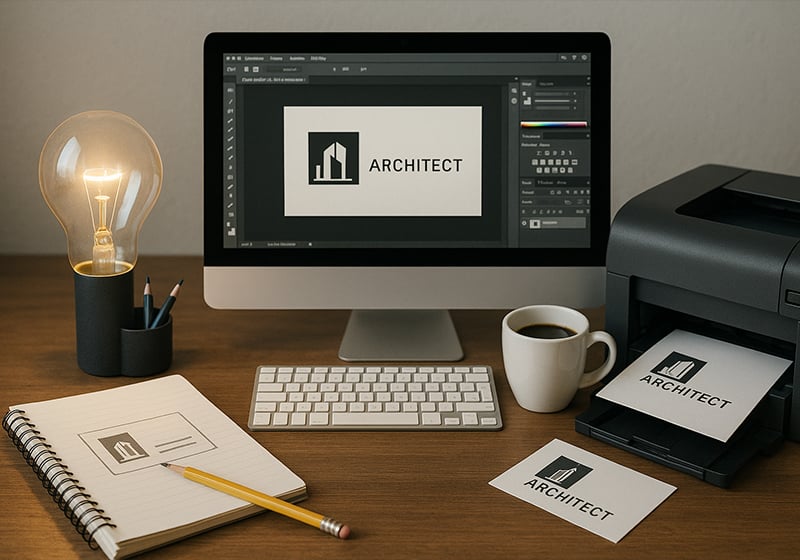
Making business cards without a printer is easier today. Digital alternatives offer simple ways to create and share cards. These options save time and money. They also let you design cards anywhere using your phone or computer.
Digital business cards can look professional and clear. You do not need special skills to make them. Many apps and websites guide you step-by-step. These tools help you create cards that match your style.
Designing On Mobile Apps
Mobile apps let you design business cards on your phone. Choose from many templates made for different jobs. Add your name, contact, and logo easily. You can change colors, fonts, and layouts quickly. Apps like Canva or Adobe Spark are popular choices. Save your design and share it directly from the app.
Ordering Online Prints
Many websites print and deliver business cards for you. Upload your design or use their templates. Pick paper quality and card size before ordering. Orders usually arrive within a few days. This option is good if you want real cards but no printer. It saves effort and gives professional results.
Sharing Digital Cards
Digital cards can be shared via email or text. Some apps create QR codes for easy sharing. Recipients save your contact instantly without paper. Perfect for networking events or meetings. Digital cards reduce waste and are always with you. You can update your info anytime without reprinting.
Cutting And Finishing Touches
Cutting and finishing touches give your business cards a neat, professional look. These steps make your cards stand out and last longer. Careful measuring, clean cuts, and smooth edges show attention to detail. Small finishing touches add durability and polish. Proper storage protects your cards until use. Here is how to do it well without a printer.
Measuring And Cutting Accurately
Measure your card size carefully using a ruler. Standard business cards are 3.5 by 2 inches. Mark the edges lightly with a pencil. Use a sharp craft knife or scissors for cutting. Cut on a flat surface with a cutting mat under. Take your time to avoid crooked edges. Straight cuts make your cards look professional and tidy.
Adding Protective Coatings
Protect your cards from dirt and damage with coatings. Use clear tape or self-adhesive laminate sheets. Apply the coating smoothly to avoid bubbles and wrinkles. Let the coating dry completely before handling the cards. This step adds shine and strength to your cards. It also prevents ink from smudging or fading.
Storing And Packaging
Store your cards flat in a clean, dry place. Use a small box or envelope to keep them safe. Avoid bending or stacking heavy items on top. Keep cards away from moisture and direct sunlight. Pack cards neatly for easy sharing or mailing. Proper storage keeps your business cards fresh and ready to impress.
Tips For Professional Appearance
Creating business cards without a printer can be tricky. A professional look is key. It shows you care about your work and helps others trust you. Simple tips can keep your cards clear and neat. These ideas help your cards stand out in a good way.
Maintaining Consistency
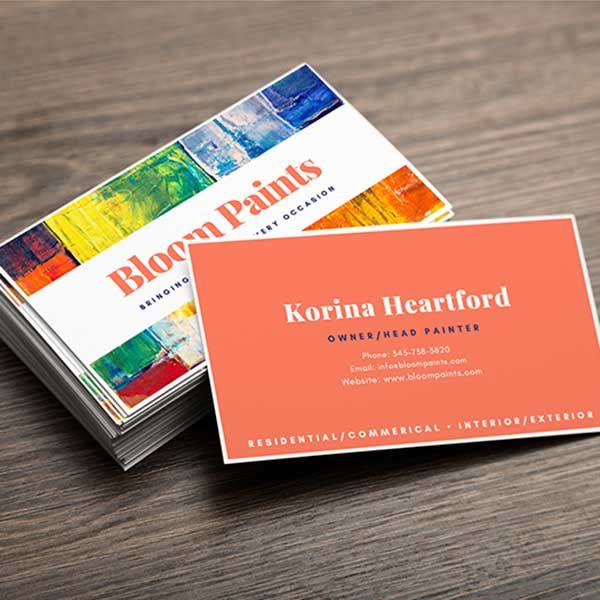
Use the same colors and fonts on every card. Consistency builds a strong brand image. Choose one or two fonts and stick to them. Pick colors that match your business style. Keep the layout similar across all cards. This makes your cards look well-planned and reliable.
Keeping It Simple
Limit the information on your card. Include only the name, job title, and contact details. Avoid clutter with too many words or images. A clean design looks more professional. Leave some empty space around text for better focus. Simple cards are easier to read and remember.
Ensuring Legibility
Choose font sizes that are easy to read. Text should be clear even in low light. Avoid fancy or script fonts that are hard to see. Use dark text on a light background for contrast. Make sure your contact details stand out. Good legibility helps people contact you without trouble.
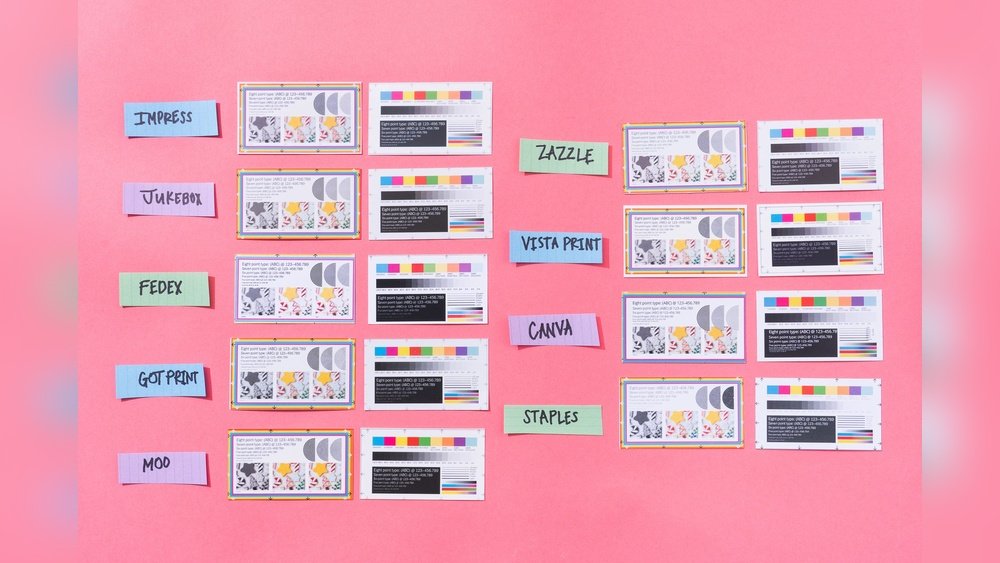
Credit: www.office.fedex.com
Frequently Asked Questions
How Can I Make Business Cards Without Using A Printer?
You can design business cards online and order them from printing services. Alternatively, create digital cards or handwrite details on cardstock for a personal touch.
Are There Free Tools To Design Business Cards Online?
Yes, websites like Canva, Vistaprint, and Adobe Express offer free business card templates and design tools. They are user-friendly and don’t require printing at home.
Can I Use My Phone To Create Business Cards?
Absolutely! Many apps let you design and share digital business cards directly from your smartphone, eliminating the need for physical printing.
What Materials Work Best For Diy Business Cards?
Thick cardstock or recycled paper works well for sturdy, professional-looking cards. Use markers, pens, or stickers to customize without a printer.
Conclusion
Making business cards without a printer is easy and affordable. You can use online services or local shops to print your cards. Handwritten cards add a personal touch that many appreciate. Cutting and decorating cards by hand works well too.
Simple tools and creativity go a long way here. Try different ideas to find what fits your style best. This way, you get unique cards without extra costs. Start creating your business cards today and leave a lasting impression.