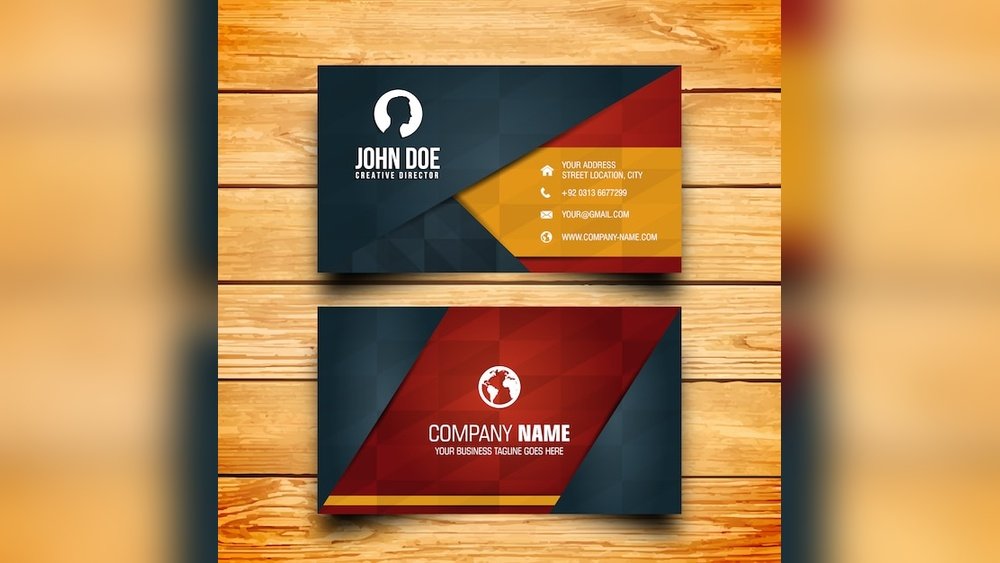
Are you looking to make a great first impression without spending a fortune? Your visiting card is often the first thing people notice about your business or personal brand.
Thank you for reading this post, don't forget to subscribe!Getting the design right can open doors and create lasting connections. But what if you could create a stunning, professional visiting card for free? Yes, you heard that right. You’ll discover easy ways to design your own visiting card without any cost, saving you time and money while standing out from the crowd.
Keep reading, and you’ll soon have the tools to craft a card that truly represents you.
Benefits Of Free Visiting Card Templates
Free visiting card templates offer a smart way to create professional cards. They save time and money while giving you a great design base. Anyone can use them without special skills.
These templates help you make a strong first impression. They keep your contact details clear and easy to read. Most templates come with modern and clean styles that fit many professions.
Cost Savings
Free templates cut the cost of hiring a designer. You only pay for printing. This makes it easy to create multiple designs without extra expenses.
Easy To Customize
Templates allow quick changes to text, colors, and logos. You can create a card that matches your brand look. Editing tools are simple and user-friendly.
Time Efficiency
Using a template speeds up the design process. No need to start from scratch. You get a ready-made layout that only needs your details.
Variety Of Styles
Free templates come in many styles and formats. Choose from classic, modern, or creative designs. This lets you find a card that fits your personality.
Professional Appearance
Most templates are created by skilled designers. They follow design rules for balance and spacing. Your card looks polished and professional.

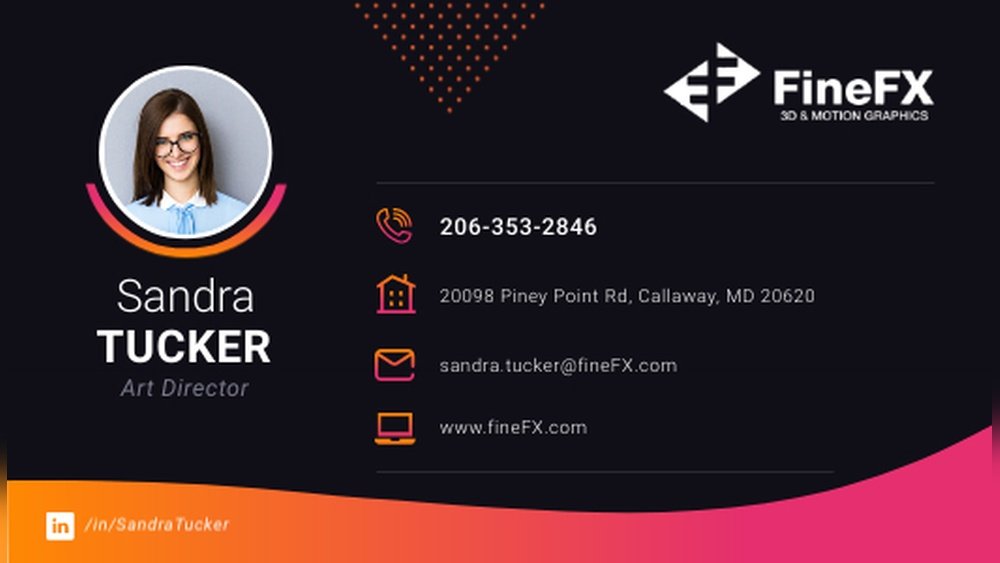
Credit: graphicmama.com
Choosing The Right Template Style
Choosing the right template style is key for a free visiting card design. The template sets the first impression. It shows your personality and business type. A good style grabs attention and makes your card memorable.
Templates come in many styles. Some are simple and clean. Others are colorful and bold. Picking the right one helps you stand out. It also matches your brand image perfectly.
Simple And Minimalist Templates
Simple templates use clean lines and few colors. They focus on important information only. These templates look professional and modern. They suit businesses that want a neat, clear look.
Creative And Artistic Templates
Creative templates use unique shapes and bright colors. They show creativity and fun. These styles fit artists, designers, and creative industries well. They make your card look eye-catching and different.
Classic And Traditional Templates
Classic templates follow common layouts and colors. They give a formal and trusted feel. These work well for lawyers, doctors, and consultants. They show reliability and professionalism.
Bold And Colorful Templates
Bold templates use strong colors and big fonts. They attract attention quickly. These styles fit brands wanting to appear energetic and loud. They make your card easy to spot in a pile.
Choosing Based On Industry
Your industry can guide your template choice. For example, tech companies may use sleek, modern designs. Restaurants might choose warm, inviting styles. Matching your field builds trust with clients.
Customizing Templates For Brand Identity
Customizing templates helps create a visiting card that truly shows your brand. It makes your card unique and easy to remember. A good template can be a strong base. Changing colors, fonts, and images ties the card to your brand’s style.
Start with a template that fits your business type. Then, add your logo and choose colors that match your brand. Consistent colors and fonts build trust with clients. A customized template also highlights important details like name and contact.
Choosing The Right Colors
Colors affect how people see your brand. Pick colors that reflect your business mood. Bright colors show energy. Dark colors suggest professionalism. Use two or three main colors for a clean look.
Picking Fonts That Speak Your Brand
Fonts say a lot about your business. Choose easy-to-read fonts. Avoid using too many different fonts. One font for the name and another for details works well. Keep text size clear and balanced.
Adding Your Logo And Images
Place your logo where it stands out. The top left or center works best. Use high-quality images only. Avoid cluttering the card. Keep the focus on your brand’s symbols.
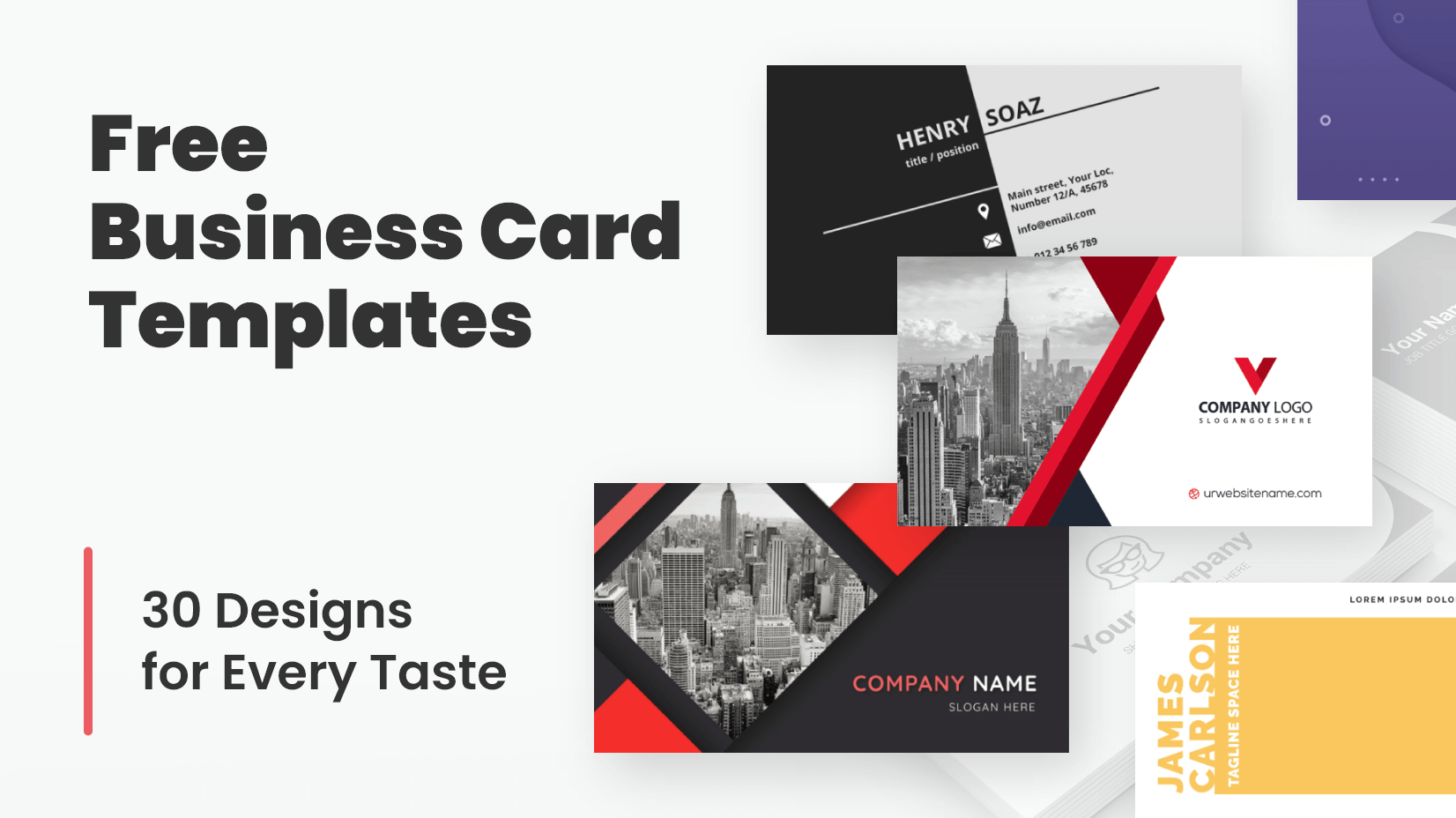
Credit: graphicmama.com
Where To Find High-quality Free Templates
Finding high-quality free templates for visiting card design saves time and effort. These templates help create professional cards without design skills. You get a polished look that suits your style and business.
Free templates come in many styles and formats. Some websites offer editable files that work with popular software. Others provide online tools to customize cards directly on their platform.
Free Design Resources Websites
Many websites offer free visiting card templates. They categorize templates by style and industry. These sites provide files in formats like PSD, AI, and PDF. Users can download and edit these easily.
Examples include sites like Canva, Freepik, and Vistacreate. They offer simple and creative designs. Most templates are ready to print or share digitally.
Online Visiting Card Makers
Online card makers let you create cards quickly. These tools have free templates and editing options. You can change text, colors, and images in minutes. No need to install software.
Sites like Canva and Adobe Express provide free cards. They often allow saving in multiple formats. These platforms are user-friendly and perfect for beginners.
Graphic Design Software Templates
Popular graphic software offers built-in templates. Programs like Adobe Photoshop, Illustrator, and Microsoft Word include free card templates. These can be customized with your details.
Templates in design software ensure high quality. They allow full control over fonts, colors, and layout. This option suits users familiar with design tools.
Community And Forum Shared Templates
Design communities and forums often share free templates. Users upload their creations for others to use. These templates can be unique and creative.
Platforms like Behance and Dribbble showcase many free card designs. Download options vary by creator. Always check usage rights before editing or printing.
Tips For Printing And Finishing Your Cards
Printing and finishing your visiting cards need careful thought. Good choices help your cards look professional and last longer. Simple tips make a big difference in the final product.
Start with the right paper. Thick paper feels better and shows quality. Choose a smooth or textured finish based on your style.
Choosing The Best Paper Type
Pick paper weight between 300 and 400 gsm for sturdy cards. Matte paper gives a soft look, while glossy paper shines bright. Consider recycled paper for an eco-friendly option.
Selecting The Right Printing Method
Digital printing is fast and cost-effective for small batches. Offset printing works well for large orders with sharp colors. Use spot colors for logos to keep colors clear.
Adding Special Finishes
Lamination protects cards and adds smoothness. Spot UV makes parts of your design shiny and eye-catching. Embossing raises text or logos for a tactile feel.
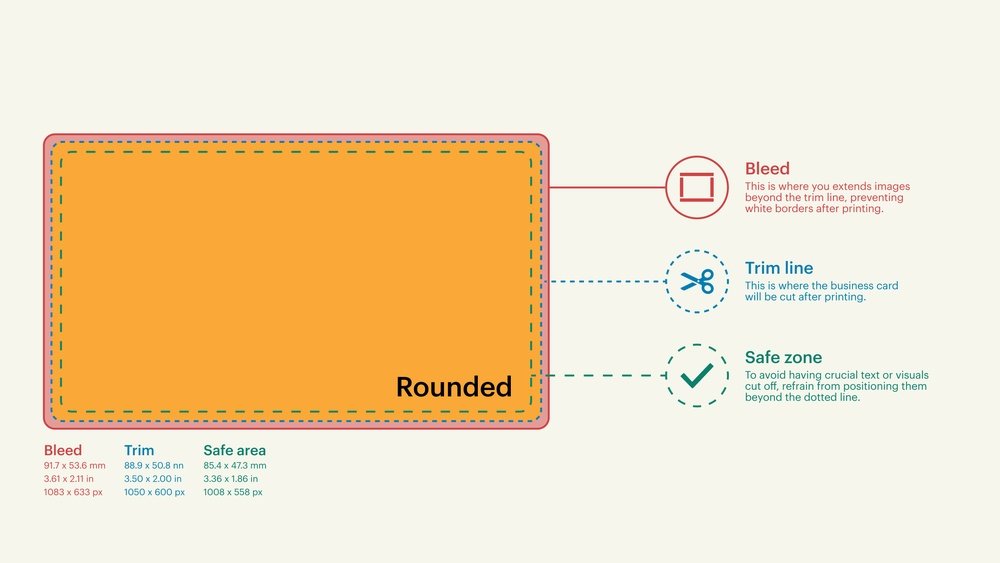
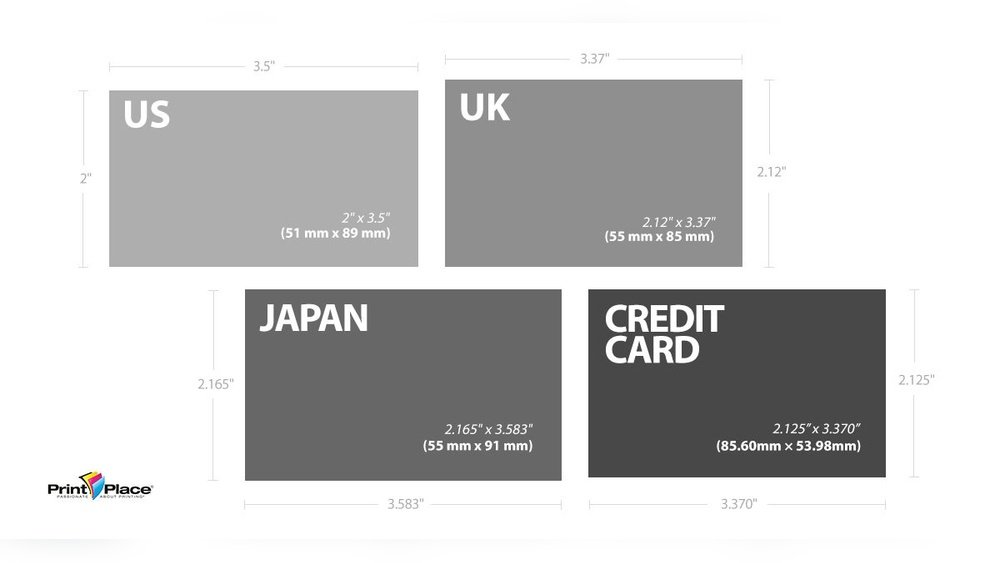
Choosing The Card Shape And Size
Standard size fits wallets easily. Square or rounded corners create a unique look. Unusual shapes stand out but may cost more to print.
Proofreading Before Printing
Check all text for spelling and correct contact details. Print a sample to see colors and layout. Fix errors early to avoid wasted cards.
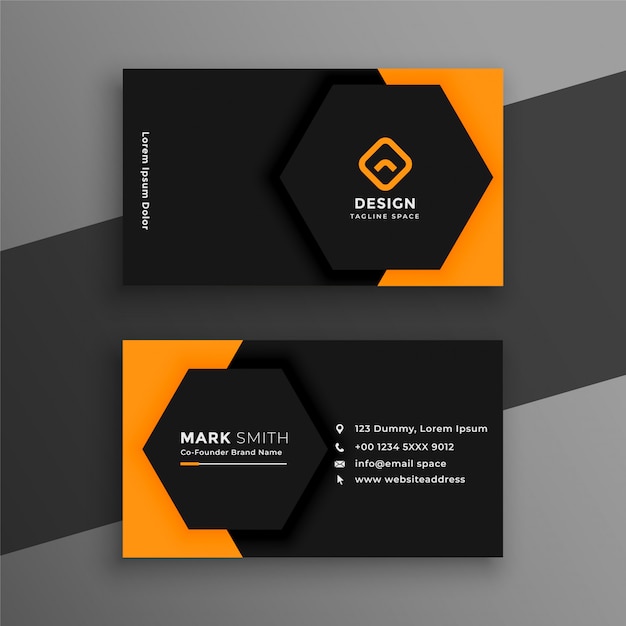
Credit: www.freepik.com
How IOKPRINT Can Help You with Visiting Card Design Free
Practical Learning Through Free Visiting Card Design
Exploring free visiting card templates offers more than just a cost-saving advantage; it presents an excellent chance to learn about design principles and brand identity. When you choose the right template style, you begin to understand how different layouts and fonts influence first impressions. Customizing these templates further deepens your knowledge of balancing aesthetics with clear communication.
Additionally, experimenting with printing and finishing tips—such as paper quality and coating options—helps you appreciate the tangible aspects that complement your digital design efforts. For those seeking reliable resources, platforms like IOKPRINT provide access to a variety of free templates and practical insights, along with options for affordable printing solutions that maintain quality standards.
If you want to explore more or have specific questions about template customization or printing nuances, reaching out to experienced providers can be a valuable step in enhancing your skills. This hands-on approach builds confidence, making the process of designing your visiting cards both educational and rewarding.
Frequently Asked Questions
What Are The Best Free Tools For Visiting Card Design?
Free tools like Canva, Vistacreate, and Adobe Express offer easy visiting card templates. They allow simple drag-and-drop design with no cost. These tools fit beginners and small businesses well.
How To Create A Professional Visiting Card For Free?
Use clean layouts, clear fonts, and simple colors for a professional look. Many free design platforms provide ready-made templates. Just add your details and download your card.
Can I Print Visiting Cards Designed For Free?
Yes, free designs can be printed at home or by a local print shop. Save your design as a high-quality PDF or image file. This ensures good print quality.
What Information Should A Visiting Card Include?
Include your name, job title, company name, phone, and email. Adding a website or social media handles helps too. Keep the information clear and easy to read.
Are Free Visiting Card Designs Customizable?
Most free tools let you change text, colors, fonts, and images. Customization helps match your card to your brand style. It’s simple and quick to adjust designs online.
Conclusion
Free visiting card designs offer a simple way to share your contact. They help make a good first impression. Choose clear fonts and clean layouts for best results. Use colors that match your brand or style. Keep information short and easy to read.
A well-made card can open new doors. Try different designs until you find the right one. Start creating your free visiting card today. It’s a small step with big potential.