

Are you wondering if you can print business cards at home without spending a fortune or waiting for delivery? The good news is, you absolutely can—and it might be easier than you think.
Thank you for reading this post, don't forget to subscribe!Imagine having your own stack of professional-looking cards ready whenever you need them, saving you time and money. But before you start printing, there are a few important things you should know to make sure your cards look sharp and leave a great impression.
Keep reading to find out how to print business cards at home that stand out and represent your brand perfectly.
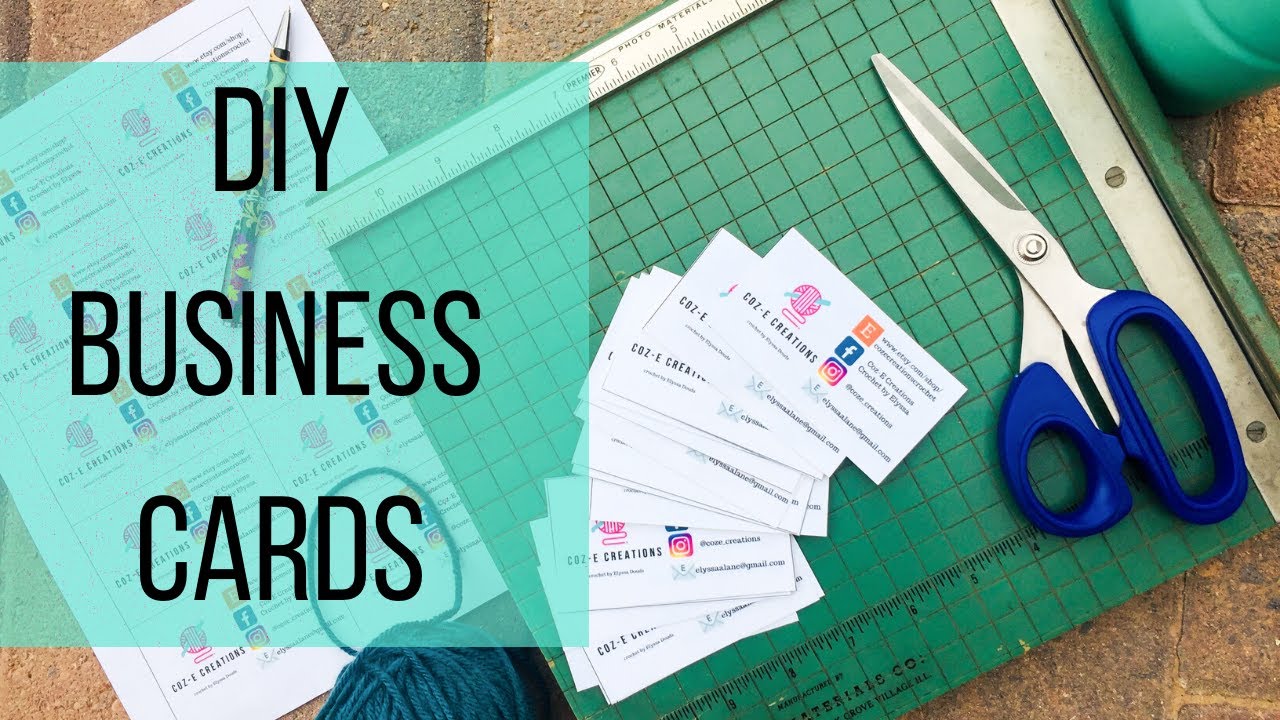
Credit: www.youtube.com
Choosing The Right Paper
Choosing the right paper is key to printing great business cards at home. The paper affects the card’s feel, look, and durability. It also changes how colors appear on the card. Picking the right paper helps your card stand out and leaves a strong impression.
Paper quality can make your cards look cheap or professional. Think about your brand style and how you want others to see you. The right paper matches your message and style perfectly.
Types Of Cardstock
Cardstock is thicker than normal paper and suits business cards well. Common types include matte, glossy, and textured. Matte cardstock has no shine and looks clean and modern. Glossy cardstock shines and makes colors pop. Textured cardstock has a feel that adds a unique touch.
Choose cardstock that fits your brand style and printer type. Some cardstock works better with inkjet printers, others with laser printers. Check your printer’s guide before buying paper.
Weight And Finish Options
Cardstock weight shows its thickness, measured in pounds or grams. Heavier cardstock feels more solid and lasts longer. Most business cards use cardstock between 80 lb and 110 lb.
Finish options change the card’s surface. Smooth finishes feel sleek and professional. Linen or embossed finishes add texture and style. Choose a finish that matches your card’s design and purpose.
:max_bytes(150000):strip_icc()/GettyImages-185290004-5ad89fc4eb97de003770381a.jpg)
Credit: www.thebalancemoney.com
Designing Your Cards
Designing your own business cards at home can be simple and fun. The design sets the first impression of your brand or yourself. A clean, clear design helps others remember you. Focus on making your cards easy to read and visually appealing. Use tools and guidelines to create a professional look without much effort.
Using Templates And Software
Templates save time and guide your design. Many free and paid templates fit different styles and industries. Software like Microsoft Word, Canva, or Adobe Spark offers easy ways to customize templates. Choose a template that matches your brand colors and style. Change text, fonts, and images to fit your needs. Software tools often include drag-and-drop features, making design simple. Templates keep your design balanced and neat.
Key Elements To Include
Your business card should have essential information. Include your name and job title clearly. Add your company name or logo for brand recognition. Provide your phone number and email address for easy contact. A website or social media handle can help people learn more. Keep font sizes readable; avoid cluttering the card. Use simple fonts and limit colors to two or three. White space improves readability and makes your card look clean.
Setting Up Your Printer
Setting up your printer correctly is key to printing business cards at home. A well-prepared printer ensures sharp text and vibrant colors. Small mistakes can cause smudges or blurry images. This section guides you through the basics of printer setup for the best results.
Printer Types And Compatibility
Choose the right printer for business cards. Inkjet printers work well for colorful designs. Laser printers offer sharper text and faster printing. Check if your printer supports thick card stock. Not all printers handle heavy paper. Use the printer manual to confirm compatible materials. This avoids paper jams and poor print quality.
Optimal Print Settings
Adjust your printer settings before printing. Select the highest print quality option. Choose “photo” or “best” mode for vivid colors. Set paper type to “card stock” or “thick paper.” Disable duplex printing to avoid smudges. Use the correct paper size matching your card dimensions. Preview your design to spot layout issues. These steps improve clarity and color accuracy.
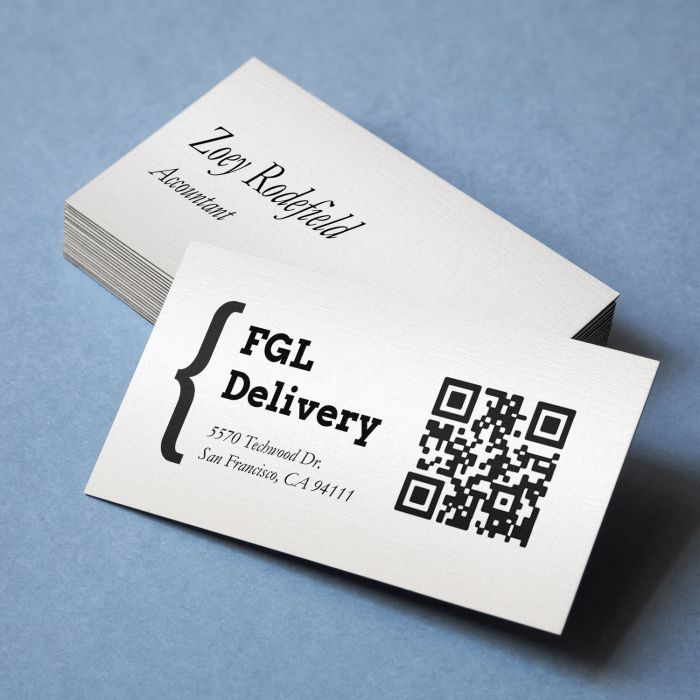
Credit: www.avery.com
Cutting And Finishing Touches
Cutting and finishing touches shape the look of your business cards. They make cards neat and professional. Even the best print can look messy without clean edges. Proper cutting helps your cards stand out.
Finishing touches add personality and style. They give your cards a special feel. Simple steps can make your cards look costly. These steps help your cards leave a strong impression.
Tools For Precise Cutting
Sharp tools are key for clean edges. A paper cutter or guillotine ensures straight cuts. Scissors work but can be uneven. A metal ruler and craft knife work well too.
Cut one card at a time for accuracy. Cut slowly and keep your hand steady. Use a cutting mat to protect surfaces. Accurate cutting helps your cards look professional.
Adding Special Effects
Special effects add flair to your cards. You can use embossing powders or foil sheets. Add texture with raised ink or spot UV coating. These effects catch light and draw attention.
Use colored edges or rounded corners for unique style. Simple stickers or stamps can add charm too. Effects must match your brand style. They make your cards memorable and different.
Frequently Asked Questions
Can I Print Professional Business Cards At Home?
Yes, home printers can create good business cards with the right paper and design tools.
What Materials Do I Need To Print Business Cards At Home?
You need thick cardstock, a good printer, and business card templates or design software.
How To Ensure Business Card Quality When Printing At Home?
Use high-quality paper, set printer to best mode, and check color and alignment before printing.
Is Home Printing Cost-effective For Small Business Cards?
Home printing saves money for small batches but may cost more for large quantities.
Conclusion
Printing business cards at home can save time and money. You control the design and make changes anytime. A good printer and quality paper help achieve sharp results. Keep your layout simple for the best print. Small runs work well, but large orders may need a professional printer.
Practice a few test prints to avoid mistakes. Home printing fits those who want quick and easy cards. Try it out and see if it meets your needs.
