Are you ready to make a lasting impression with your business cards but not sure where to start? Printing your own business cards can feel overwhelming, but it doesn’t have to be.
Thank you for reading this post, don't forget to subscribe!Imagine handing someone a card that truly represents you and your brand—one that sparks interest and opens doors. In this guide, you’ll learn simple, clear steps to design and print business cards that stand out. By the end, you’ll have everything you need to create cards that grab attention and help your business grow.
Let’s dive in and make your business card work for you!

Credit: www.reddit.com
Choosing Card Design
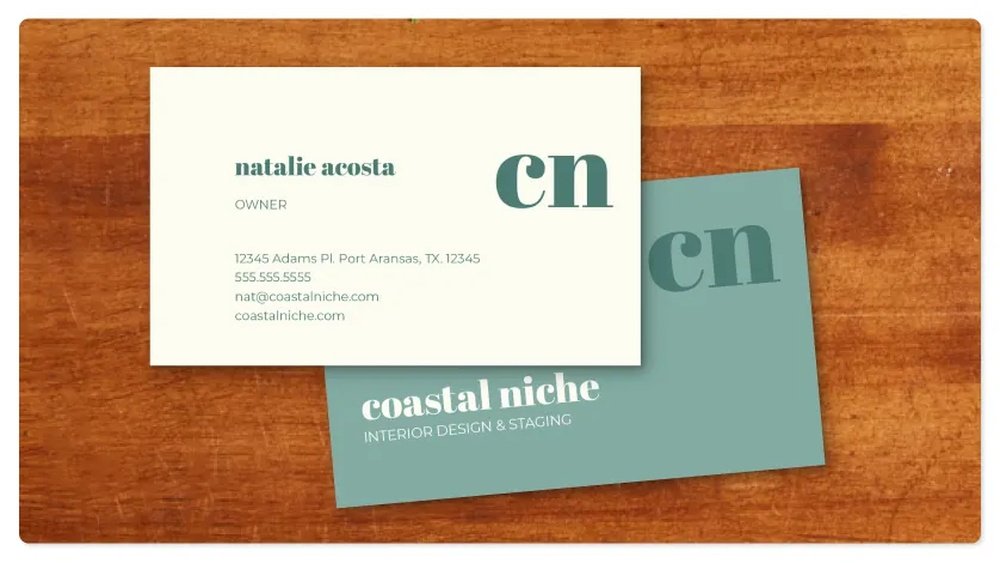
Choosing the design for your business card is an important step. The right design helps you make a strong first impression. It shows who you are and what your business stands for. A good design also makes your card easy to read and remember. Keep your design simple but effective.
Think about the message you want to send. Your card should look professional and match your business style. Pay attention to details like layout, images, and space. This section will guide you through picking the best design for your business card.
Selecting The Right Template
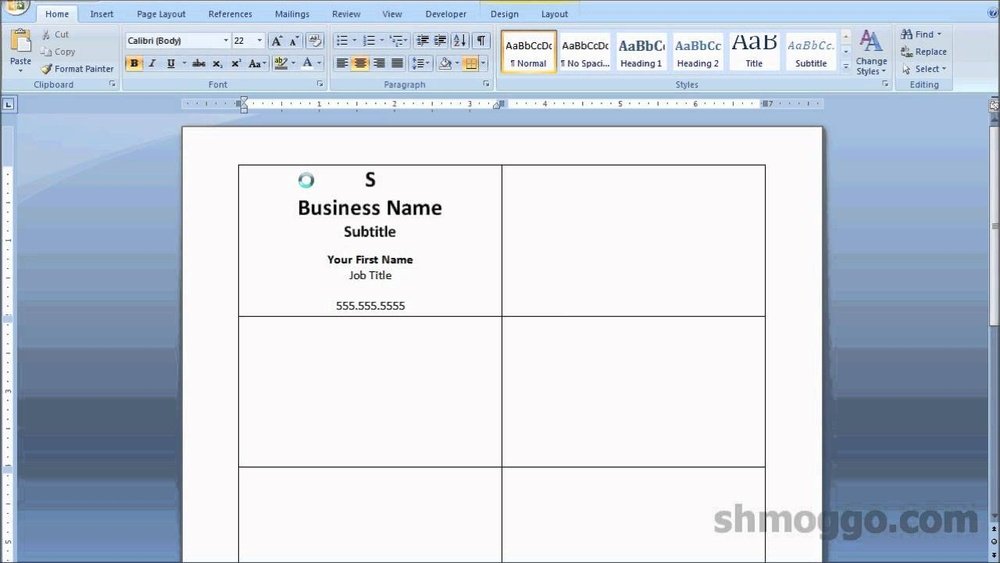
Start by choosing a template that fits your business type. Templates give you a basic layout to work from. Pick one that is clean and not too busy. Make sure the template matches the tone of your business. Templates help save time and keep your design balanced.
Incorporating Brand Elements
Use your logo on the card to show your brand clearly. Add your brand colors to keep your card consistent with your other materials. Include any symbols or images that represent your business. These elements help people recognize your brand quickly. Keep your brand style simple and clear.
Choosing Fonts And Colors
Pick fonts that are easy to read and look professional. Avoid using too many different fonts on one card. Use colors that match your brand and stand out without being harsh. Make sure text contrasts well with the background. Good font and color choices improve the card’s readability and appeal.

Credit: www.youtube.com
Preparing Your Information
Preparing your information is the first step in printing business cards. It helps create clear, professional cards that represent your brand well. Organizing your details before printing saves time and avoids mistakes. Keep your information accurate and easy to read. This ensures people can contact you without trouble.
Essential Contact Details
Start with your name and job title. Add your phone number and email address next. Include your business address if customers visit your location. Use a clear font and keep the text size readable. Avoid clutter by only including necessary information.
Adding Social Media Links
Include social media handles to connect with clients online. Choose platforms where your business is active. Write usernames clearly and use simple icons if space allows. This helps people find and follow your business easily.
Including A Logo Or Image
Add your logo to make your card recognizable. Use a high-quality image that fits the card size. Place it where it does not cover important text. A good logo builds trust and shows professionalism.
Selecting Printing Options
Selecting the right printing options helps make your business cards stand out. It affects the look, feel, and cost of your cards. Choosing carefully ensures your cards reflect your brand well.
Paper Types And Finishes
Paper type changes the texture and strength of your card. Choose from options like matte, glossy, or textured paper. Matte gives a smooth, non-shiny look. Glossy paper shines and shows colors bright. Textured paper adds a unique feel to touch.
Finishes protect your card and add style. Spot UV highlights parts with a shiny coat. Foil stamping adds metallic colors for a luxury look. Consider these to make your card memorable.
Card Size And Shape
Standard size cards fit easily in wallets and holders. They measure about 3.5 x 2 inches. Square or rounded corners create a modern look. Unusual shapes like circles or die-cut designs catch attention. Choose a size and shape that suits your brand and budget.
Quantity And Pricing
Ordering more cards lowers the price per card. Small batches cost more but use less money upfront. Large orders save money but take more storage space. Balance how many you need with your budget and usage.
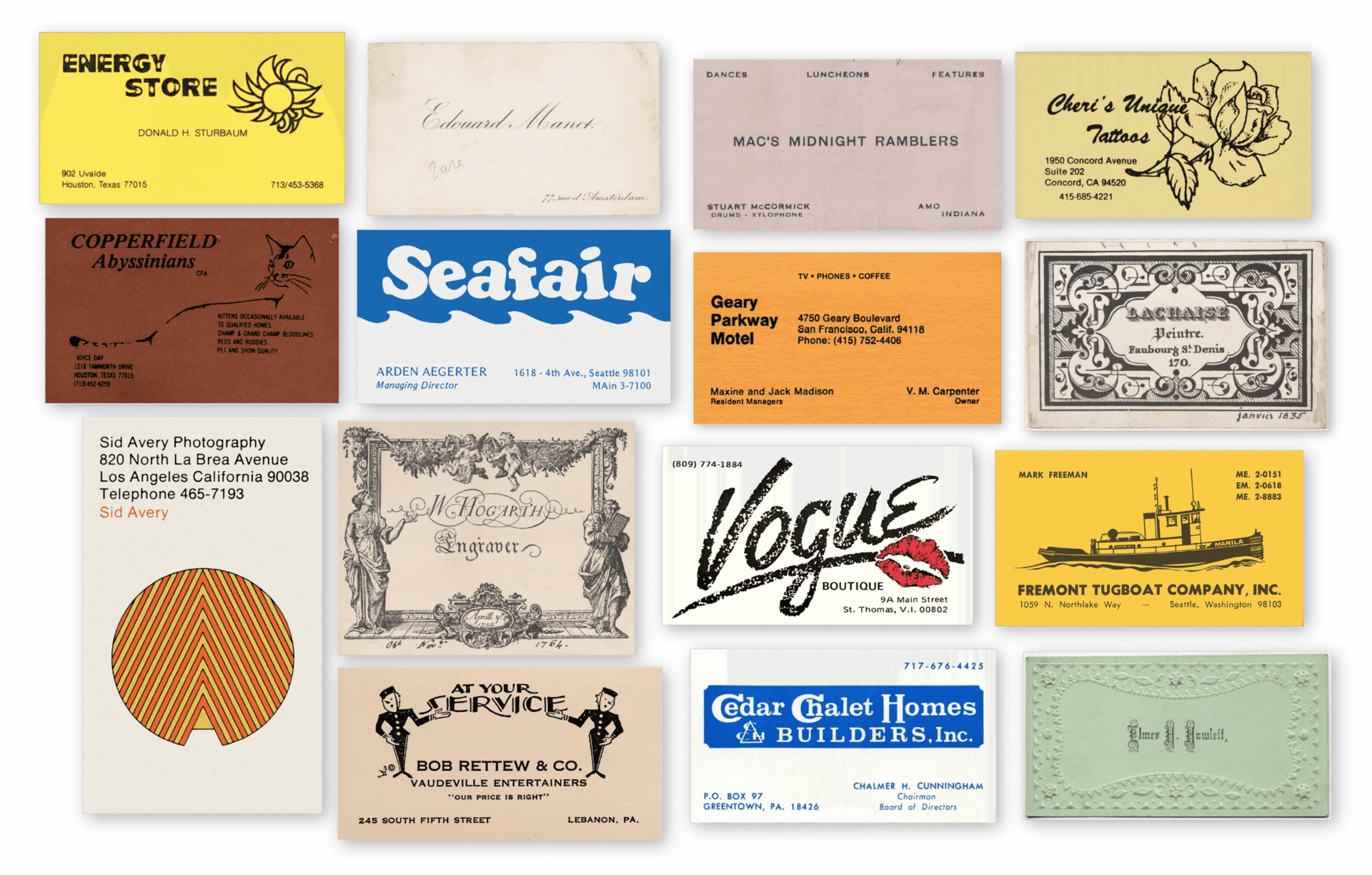
Credit: themalin.co
Printing Methods
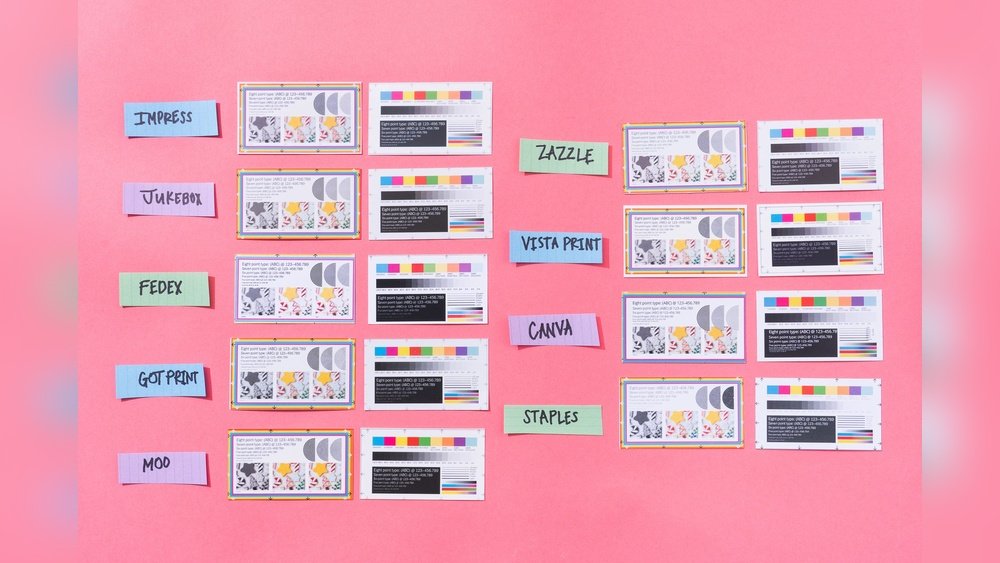
Printing business cards is a key step to make your brand stand out. Choosing the right printing method affects quality, cost, and time. You can pick from online services, local shops, or print at home. Each way has its own benefits and suits different needs.
Online Printing Services
Online printing services offer convenience and variety. You upload your design and choose paper type, size, and finish. Prices are clear, and delivery comes to your door. Many services provide templates for easy design. This option saves time and effort.
Local Print Shops
Local print shops let you see paper and finish before buying. You get personal help with design and options. Printing happens fast, sometimes the same day. You support local business and avoid shipping fees. This method suits urgent or custom orders.
Diy Printing At Home
Printing business cards at home is cheap and quick. Use a good printer, quality paper, and design software. This method needs more effort and skill. It works best for small batches or test runs. You control every step but check print quality carefully.
Reviewing And Proofing
Reviewing and proofing are vital steps before printing your business cards. These steps help catch mistakes and ensure the design looks perfect. Taking time to check details saves money and prevents errors on the final cards.
Checking For Errors
Start by reading every word on your card carefully. Look for spelling mistakes and incorrect contact information. Check the phone number, email, and website addresses. Make sure the fonts are easy to read. Verify that the colors and logos match your brand. Small errors can make a bad impression.
Requesting A Sample Print
Ask your printer for a sample copy before the full print run. A sample shows how the card feels and looks in real life. You can see if the colors are right and if the text is clear. This step helps avoid surprises in the final batch. It also lets you test different paper types.
Final Approval Process
After reviewing the sample, give your final okay to print. Confirm that all changes have been made. Double-check the layout and design one last time. Only approve when you are fully happy with the card. This step ensures the finished product meets your expectations.
Receiving And Using Cards
After receiving your business cards, the next steps are important. Proper handling ensures your cards look professional and last longer. Using them correctly helps make a great impression on clients and contacts.
Inspecting The Finished Product
Check each card carefully. Look for clear text and sharp images. Make sure colors match your design. Watch for any smudges or crooked cuts. Count the cards to confirm the correct number. Quality matters for your brand’s image.
Storing And Organizing Cards
Keep your cards in a clean, dry place. Use a cardholder or box to avoid damage. Sort cards by type or purpose if needed. Organizing helps find cards quickly. Protect cards from bending or moisture.
Effective Card Distribution
Give cards during introductions or meetings. Hand cards with the printed side facing up. Offer cards with a smile and eye contact. Avoid giving too many at once. Use cards to start conversations and build connections.
Frequently Asked Questions
How Do I Choose The Right Business Card Size?
Standard business cards are 3. 5 x 2 inches. Choose sizes that fit wallets easily. Custom sizes may cost more and affect usability. Pick a size that matches your brand style and professional needs.
What Paper Type Is Best For Business Cards?
Thick cardstock between 300-400 gsm works best for durability. Matte finishes offer a professional look. Glossy finishes enhance colors but may reflect light. Choose based on your brand image and budget.
Can I Print Business Cards At Home?
Yes, but quality depends on your printer and paper. Use high-quality cardstock and a laser printer for best results. Home printing suits small batches but may lack professional polish compared to print shops.
How Many Business Cards Should I Print Initially?
Start with 250 to 500 cards to cover networking events. Printing in bulk lowers cost per card. Avoid overprinting to prevent waste from outdated information. Adjust quantities based on your needs.
Conclusion
Printing your business cards is easier than you think. Choose the right design and paper type first. Double-check your information for any mistakes. Select a reliable printer to ensure good quality. Keep your cards simple and clear for best results.
A well-printed card makes a strong first impression. Start printing today and share your contact with confidence. Your business cards can open doors and build connections. Small steps lead to big opportunities. Take action now and make your business stand out.