Are you tired of spending hours trying to get your business cards just right? Imagine having a machine that prints and cuts your business cards quickly and perfectly every time.
Thank you for reading this post, don't forget to subscribe!A business card printing and cutting machine can save you time, reduce waste, and give your cards a professional edge. Whether you’re a small business owner, a designer, or someone who needs cards regularly, this tool can change the way you work.
Keep reading to discover how this machine can make your business stand out and simplify your workflow like never before.
Types Of Business Card Machines
Business card printing and cutting machines come in many types. Each type offers different features and benefits. Choosing the right machine depends on your needs and budget.
Understanding the types helps you pick a machine that fits your business or personal use. Some focus on printing quality, others on cutting precision. Some machines combine both functions.
Inkjet Vs. Laser Printers
Inkjet printers spray ink onto paper. They create bright colors and smooth images. Best for small runs and detailed designs. They work well on thick or textured cards.
Laser printers use heat to fuse toner on paper. They print faster and handle large volumes better. Colors may not be as vibrant as inkjet. They produce sharp text and clean lines.
Die Cutting Machines
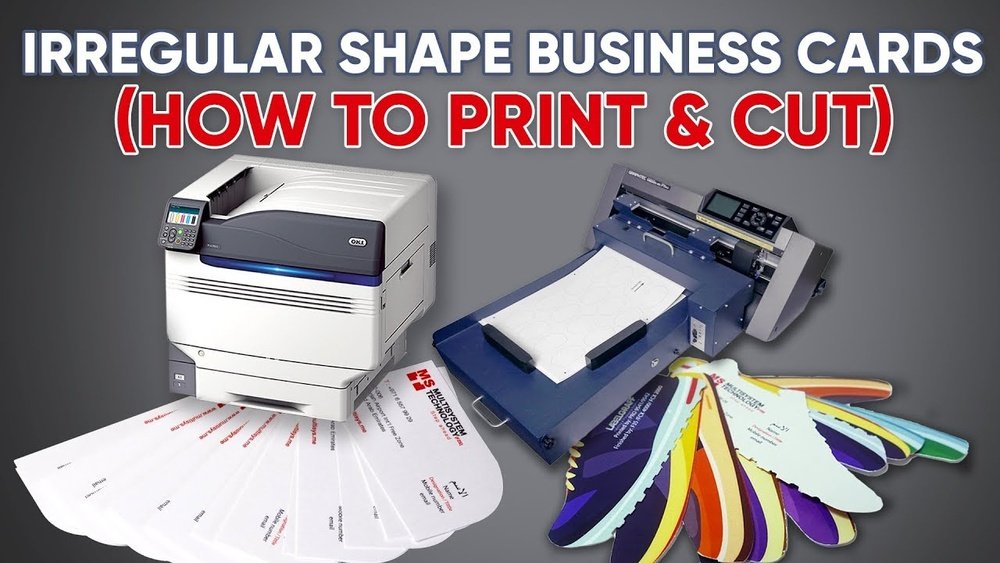
Die cutting machines cut cards into custom shapes. They use metal dies to stamp out shapes quickly. Ideal for unique card designs and creative edges. They add a professional touch to your cards.
These machines can be manual or automatic. Manual ones require more effort but cost less. Automatic machines work faster and suit higher volumes.
Digital Vs. Analog Options
Digital machines use computer controls for printing and cutting. They offer precision and easy customization. Quick setup and less waste. Great for short runs and varied designs.
Analog machines rely on manual settings and physical tools. They work well for simple, repetitive jobs. Usually cheaper but less flexible. Good for basic business card production.
Key Features To Consider
Choosing the right business card printing and cutting machine requires attention to several key features. These features affect the quality, speed, and versatility of your printed cards. Understanding these aspects helps you pick a machine that fits your needs and budget.
Print Quality And Resolution
High print quality ensures your business cards look sharp and professional. A good machine offers clear text and vibrant colors. Resolution is measured in dots per inch (DPI). Higher DPI means finer details and smoother images. Choose a machine with at least 1200 DPI for crisp results.
Cutting Precision And Speed
Precise cutting shapes your cards perfectly without rough edges. A machine with accurate cutting saves time and reduces waste. Speed matters too. Faster cutting means higher productivity. Look for machines that balance speed and precision for consistent output.
Material Compatibility
Your machine should handle various card materials like paper, plastic, and cardboard. Some machines work only with specific thicknesses. Versatile machines let you create different card styles. Check material limits to avoid damage or poor cuts.
Benefits Of Automated Printing And Cutting
Automated printing and cutting machines bring many benefits to business card production. They speed up the process and reduce manual work. These machines handle both printing and cutting with ease. This leads to faster delivery and better quality. Small and large businesses can save time and money with automation.
Time Efficiency
Automated machines complete printing and cutting tasks quickly. They work without breaks and maintain steady speed. This reduces wait times and increases output. Operators can focus on other important tasks. Production runs finish faster than manual methods.
Cost Savings
Automation cuts labor costs by reducing manual handling. Less waste is produced due to precise cutting. Fewer mistakes mean less material loss. Energy use is optimized with efficient machines. Overall expenses drop while output rises.
Consistency And Accuracy
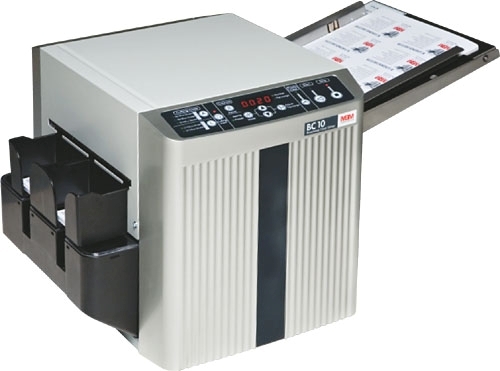
Automated machines deliver uniform prints and cuts every time. They avoid human errors like misalignment or uneven edges. Each business card looks professional and sharp. This builds trust with customers and strengthens brand image.
Credit: www.lynde-ordway.com
Setting Up Your Machine
Setting up your business card printing and cutting machine is the first step to success. Proper setup saves time and avoids errors. Follow simple steps to prepare your machine for smooth operation. This ensures high-quality prints and precise cuts every time.
Software Integration
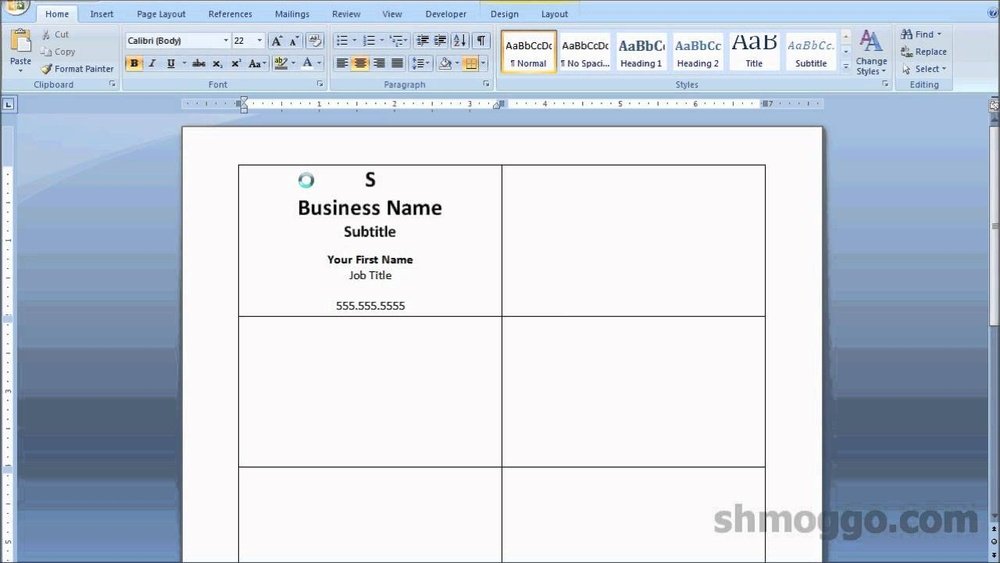
Start by installing the machine’s software on your computer. Connect the machine via USB or Wi-Fi as instructed. Open the software and select the correct machine model. Import your business card design file into the software. Adjust settings like size, print quality, and cutting paths. Preview the job to check for errors. Software integration helps control the machine precisely.
Material Loading Tips
Use recommended card stock for the best results. Load the material flat and straight in the tray. Align edges carefully to avoid jams or miscuts. Secure the material so it does not move during printing. Check the thickness setting matches the material used. Test with a small print before full runs. Proper loading keeps prints sharp and cuts clean.
Maintenance And Troubleshooting
Clean the machine regularly to avoid dust buildup. Wipe print heads and cutting blades gently with a soft cloth. Check for software updates to improve performance. If the machine jams, turn it off and clear the blockage. Restart the machine and run a test print. Keep a maintenance log to track issues and fixes. Regular care extends the machine’s life and keeps output consistent.
Creative Design Tips
Creative design makes your business cards stand out. It shows your brand personality clearly. Using a printing and cutting machine opens many design options. You can explore shapes, finishes, and layouts that catch the eye. These tips help you create cards that leave a strong impression.
Utilizing Custom Shapes
Custom shapes add uniqueness to your cards. They break the usual rectangle format. Circles, squares, or even leaf shapes grab attention quickly. Use your cutting machine to create these shapes with ease. Unique shapes make your card feel special and memorable.
Incorporating Special Finishes
Special finishes add texture and shine. Spot UV coating highlights logos or text. Foil stamping adds a metallic glow. Matte finishes give a smooth, elegant look. Use these finishes to create a rich, tactile experience. They make your card feel high quality and professional.
Optimizing Layouts For Cutting
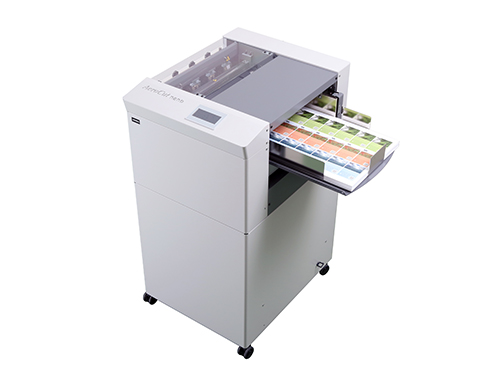
Good layouts ensure smooth cutting and clear design. Keep important text away from edges. Leave space for the cutting path. Align text and graphics within safe zones. Check your design on the machine’s software before printing. This prevents mistakes and wasted materials.
Credit: digitalprintfinish.com
Popular Brands And Models
Choosing the right business card printing and cutting machine is key. Brands and models vary a lot in features and prices. Knowing popular options helps you pick the best tool. This guide covers trusted printers, cutters, and budget choices.
Top-rated Printers
Printers from Epson, Canon, and HP lead the market. Epson EcoTank offers clear prints and low ink costs. Canon Pixma models deliver sharp colors and fast printing. HP DeskJet series is easy to use and reliable. These printers suit small businesses and home offices.
Recommended Cutters
Cutting machines from Silhouette and Cricut are popular choices. Silhouette Cameo cuts precise shapes and thick card stock. Cricut Explore Air handles many materials and has smart tools. Both brands offer user-friendly software for custom designs. They help create clean, professional business cards.
Budget Vs. Professional Options
Budget models cost less but suit low volume printing. Basic printers and manual cutters work for small tasks. Professional machines have faster speeds and sharper cuts. They support bulk orders and complex designs. Choose based on your needs and how often you print.
Environmental Considerations
Environmental considerations play a key role in choosing a business card printing and cutting machine. These machines impact the environment through the materials they use, the energy they consume, and the waste they create. Choosing options that reduce harm helps protect our planet and supports sustainable business practices.
Sustainable Materials
Using eco-friendly materials lowers the environmental footprint. Machines that work with recycled paper or biodegradable stocks reduce landfill waste. Some machines support soy-based or water-based inks. These inks release fewer harmful chemicals in the air. Choosing sustainable materials makes business cards greener and safer for nature.
Energy Efficiency
Energy-efficient machines use less power during printing and cutting. This reduces electricity costs and carbon emissions. Look for machines with energy-saving modes or certifications like Energy Star. Efficient machines also run cooler, which extends their lifespan. Saving energy helps both the environment and your budget.
Waste Reduction Strategies
Cutting machines with precise technology reduce paper waste by minimizing errors. Some machines recycle scrap paper automatically. Planning designs carefully also lowers material waste. Using software to nest card layouts tightly saves paper. Less waste means less pollution and more savings. Smart waste management supports eco-friendly printing.

Credit: www.whitakerbrothers.com
Frequently Asked Questions
What Is A Business Card Printing And Cutting Machine?
A business card printing and cutting machine prints designs and cuts cards precisely. It speeds up production and ensures professional quality.
How Does A Business Card Cutting Machine Work?
The machine uses digital files to cut card stock accurately. It follows set dimensions and shapes, reducing manual errors.
Can I Print And Cut Custom Business Cards At Home?
Yes, compact machines allow home printing and cutting. They support various designs and card sizes, ideal for small businesses.
What Materials Are Compatible With These Machines?
Most machines handle paper, cardstock, and laminated sheets. Material choice depends on the machine’s cutting strength and blade type.
Conclusion
A business card printing and cutting machine saves time and effort. It makes cards look neat and professional. You can create many cards quickly and easily. Small businesses and individuals both benefit from this tool. It helps keep costs low while boosting productivity.
Choosing the right machine depends on your needs and budget. This investment supports your brand’s image and growth. Simple to use, it fits any workspace. A practical choice for clear, sharp business cards.