Are you wondering if you can print business cards at home and save time and money? You’re not alone.
Thank you for reading this post, don't forget to subscribe!Having your own business cards ready whenever you need them sounds convenient and smart. But is printing them at home really a good idea? You might worry about the quality, the cost of materials, or even how to design them.
Keep reading, and you’ll discover exactly what you need to know to make the best choice for your business—and how to get professional-looking cards without leaving your house.
:max_bytes(150000):strip_icc()/GettyImages-185290004-5ad89fc4eb97de003770381a.jpg)
Credit: www.thebalancemoney.com
Benefits Of Printing Business Cards At Home
Printing business cards at home offers several clear benefits. It allows control over quality and timing. You avoid waiting for deliveries. Costs drop significantly. Creativity flows freely. Small businesses and freelancers find this method useful and practical.
Cost Savings
Home printing cuts expenses on professional services. No extra fees for design or shipping. Paper and ink cost less than bulk orders. You print only the number needed. Ideal for tight budgets or testing new designs.
Convenience And Speed
Print cards anytime without scheduling. No need to visit stores or wait days. Instant printing saves time during busy periods. Fix mistakes quickly without delays. Perfect for last-minute meetings or events.
Customization Options
Choose your own designs and layouts. Change fonts, colors, and images easily. Print different versions for different audiences. Experiment with styles without extra charges. Personal touches make cards more memorable.
Essential Supplies And Equipment
Printing business cards at home needs the right supplies and equipment. These help create cards that look professional. Quality tools make the process smooth and give better results.
Choosing good materials saves time and money. It also makes your cards stand out. Let’s explore the key items you need for home printing.
Choosing The Right Printer
A printer affects card quality the most. Inkjet printers work well for colorful designs. Laser printers produce sharp text and last longer. Pick a printer that handles thick paper without jams. Check if it prints both sides easily. A good printer keeps colors bright and edges clean.
Selecting Quality Cardstock
Cardstock is the paper for your cards. Choose thick cardstock for a sturdy feel. Weight between 80 to 110 lb is common. Matte finishes give a smooth, classic look. Glossy finishes make colors pop and shine. Make sure the paper fits your printer. Avoid thin paper that bends or tears.
Necessary Software Tools
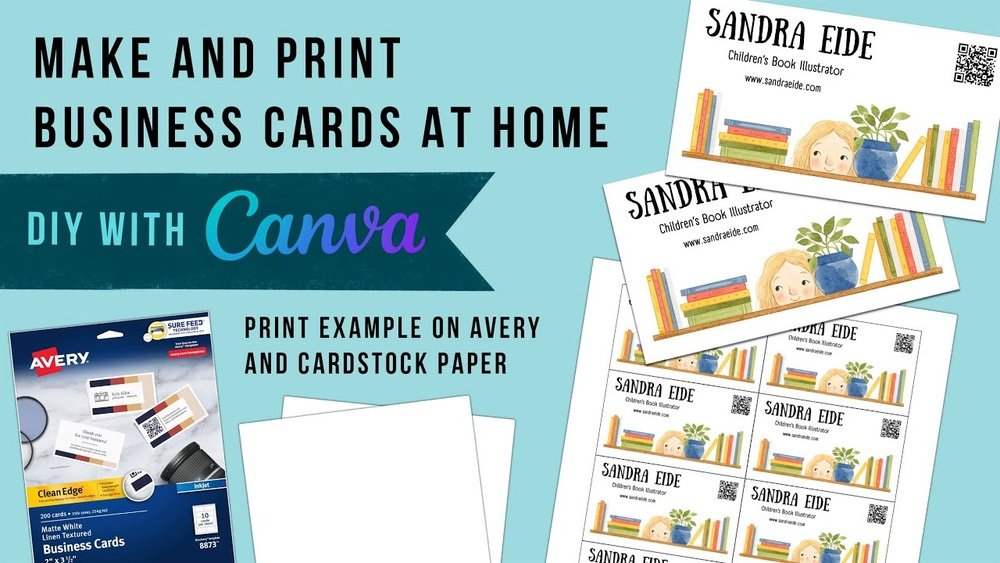
Design software helps create your card layout. Simple programs like Microsoft Word or Google Docs work well. For more design control, try Canva or Adobe Spark. These let you add logos, text, and colors easily. Save your design as a PDF for best printing results.
Design Tips For Home-printed Cards
Designing business cards at home can be simple and fun. Good design helps your card look professional. It also makes sure your information is easy to read. Focus on clear and neat layouts. Use your brand colors and fonts. These tips help your card stand out without extra cost.
Simple And Clear Layouts
Keep your card layout clean. Use one or two sections only. Avoid too many words or images. Leave enough white space around text. This makes your card easy to read. Align text and logos neatly. Use bullet points or short lines. This helps highlight key information fast.
Incorporating Brand Elements
Include your logo on the card. Place it where it draws attention. Use your brand colors for backgrounds or text. This builds a consistent look across materials. Add a small icon or shape from your brand. This adds a personal touch without clutter. Make sure all elements match your business style.
Color And Font Choices
Choose colors that contrast well. Dark text on a light background works best. Pick two or three colors only. Use easy-to-read fonts like Arial or Helvetica. Avoid fancy or script fonts for main text. Use bold or italic styles for emphasis. Keep font sizes readable, not too small or large.
Step-by-step Printing Process
Printing business cards at home is simple with the right steps. Following a clear process ensures quality results. This section breaks down the process into easy steps.
Preparing Your Design File
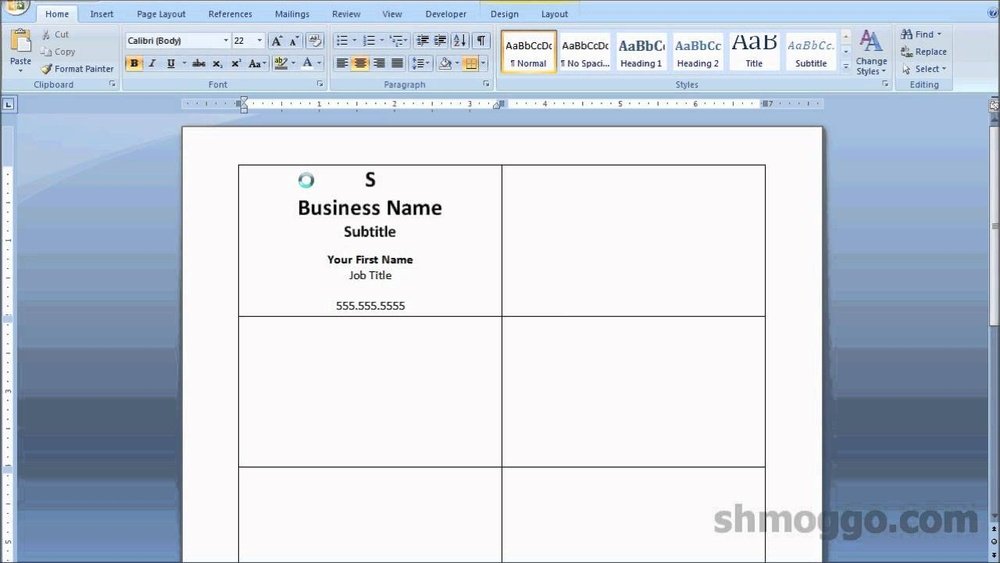
Create your business card design using software like Canva or Photoshop. Set the size to standard dimensions, usually 3.5 by 2 inches. Use a high resolution of 300 DPI for clear printing. Save the file as a PDF or PNG to keep quality. Include bleed areas to avoid white edges after cutting.
Printer Settings And Calibration
Check your printer’s ink levels before printing. Use the best print quality setting for sharp colors. Select the correct paper type in printer settings, such as “cardstock” or “thick paper.” Run a test print on regular paper to check alignment. Adjust print head alignment if the text or images look off.
Cutting And Finishing Touches
Cut your cards with a paper cutter or sharp scissors. Use a ruler to keep cuts straight and even. Smooth the edges with a fine sandpaper or nail file for a professional look. Consider adding a matte or glossy finish by using spray or laminating sheets. Store cards flat to avoid bending.
Common Challenges And Solutions
Printing business cards at home can be simple but may bring some problems. Knowing common challenges helps you fix them quickly. This saves time and gives better results. Here are some typical issues and easy solutions.
Ink Smudging And Bleeding
Ink smudging happens when the paper is too wet or printer settings are wrong. Use thick, dry paper made for inkjet or laser printers. Let the ink dry fully before touching the cards. Adjust printer settings to lower ink volume. This reduces bleeding and keeps text clear.
Alignment Issues
Cards may print off-center or cut wrong. Use a template that matches your card size. Always print a test page on plain paper first. Check if the text and images line up correctly. Adjust margins and layout in your software before printing on card stock.
Paper Jams And Printer Errors
Thick card stock can cause paper jams in some home printers. Check your printer’s maximum paper thickness before buying cards. Load paper carefully and avoid overfilling the tray. Clean printer rollers often to prevent errors. If a jam occurs, remove paper gently to avoid damage.
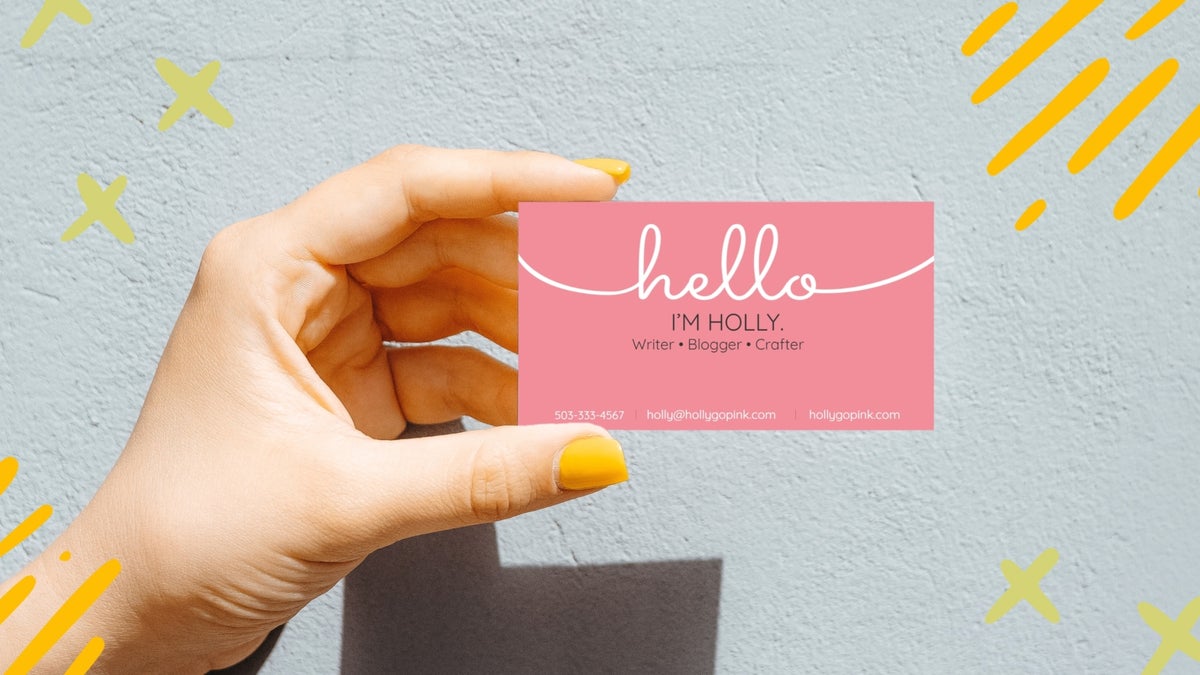
Credit: www.befunky.com
When To Consider Professional Printing
Printing business cards at home works well for small needs and simple designs. Yet, there are moments when professional printing is the better choice. It offers benefits that home printers can’t match. These benefits matter most for certain situations.
Large Quantities
Home printers are slow and may run out of ink or paper. Printing hundreds or thousands of cards takes a lot of time and effort. Professional printers handle big orders fast. They keep the quality steady across every card. This saves time and avoids mistakes.
Advanced Finishes
Special effects like glossy coating, embossing, or foil stamping are hard to do at home. These finishes make cards look more attractive and feel more professional. Print shops have machines to add these effects perfectly. They give your card a unique touch that stands out.
Higher Quality Demands
Home printers often use lower quality paper and ink. The colors may not look as bright or sharp. Professional printers use high-grade materials and printers. Their cards have clearer images and stronger colors. This makes a better impression on clients and partners.

Credit: www.youtube.com
Frequently Asked Questions
Can I Print Business Cards At Home With My Printer?
Yes, you can print business cards at home using an inkjet or laser printer. Use quality cardstock and design templates for best results.
What Paper Is Best For Home-printed Business Cards?
Thick cardstock, preferably 80-110 lb, works best for durability and professional feel when printing business cards at home.
Do I Need Special Software To Design Business Cards?
No, simple design tools like Canva or Microsoft Word can create business cards easily at home.
How Can I Ensure Print Quality On Home-printed Cards?
Use high-resolution images, proper printer settings, and quality paper to achieve sharp, professional-looking business cards.
Conclusion
Printing business cards at home is possible and can save money. You control the design and make quick changes anytime. But quality depends on your printer and paper choice. For simple needs or small batches, home printing works well. For large orders or professional look, consider a print shop.
Think about your budget and how many cards you need. The right choice depends on your goals and resources. Try a test print first to see the results. This way, you can decide what fits best for your business.