Your business card is often the first impression you make. It needs to be clear, professional, and memorable.
Thank you for reading this post, don't forget to subscribe!But how do you create a card that truly represents you and your brand? And once you design it, how do you print it so it looks just right? You’ll discover simple, step-by-step tips to make your own business cards and print them out without hassle.
By the end, you’ll have the confidence to create cards that grab attention and help grow your network. Let’s get started!
:max_bytes(150000):strip_icc()/GettyImages-185290004-5ad89fc4eb97de003770381a.jpg)
Credit: www.thebalancemoney.com
Choosing The Right Design
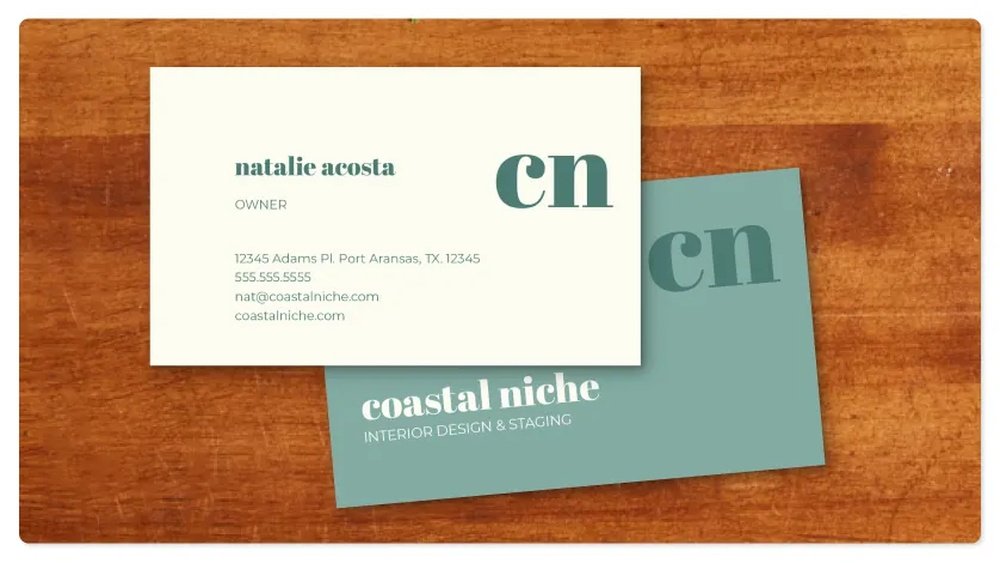
Choosing the right design for your business card is key to making a strong first impression. The design should reflect your business style and be easy to read. A well-chosen design helps your card stand out and be memorable. Keep your message clear and simple. Focus on what represents your brand best.
Selecting A Template
Start by picking a template that fits your business type. Templates save time and give a professional look. Choose one with clean lines and enough space for your details. Avoid cluttered designs that confuse the reader. Simple templates often work best for all industries.
Incorporating Brand Elements
Use your logo and brand symbols on the card. These elements help people recognize your business quickly. Place your logo where it is visible but not overpowering. Add a tagline if it explains your business well. Consistency with your brand builds trust.
Deciding On Colors And Fonts
Pick colors that match your brand’s style and tone. Colors affect how people feel about your card. Use two or three colors to keep it balanced. Choose fonts that are easy to read and professional. Avoid fancy fonts that make reading hard. Clear text helps your contact information stand out.
Essential Information To Include
Creating a business card requires careful thought about what information to include. The details must help others contact you easily. Every piece of information should be clear and simple. This section explains the essential information to put on your business card.
Contact Details
Contact details are the most important part of your business card. Include your phone number and email address. Use a number where people can reach you fast. Choose an email that looks professional. Avoid using personal or funny email addresses. Adding a business address is helpful, especially for local companies.
Job Title And Company Name
Your job title shows what you do. It helps others understand your role quickly. Write your job title clearly and keep it short. The company name should stand out on the card. Use a readable font and good size. This builds trust and shows your business identity.
Social Media Handles
Social media handles connect you with a wider audience. Add only the platforms you use for business. Common choices include LinkedIn, Twitter, or Instagram. Keep the handles simple and easy to read. Avoid cluttering your card with too many links.
Design Tools And Software
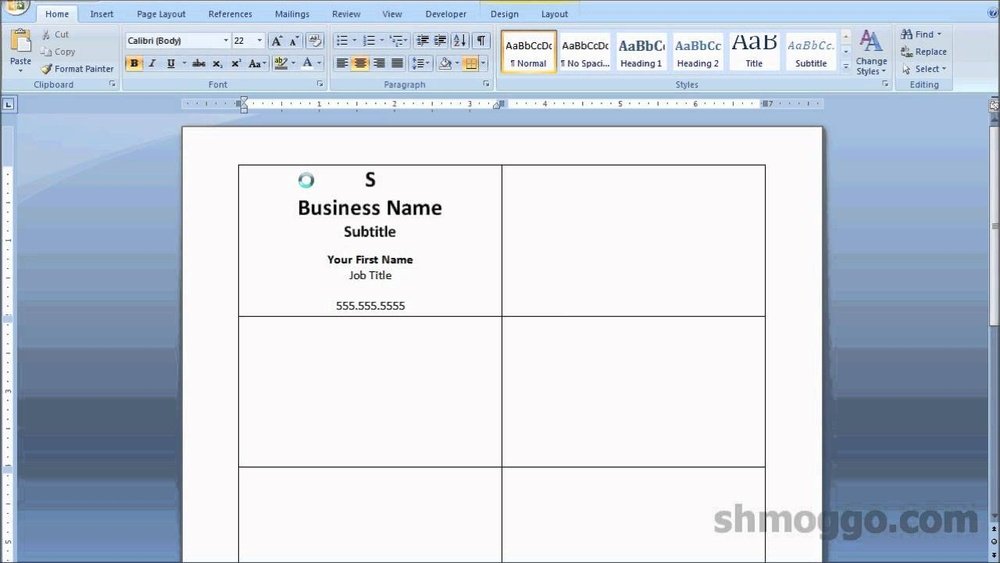
Designing business cards starts with the right tools and software. These tools help you create clear and attractive cards. You can choose from free online platforms, professional software, or mobile apps. Each option has unique features to suit different needs. Pick the one that fits your skills and budget.
Free Online Platforms
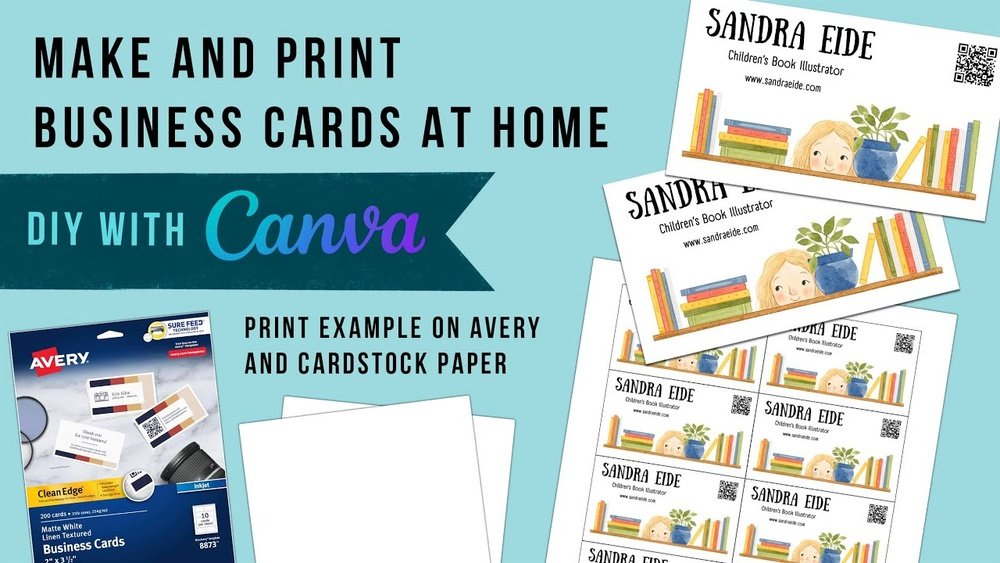
Free online platforms let you design business cards quickly. They offer templates, shapes, and fonts to customize your card. No need to download software. These platforms work directly in your web browser. Good for beginners and simple designs. Examples include Canva and Vistaprint. Save your design and download it for printing.
Professional Design Software
Professional design software gives you full control over your business card. These tools are powerful and precise. Adobe Illustrator and CorelDRAW are popular choices. They allow detailed editing of text, color, and images. Best for advanced users or those who want a unique design. Requires installation and some learning time.
Mobile Apps For Designing
Mobile apps let you design business cards on your phone or tablet. Handy for quick edits or on-the-go work. Apps like Adobe Spark and Business Card Maker are easy to use. They offer templates and drag-and-drop tools. Share your design directly from the app. Perfect for busy professionals and casual users.
Preparing Files For Printing
Preparing files for printing is a key step in making business cards. This process helps ensure your design looks sharp and professional after printing. Proper preparation avoids mistakes like blurry images, cut-off text, or wrong colors.
Each part of the file matters. Choosing the right format, setting bleed and margins, and checking print quality all affect the final product. Follow simple steps to get your files ready and make your business cards stand out.
Choosing The Right File Format
Pick a file format that printers accept easily. PDF is the most common choice. It keeps your design clear and colors accurate.
Other good formats include TIFF and EPS. Avoid JPEG for printing. It lowers image quality and causes blurriness.
Save your file in high resolution, at least 300 dpi. This keeps images sharp and text readable.
Setting Bleed And Margins
Bleed is extra space around your design. Printers cut this part off to avoid white edges.
Add a bleed of 3mm on all sides. This gives room for safe trimming.
Keep important text and logos inside the margin. A 5mm margin from the edge works well.
This space protects your content from being cut off accidentally.
Ensuring Print Quality
Check image resolution before printing. Low resolution causes pixelated prints.
Use vector graphics for logos and text. They stay sharp at any size.
Choose CMYK color mode. It matches printer inks better than RGB.
Review your file on screen and print a test page. This helps catch errors early.
Printing Options
Choosing the right printing option for your business cards affects the final look and feel. Each method offers unique benefits, costs, and convenience. Consider your budget, time, and quality needs before deciding.
Home Printing Tips
Printing at home saves money and allows quick changes. Use thick, high-quality cardstock for better results. Set your printer to the highest quality setting. Test print on plain paper first to check alignment. Avoid using standard printer paper; it looks cheap. Let the ink dry fully before handling the cards. Cut carefully with a ruler and sharp blade for clean edges.
Using Local Print Shops
Local print shops offer professional quality with personal service. You can see paper samples and choose finishes like matte or gloss. Staff can help with design adjustments and proofing. Turnaround time is usually fast, sometimes same-day. Prices vary but usually lower than online for small runs. Support local business and get expert advice face-to-face.
Online Printing Services
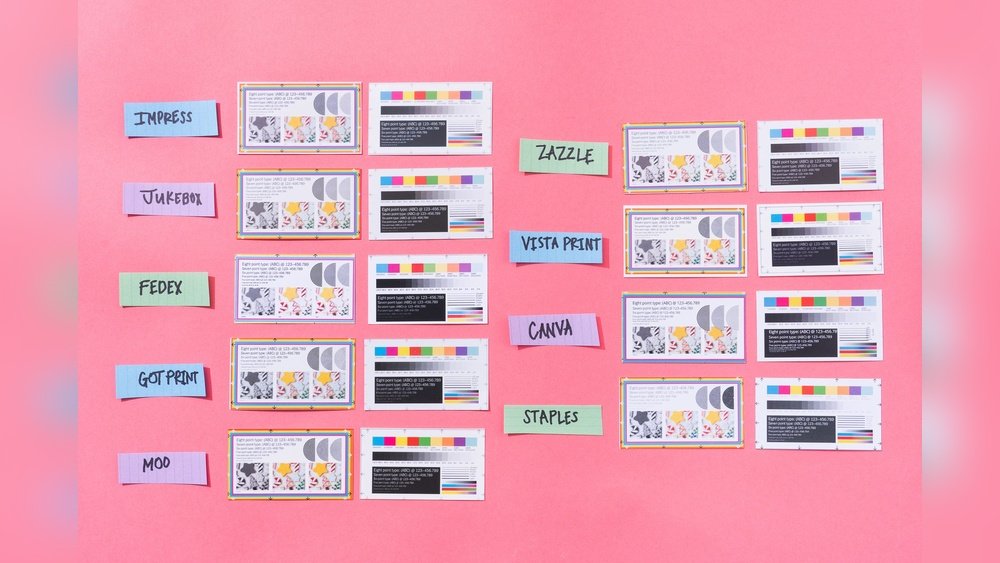
Online printers provide many design templates and easy uploading. They offer various paper types, colors, and special effects like embossing. Pricing is competitive, especially for large orders. Shipping takes a few days, so plan ahead. Most sites show digital previews to avoid mistakes. Great for bulk orders and complex designs without leaving home.
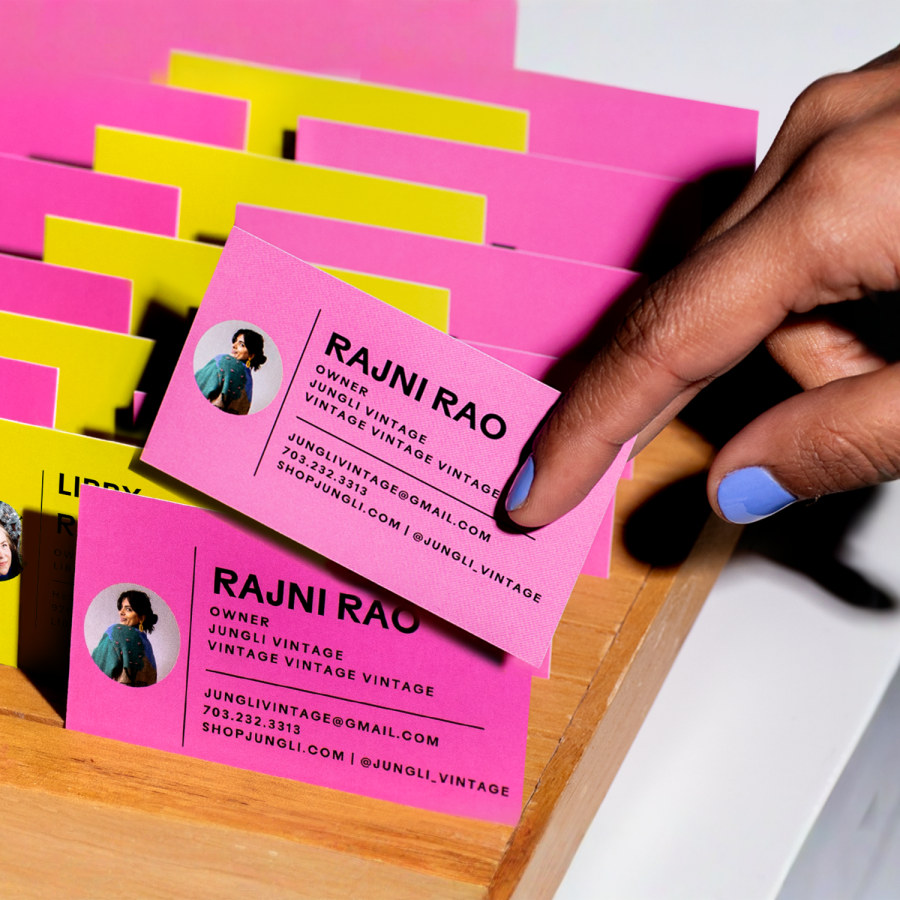
Credit: www.vistaprint.com
Paper Types And Finishes
Choosing the right paper type and finish is key for business cards. It affects how your card looks and feels. The paper you pick can make your card stand out or look plain. Understanding options helps you create a card that fits your style and brand.
Matte Vs Glossy
Matte paper has a smooth, non-shiny surface. It feels soft and looks classy. Colors appear calm and less bright on matte. It hides fingerprints and scratches well.
Glossy paper shines and reflects light. It makes colors pop and look sharp. Glossy cards catch attention with their bright look. They can show fingerprints more easily.
Cardstock Thickness
Cardstock thickness affects card strength and quality. Thicker cards feel more solid and last longer. Thin cards are cheaper but may bend or tear.
Most business cards use 14 to 16 point cardstock. Choose thicker paper for a premium feel. Thin cardstock works for temporary or casual cards.
Special Finishes And Embellishments
Special finishes add unique touches to business cards. Spot UV coating highlights parts with shiny gloss. Foil stamping uses metallic colors for elegance.
Embossing raises letters or designs for texture. Debossing presses designs into the paper. These finishes make cards memorable and eye-catching.
Cutting And Finishing Touches
Cutting and finishing touches shape the final look of your business cards. This step makes your cards neat and professional. Clean edges and smooth corners create a strong first impression. Small details here can boost your card’s appeal.
Trimming Techniques
Use a sharp paper cutter for straight cuts. Cut slowly to avoid jagged edges. Align your cards carefully before trimming. A metal ruler helps guide clean cuts. Avoid using scissors; they can make uneven edges. For best results, trim in one smooth motion.
Adding Rounded Corners
Rounded corners soften the card’s look and feel. Use a corner rounder tool to get smooth curves. This tool is easy to use and affordable. Rounded edges prevent cards from bending or fraying. Choose the corner size that matches your style. It makes your cards stand out gently.
Packaging And Storage
Keep your cards flat to avoid bends. Store them in a sturdy box or case. Avoid humid places that can warp paper. Use plastic sleeves for extra protection. Organize cards by type or design. Proper storage keeps your cards fresh and ready to share.

Credit: www.youtube.com
Cost Considerations
Cost plays a big role when making and printing business cards. Knowing what affects price helps you plan better. Small changes in design or print options can change the final cost a lot. Careful budgeting prevents overspending and ensures good quality cards.
Budgeting For Design And Print
Start by setting a clear budget for your cards. Design costs vary based on complexity and designer rates. Simple designs cost less, while custom artwork may be pricier. Printing prices depend on paper type, finish, and quantity. Plan your budget to cover both design and printing without surprises.
Bulk Printing Discounts
Printing many cards at once often lowers the price per card. Printers offer discounts for large orders. Buying in bulk saves money if you need lots of cards. Consider ordering extra cards to keep costs down for future use. Check minimum order amounts and discount thresholds.
Balancing Quality And Price
Choose materials that look professional but fit your budget. Thick paper feels better but costs more. Matte or glossy finishes add style but increase price. Avoid the cheapest options that may look poor or wear quickly. Aim for cards that represent your business well without overspending.
Frequently Asked Questions
What Materials Do I Need To Make Business Cards?
To make business cards, you need design software, quality cardstock, and a printer. Use tools like Canva or Adobe Illustrator. Choose durable, thick cardstock for a professional feel. A color printer helps ensure vibrant and clear prints. These materials create sharp, attractive business cards.
How Do I Design An Effective Business Card?
Focus on simplicity, clear fonts, and essential information. Include your name, title, contact details, and logo. Use contrasting colors for readability. Keep the layout uncluttered to make key details stand out. A well-designed card improves brand recognition and professionalism.
What Are The Standard Business Card Dimensions?
Standard business cards measure 3. 5 x 2 inches in the US. This size fits wallets and cardholders conveniently. Using standard dimensions ensures compatibility with printing templates. It also makes cards easy to store and distribute at networking events.
Can I Print Business Cards At Home?
Yes, you can print business cards at home using quality cardstock and a good printer. Ensure your printer settings match the card size. Use high-resolution designs for sharp images. Home printing is cost-effective for small batches but may lack professional finishing.
Conclusion
Creating and printing business cards is simple and useful for any business. Choose clear designs and readable fonts. Use good quality paper for a professional look. Printing at home or through a service depends on your needs. Keep your information up to date and easy to find.
A well-made card helps people remember you. Start designing today and make a strong first impression. Small steps lead to big results in business networking.