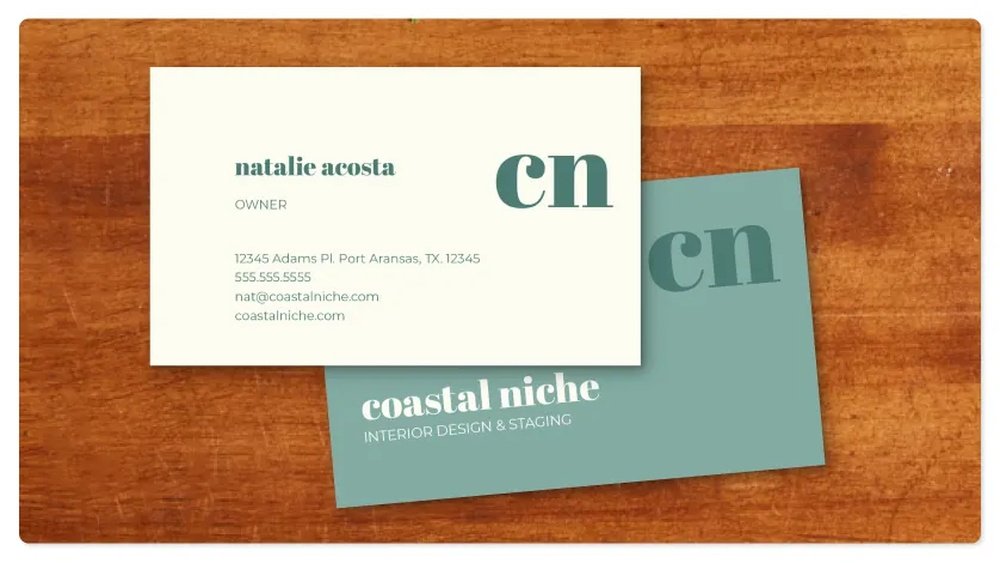
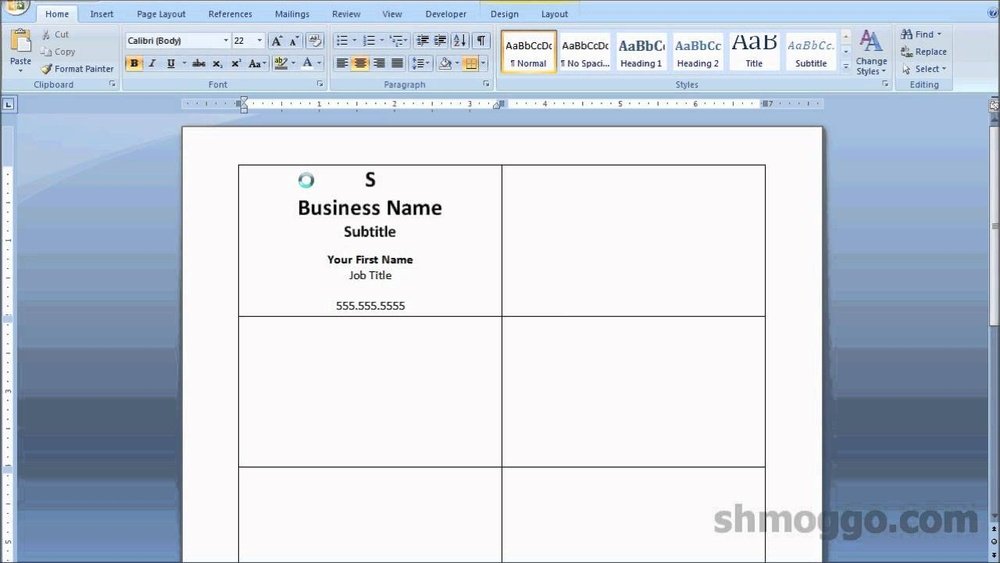
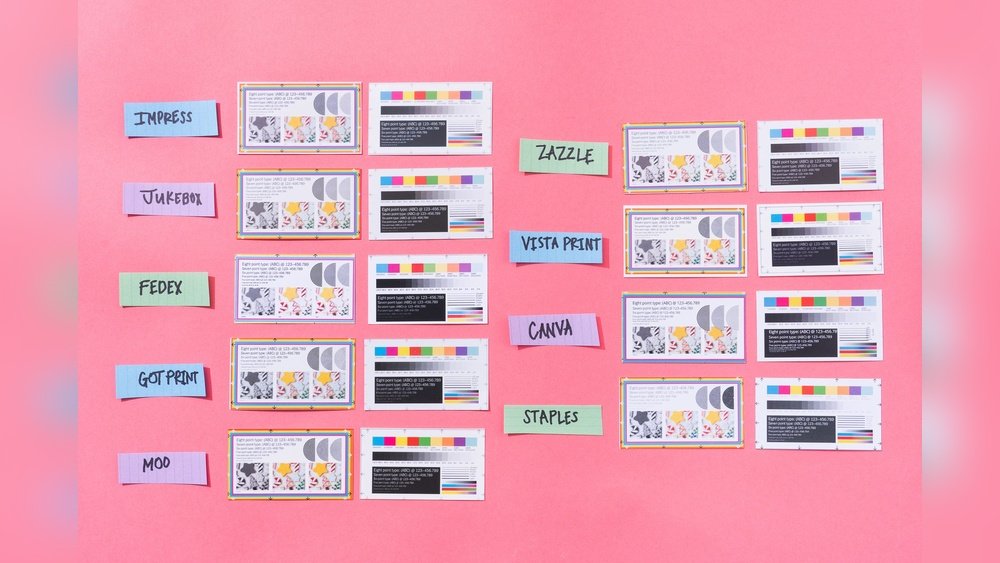
Are you looking to make a powerful first impression with your business cards? Imagine handing out cards that not only show your contact details but also highlight different sides of your brand.
Thank you for reading this post, don't forget to subscribe!Printing multiple designs for your business cards lets you do exactly that. Whether you want to target different clients, showcase various services, or simply stand out from the crowd, having a variety of card designs can boost your professional image instantly.
Keep reading to discover how multiple business card designs can work for you and the simple steps to get started.

Credit: www.bannerbuzz.com
Benefits Of Multiple Designs
Using multiple designs for business cards offers clear benefits. It creates variety and helps your brand stand out. Different designs can match different goals and audiences. This strategy makes your marketing efforts stronger and more flexible.
Enhancing Brand Identity
Multiple designs help show different sides of your brand. Each design can highlight unique features or values. This variety keeps your brand fresh and interesting. It makes your business more memorable to clients.
Targeting Diverse Audiences
Different designs suit different groups of people. You can create cards that appeal to various age groups or industries. This approach helps you connect better with many potential clients. It shows you understand your audience’s needs.
Boosting Networking Opportunities
Having several designs opens more doors at events. You can choose the best card for each contact. This small change can leave a stronger impression. It increases the chance that people will remember you later.
Choosing The Right Designs
Choosing the right designs for business cards is key to making a strong impression. Each design should match your brand’s personality and message. Multiple designs can serve different purposes or audiences. Focus on clear visuals and easy-to-read information. Simple, thoughtful choices help your card stand out.
Color Schemes And Themes
Colors affect how people feel about your brand. Pick colors that reflect your business style. Use a consistent theme across all designs. Bright colors catch attention but keep balance. Neutral tones give a professional look. Avoid too many colors to keep the design clean.
Font Styles And Readability
Fonts must be easy to read at a small size. Choose simple fonts like Arial or Helvetica. Avoid fancy or script fonts that are hard to read. Use different font sizes to highlight important details. Keep text clear and spaced well. Readable fonts make your card user-friendly.
Incorporating Logos And Graphics
Logos show your brand identity. Place logos where they do not crowd the card. Graphics should support your message, not distract. Use high-quality images for a sharp look. Keep graphics simple for fast recognition. Well-placed logos build brand trust.
Printing Techniques
Choosing the right printing technique shapes your business card’s look and feel. It affects colors, texture, and durability. Understanding key options helps you pick what suits your style and budget.
Digital Vs. Offset Printing
Digital printing uses lasers and inkjet technology. It works well for small batches and quick jobs. Colors appear bright and sharp. Changes to designs are easy and fast. This method costs less for fewer cards.
Offset printing presses ink onto paper through plates. It suits large print runs. The result is smooth, consistent color quality. It handles complex designs with rich details. Setup costs are higher, but price per card drops as quantity rises.
Special Finishes And Embellishments
Special finishes add flair and style to cards. Spot UV coating highlights parts with shine. Foil stamping uses metallic colors for luxury. Embossing creates raised designs you can feel. These touches make cards stand out and feel unique.
Paper Types And Textures
Paper type impacts card weight and look. Matte paper offers a smooth, non-glossy finish. Glossy paper shines and shows vivid colors. Linen texture adds a subtle fabric feel. Thick paper feels sturdy and high-quality. Choose a texture that fits your brand’s tone.

Credit: www.freepik.com
Cost Considerations
Printing multiple business card designs can increase costs. Planning your budget carefully helps control expenses. Understanding different cost factors ensures smart spending. This section covers key points on managing costs for multiple designs.
Budgeting For Multiple Designs
Start by setting a clear budget. Decide how many designs you want. Allocate funds based on the number of cards per design. Keep some money for unexpected expenses. Tracking costs regularly prevents overspending. Prioritize essential designs first to stay within budget.
Bulk Printing Discounts
Ordering large quantities often lowers the cost per card. Many printers offer discounts for bulk orders. Combine all designs in one order to save money. Check if minimum order sizes apply for discounts. Bulk printing is cheaper but requires careful planning. Balance quantity with your actual needs.
Balancing Quality And Expense
Higher quality cards cost more but leave a better impression. Choose materials and finishes that fit your budget. Avoid very cheap options that look unprofessional. Simple designs can reduce printing costs. Find a middle ground between quality and price. Good cards help build trust with clients.
Design Customization Tips
Design customization is key for effective business card printing with multiple designs. Tailoring cards to suit different needs helps your brand stand out. Thoughtful changes can make each card feel special and useful.
Small tweaks in design boost recognition. Unique cards catch attention and reflect professionalism. Here are practical tips to customize your business cards smartly.
Personalizing For Different Roles
Create separate designs for each job role in your company. Use colors and icons that match the role’s duties. For example, sales cards can have contact details front and center. Technical staff cards might highlight certifications or skills. Personal touches make each card clear and relevant.
Seasonal And Event-based Variations
Change card designs to match holidays or events. Use festive colors or themed graphics for seasons like winter or summer. For conferences or trade shows, add event logos and dates. Seasonal cards feel timely and show your active presence. They invite conversation and interest.
Using Qr Codes And Interactive Elements
Include QR codes to link digital content. Codes can direct users to websites, portfolios, or social media. Interactive elements make cards more engaging and useful. They save space and add modern flair. Easy scanning encourages quick connections and follow-ups.
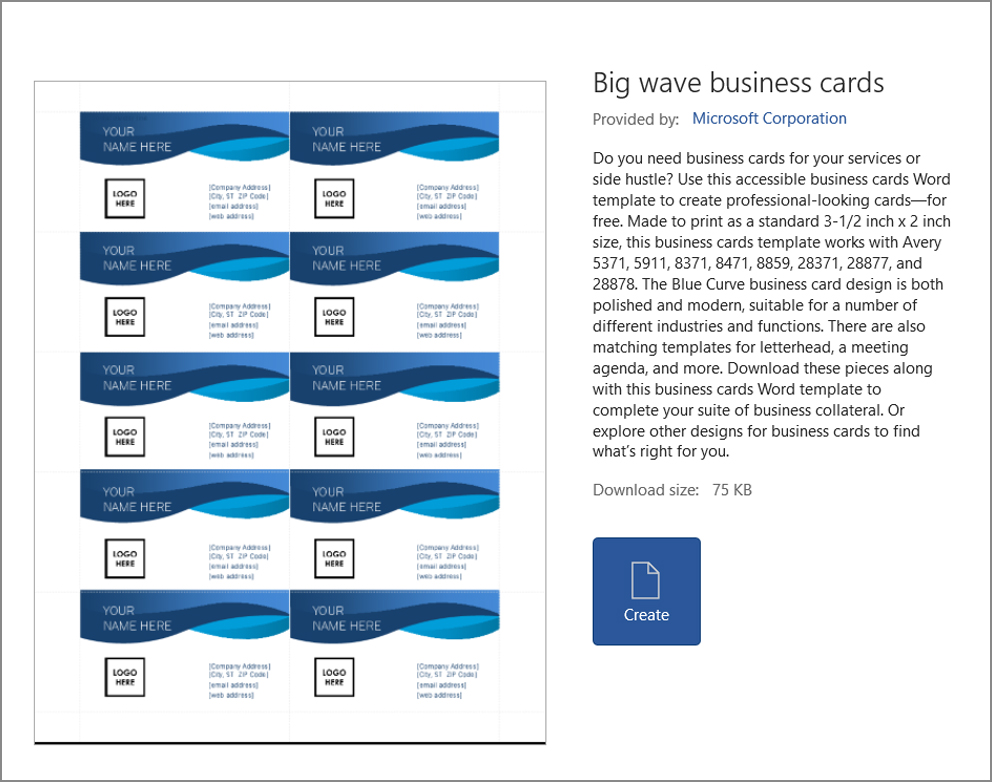
Credit: filesplice.com
Managing Multiple Design Files
Managing multiple business card design files can feel confusing. Keeping all files organized helps save time and avoid mistakes. Clear management ensures smooth printing and consistent results across different designs.
Each design may have unique details. Proper handling makes it easier to track changes and updates. It also helps when sharing files with teams or printing vendors.
Organizing Digital Assets
Create folders for each design version. Name files clearly with dates or client names. Use consistent file formats like PDF or PNG for easy access.
Back up files regularly on cloud storage or external drives. This prevents data loss and keeps your work safe. Tag files with keywords to find them quickly later.
Ensuring Consistency Across Designs
Use the same fonts and colors in all designs. Keep logo placement uniform on every card. Check spacing and alignment to maintain a professional look.
Review each design carefully before printing. Small differences can confuse clients or reduce brand trust. Consistency builds a strong, memorable brand image.
Working With Printing Vendors
Share clear instructions with your printer. Include color codes, paper type, and finishing details. Send print-ready files in the required format.
Ask for proofs before final printing. This helps catch errors early and saves money. Maintain good communication to ensure smooth collaboration.
Frequently Asked Questions
What Are The Benefits Of Printing Multiple Business Card Designs?
Printing multiple designs helps target different audiences effectively. It showcases versatility and creativity, improving brand perception. It also allows testing which design attracts more clients, increasing networking success and business opportunities.
How To Choose The Right Designs For Business Cards?
Select designs that reflect your brand identity clearly. Consider your target audience’s preferences and industry trends. Use consistent colors and fonts to maintain professionalism. Multiple designs can highlight various products or services uniquely.
Can I Print Different Designs In One Batch?
Yes, many printers offer batch printing with multiple designs. This option saves time and reduces cost per card. It’s ideal for businesses promoting diverse services or brands simultaneously.
What File Formats Are Best For Printing Multiple Designs?
Use high-resolution PDF, AI, or EPS files for best results. These formats maintain image quality and support color accuracy. Ensure each design file meets printer specifications to avoid errors.
Conclusion
Choosing multiple business card designs helps you stand out from competitors. It shows your creativity and professionalism in every meeting. Different designs fit different clients or purposes. You can share cards that match your brand style or message. This approach keeps your contacts interested and impressed.
Simple steps lead to better connections and opportunities. Try printing various designs to see what works best. Your business cards can speak for you before you say a word. Small changes bring big results.