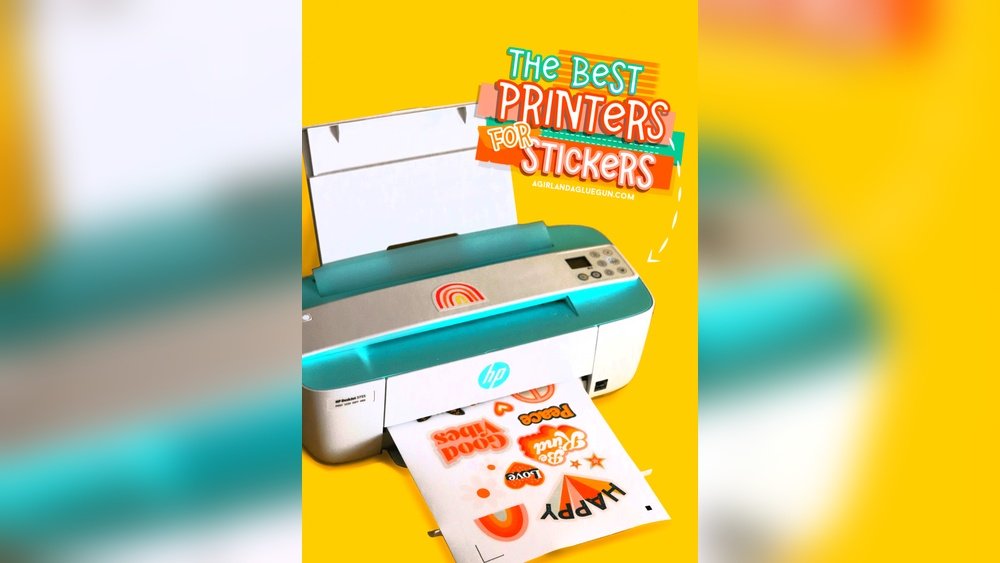
Are you looking to create eye-catching stickers that stand out? Choosing the right printer can make all the difference between dull prints and vibrant, lasting designs.
Thank you for reading this post, don't forget to subscribe!But with so many options out there, how do you know which printers are good for stickers? You’ll discover the top printers that deliver sharp colors, crisp details, and durable results every time. Keep reading to find the perfect printer that will bring your sticker ideas to life and keep your creativity flowing.
Credit: www.ebay.com
Types Of Printers For Stickers
Choosing the right printer is key for making quality stickers. Different printers use different methods to print. Each type has its strengths and limits. Understanding these types helps pick the best one for your sticker needs.
Inkjet Printers
Inkjet printers spray tiny droplets of ink on paper. They create bright and colorful images. These printers work well for detailed and vibrant stickers. They handle various sticker papers easily. Inkjet printers are ideal for small batches or home use. The ink can sometimes smudge if not dried well. But they offer great color blending and sharp prints.
Laser Printers
Laser printers use a laser beam to print images. They melt toner powder onto the paper surface. These printers print fast and produce sharp lines. Laser printers work best for text-heavy or simple designs. They handle sticker sheets smoothly without smudging. Toner is more resistant to water and fading. They are good for bulk printing and durability.
Thermal Printers
Thermal printers use heat to create images on special paper. There are direct thermal and thermal transfer types. Direct thermal printers print on heat-sensitive paper. Thermal transfer printers use a ribbon to print on many materials. These printers make long-lasting, waterproof stickers. They suit labels, barcodes, and industrial stickers well. Thermal printers are fast and low maintenance.
Key Features To Consider
Choosing the right printer for stickers requires attention to key features. These features affect the look and durability of your stickers. Picking a printer with the right qualities saves time and money. It helps make stickers that last and look great.
Print Quality And Resolution
Print quality is crucial for sticker clarity. High resolution means sharper images and text. A printer with at least 1200 dpi gives fine details. Clear lines and smooth colors make stickers stand out. Low-quality prints may look blurry or pixelated.
Durability And Water Resistance
Stickers often face water, sunlight, and wear. Durable prints resist fading and damage over time. Water resistance keeps stickers intact in wet conditions. Look for printers that use waterproof inks or coatings. This ensures your stickers stay vibrant and strong.
Color Accuracy And Vibrancy
Stickers need bright and true colors. Color accuracy shows the real shade you want. Vibrant colors attract attention and make designs pop. Printers with good color management produce consistent results. This helps stickers look professional and eye-catching.
Best Printers For Home Use
Choosing the best printer for home use can make sticker printing fun and easy. You want a printer that fits your space and budget. It should print clear, bright stickers without wasting ink or paper. Many printers work well for stickers at home. Some models offer good quality without high costs. Others save space with small designs. Let’s explore some good options.
Affordable Options
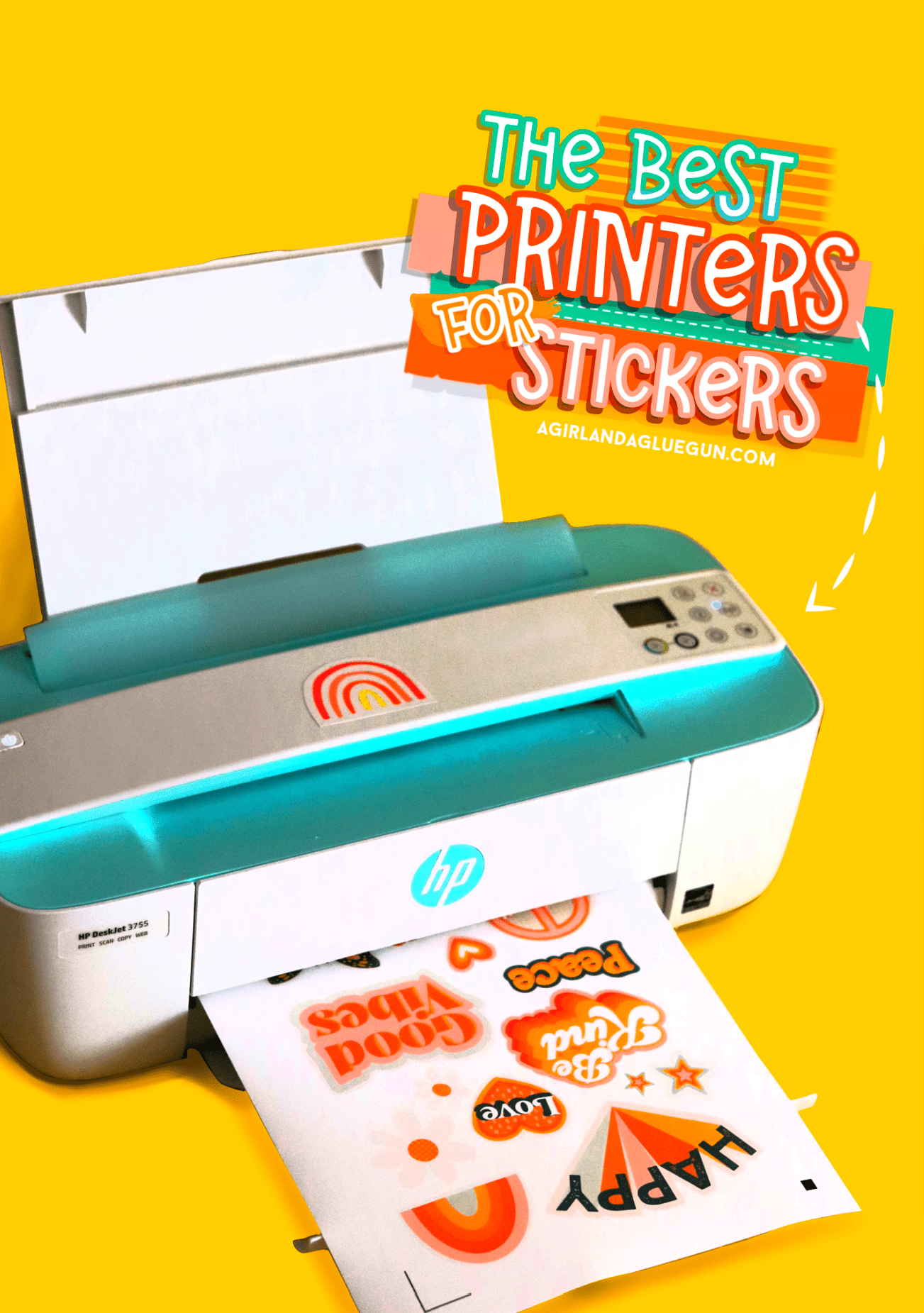
Many home printers print stickers without costing too much. Inkjet printers are usually less expensive. They print vibrant colors and fine details. Brands like Canon and Epson have budget models that work well. These printers handle sticker paper smoothly. Ink costs remain low, which is important for frequent printing. Affordable does not mean low quality here. You get good results for crafts and labels.
Compact Designs
Space is tight in many homes. Small printers fit nicely on desks or shelves. Compact printers do not take much room. Many models still offer high-quality sticker printing. Look for wireless or Bluetooth features. They let you print from phones or tablets easily. Compact printers often use less power too. They are great for simple sticker projects at home.
Best Printers For Professional Use
Choosing the right printer is key for professional sticker printing. The printer must handle detailed designs and colors well. It should also work fast to meet tight deadlines. Quality and efficiency matter most in professional settings.
The best printers for professional use combine speed, precision, and color accuracy. They support various sticker materials and sizes. This helps produce durable and vibrant stickers that stand out.
High Volume Printing
Printers for professional stickers must handle large orders without slowing down. High volume printing means the machine can print many stickers quickly. This saves time and keeps production smooth. Look for printers with fast print speeds and large paper capacity. These features reduce interruptions and improve workflow.
Advanced Color Management
Color accuracy is vital for stickers. Advanced color management ensures colors print true to the design. Professional printers use special software and hardware for this. They support color profiles and calibration tools. This creates consistent results on every print. Accurate colors make stickers look professional and eye-catching.
Specialty Printers For Custom Stickers
Specialty printers offer unique features that standard printers do not. They make sticker printing easier and better. These printers handle different materials and shapes, giving you more creative freedom. You can create vibrant, durable stickers with less effort. Two main types of specialty printers work great for custom stickers: label printers and UV printers.
Label Printers
Label printers are designed specifically for printing on sticker materials. They use thermal or direct thermal printing technology. This means they do not need ink or toner. Labels come out clear and sharp. Label printers work fast and are ideal for small to medium sticker batches. They handle various sizes and shapes well. You can print barcodes, logos, and simple designs easily. These printers are perfect for businesses needing quick, reliable sticker production.
Uv Printers
UV printers use ultraviolet light to dry ink instantly. This process lets you print on almost any surface, including plastic, glass, and metal. UV printing creates vibrant colors and sharp details. The stickers are water and scratch-resistant. UV printers handle complex designs and full-color images well. They offer more flexibility for custom sticker projects. These printers suit high-quality, professional sticker production needs.
Credit: www.agirlandagluegun.com
Tips For Printing Stickers At Home
Printing stickers at home can be fun and rewarding. You create unique designs and see them come to life. Yet, some tips help make your stickers look great and last longer. Small steps can improve your sticker printing results.
Focus on three key areas: paper choice, printer settings, and maintenance. Each plays a big role in quality. Follow these tips to get the best prints every time.
Choosing The Right Sticker Paper
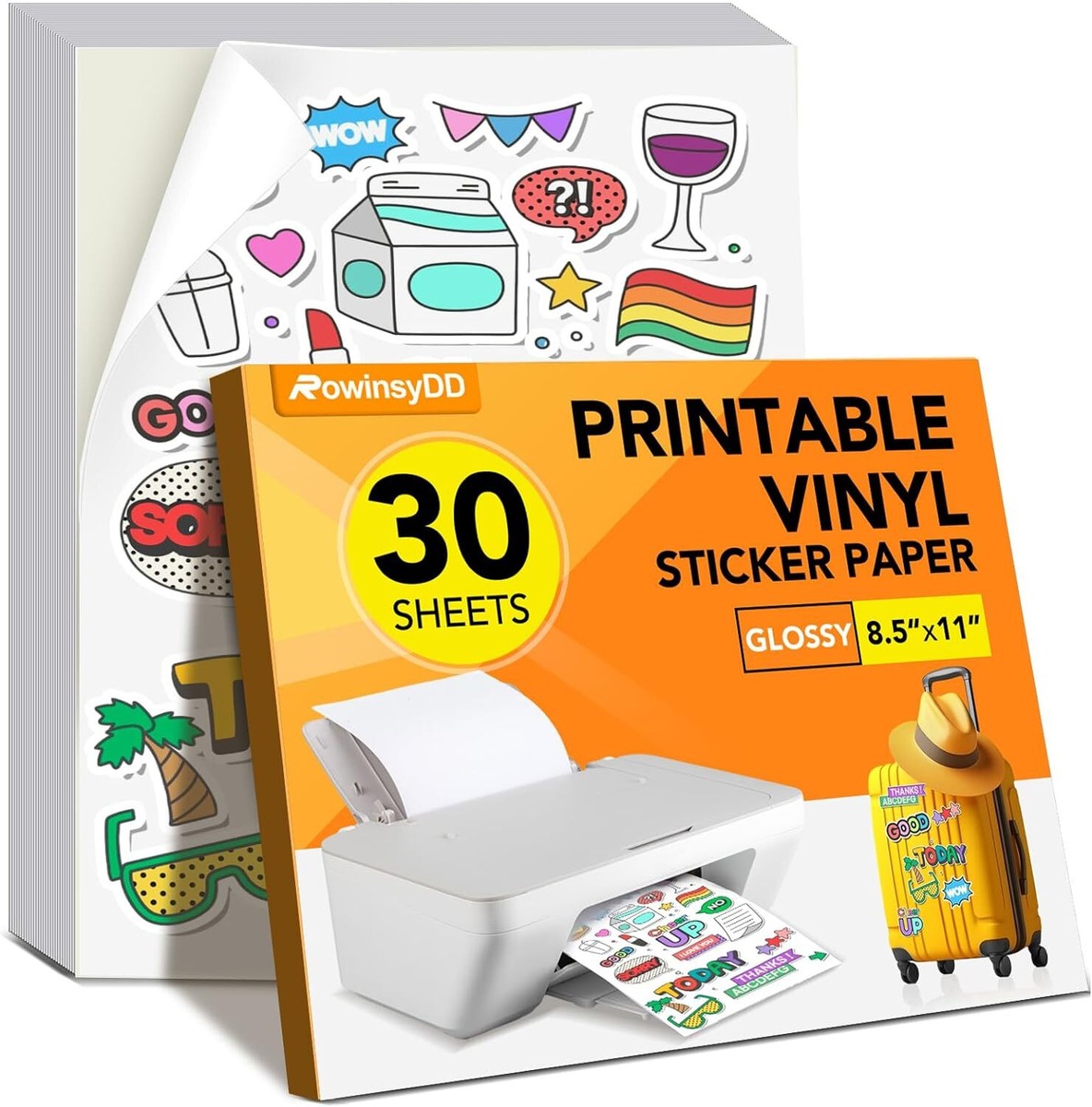
Pick sticker paper made for your printer type. Inkjet printers need inkjet-compatible paper. Laser printers work best with laser sticker paper. Paper finish matters too. Glossy paper gives bright colors. Matte paper reduces shine and glare. Test small sheets first to see results. Thick paper holds ink better and lasts longer.
Printer Settings For Best Results
Set your printer for high quality or photo mode. Use the correct paper type in settings. This controls ink flow and drying time. Choose the right color profile if available. Print a test page before final runs. Avoid fast or draft modes. They reduce print sharpness and color depth. Let printed stickers dry fully before handling.
Maintenance For Sticker Printing
Keep your printer clean for clear prints. Wipe print heads gently if colors fade. Use printer cleaning tools regularly. Replace cartridges with enough ink to avoid streaks. Store sticker paper in a dry place. Moisture can damage paper and ink. Regular printer use prevents ink clogs and jams. Check for updates to printer drivers for best performance.

Credit: www.amazon.com
Frequently Asked Questions
What Types Of Printers Work Best For Stickers?
Inkjet and laser printers both work well for stickers. Inkjet printers offer vibrant colors, while laser printers provide durability. Choose based on your sticker needs and budget for the best results.
Can I Use A Regular Printer For Sticker Printing?
Yes, many regular printers can print stickers if you use the right sticker paper. Ensure your printer supports the paper thickness and type for optimal quality.
Which Printer Brands Are Best For Sticker Printing?
Canon, Epson, and Brother are top brands for sticker printing. They offer excellent color accuracy and reliable performance, ideal for both beginners and professionals.
Is A Color Printer Necessary For Sticker Making?
A color printer is essential for vibrant and eye-catching stickers. It allows you to print detailed designs with multiple colors, enhancing your sticker’s appeal.
Conclusion
Choosing the right printer for stickers makes a big difference. Inkjet printers work well for vibrant colors and detailed designs. Laser printers offer sharp text and durability. Consider your budget and sticker size before buying. Good paper and ink improve the final look.
Test your printer with sample stickers first. Enjoy making your own custom stickers at home. Printing stickers is fun and easy with the right tools. Keep these tips in mind to get the best results.