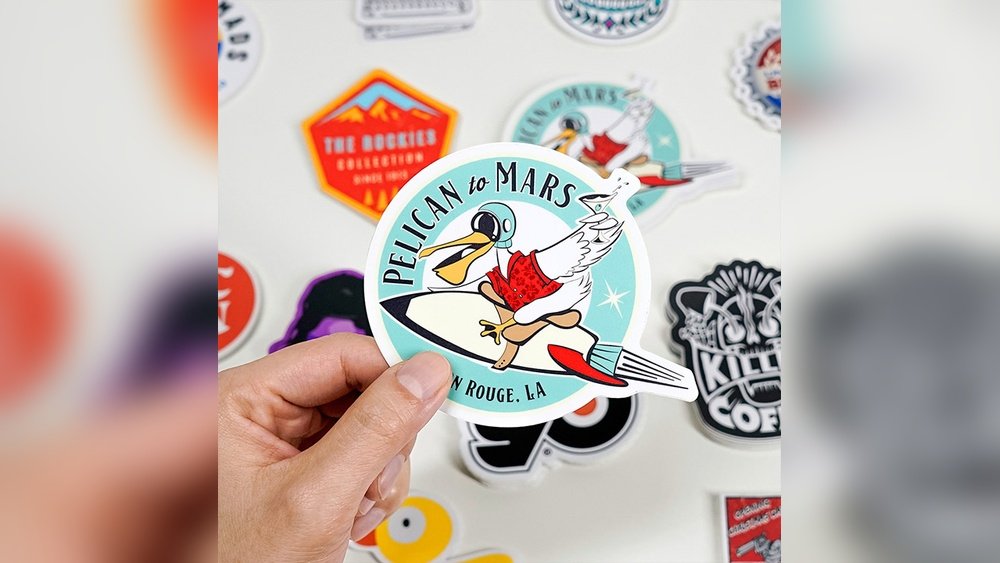
Are you looking to make your brand stand out or add a personal touch to your items? Ordering printed stickers is a simple and effective way to do just that.
Thank you for reading this post, don't forget to subscribe!But how do you make sure you get the perfect stickers that match your vision? Whether you want stickers for your business, event, or personal use, knowing the right steps will save you time, money, and frustration. Keep reading, and you’ll discover exactly how to order printed stickers that look great and deliver the impact you want.
Credit: www.makestickers.com
Choosing Sticker Types
Choosing the right sticker type is key to a successful order. Different stickers suit different uses. Consider where and how you will use them. This helps pick the best material, finish, and shape. The right choice makes your stickers look great and last longer.
Vinyl Vs Paper Stickers
Vinyl stickers resist water and sunlight. They work well outdoors or on cars. Paper stickers are cheaper and good for indoor use. They stick well on smooth surfaces. Choose vinyl for durability and paper for budget-friendly options.
Glossy Or Matte Finish
Glossy finish shines and catches light. It makes colors bright and vibrant. Matte finish looks soft and smooth. It reduces glare and fingerprints. Pick glossy for a lively look. Choose matte for a calm, elegant style.
Custom Shapes And Sizes
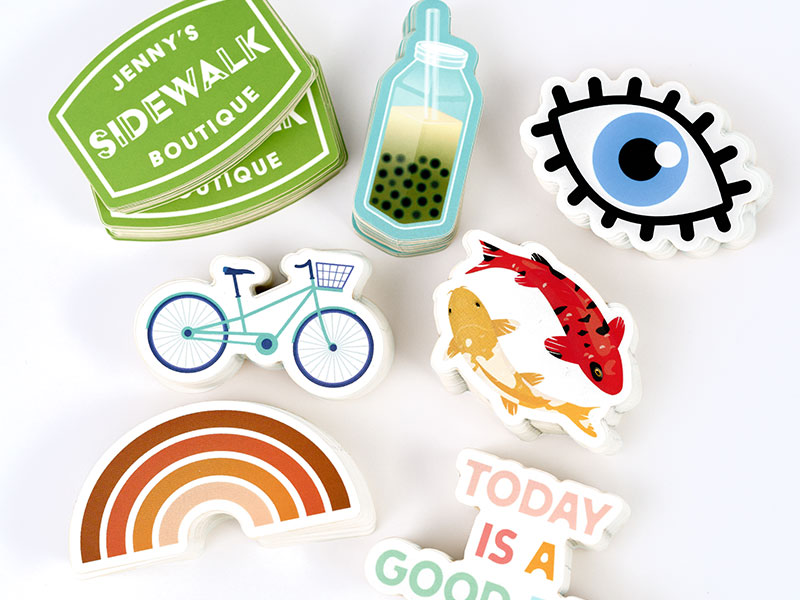
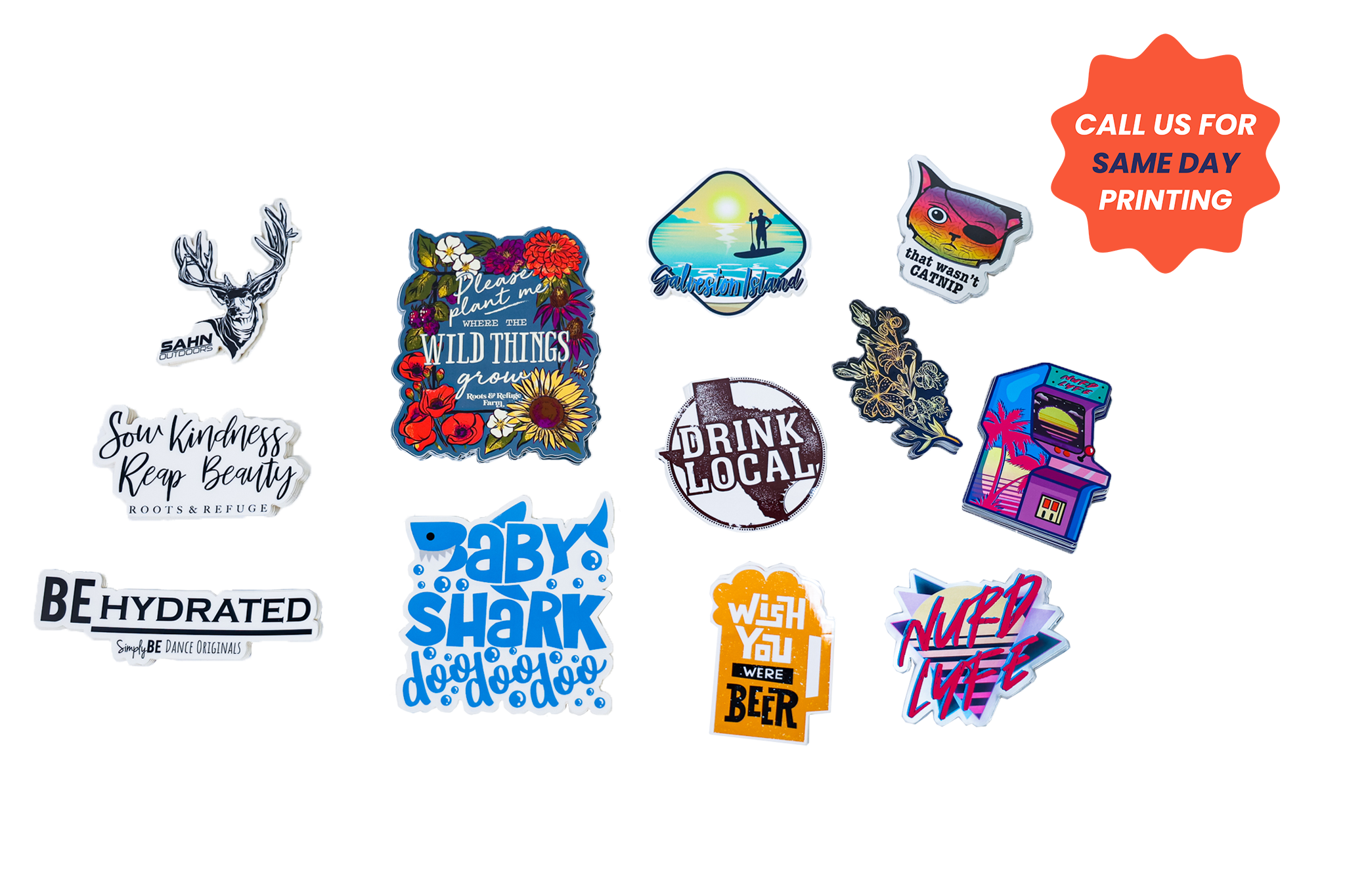
Standard shapes include circles, squares, and rectangles. Custom shapes match your brand or design better. Size matters too. Big stickers stand out more. Small stickers fit tight spaces. Custom sizes and shapes add uniqueness to your stickers.
Credit: www.stickermountain.com
Designing Your Stickers
Designing your stickers is the first step in creating a product that stands out. The design should be clear, attractive, and represent your message well. Every element in the design affects how your sticker looks and feels.
Focus on simple, clean designs that catch attention. Too many details can make the sticker confusing. Think about the size and shape of your sticker while designing. This helps keep your design balanced and easy to read.
Using Design Software
Use design software to create your sticker art. Programs like Adobe Illustrator, Canva, or CorelDRAW work well. These tools allow precise control over shapes, colors, and text. Choose software that you find easy to use. Start with templates if you are new to design.
Choosing Colors And Fonts
Pick colors that match your brand or message. Bright colors grab attention, but soft tones can look elegant. Limit your color palette to two or three colors. Use fonts that are easy to read from a distance. Avoid fancy fonts that can confuse viewers.
Adding Logos And Images
Include logos to boost brand recognition. Make sure your logo is clear and not stretched. Use high-quality images to keep your sticker sharp. Avoid low-resolution pictures that appear blurry. Position logos and images so they do not crowd the design.
Selecting Printing Services
Selecting the right printing service matters for your sticker project. Good printers deliver clear, bright, and durable stickers. The choice affects price, quality, and delivery time. Know your needs before picking a service. Size, quantity, and design type play a role.
Online Vs Local Printers
Online printers offer convenience and variety. You can order anytime from your home. They often have easy-to-use design tools. Shipping takes a few days but can cost extra. Local printers allow face-to-face communication. You can see proofs and ask questions directly. Pickup is faster, and shipping fees do not apply. Consider your timeline and personal preference.
Comparing Prices
Sticker prices vary by printer and order size. Bulk orders usually cost less per sticker. Check if setup fees apply. Look for hidden charges like shipping or proofs. Compare prices for similar sticker sizes and materials. Balance cost with quality to get the best value. Avoid choosing solely on the lowest price.
Checking Reviews And Samples
Reviews show other customers’ experiences. Read what people say about print quality and service. Look for consistent positive feedback. Ask printers for sample stickers before ordering. Samples reveal color accuracy and material feel. Testing samples helps avoid surprises with your final order.
Placing Your Order
Placing your order for printed stickers is a simple process. It involves a few clear steps that ensure your stickers look just right. Following these steps helps you get the best results quickly.
Focus on your design, size, quantity, and how you want your stickers shipped. Each choice affects the final product and delivery time.
Uploading Designs
Start by uploading your sticker design. Use high-quality files for the best print results. Common file types include PNG, JPG, and PDF. Make sure your design fits the required size and resolution. Clear images print sharper and look professional.
Specifying Quantity And Size
Next, choose how many stickers you want. More stickers often lower the cost per piece. Pick the size that fits your needs. Small stickers suit labels, while larger ones work for posters or packaging. Double-check measurements before ordering.
Choosing Shipping Options
Finally, select your shipping method. Faster shipping costs more but delivers your stickers quickly. Standard shipping is cheaper and takes longer. Some services offer tracking so you can follow your package. Choose what fits your schedule and budget.
Reviewing Proofs
Reviewing proofs is a key step when ordering printed stickers. It ensures your design looks perfect before printing starts. This step helps catch mistakes early and avoid costly errors. Take your time to check every detail carefully. A clear, accurate proof leads to better final stickers.
Checking For Errors
Look closely at the proof for spelling mistakes. Check all text and numbers for accuracy. Review colors and images to confirm they match your design. Make sure the size and shape are correct. Small errors here can affect the whole order.
Requesting Revisions
Ask the printer to fix any mistakes you find. Provide clear instructions on what needs changing. Don’t hesitate to request changes until the proof meets your needs. This step helps avoid surprises when the stickers arrive.
Approving Final Design
Approve the proof only when you are fully happy. Your approval tells the printer to start production. Once approved, changes may not be possible. Confirm everything is perfect before giving the green light.
Receiving And Using Stickers
Receiving your printed stickers is an exciting moment. It means your design is ready to use. Proper handling after delivery ensures stickers last longer and look great. Follow these simple steps to check, store, and apply your stickers correctly. This will keep them fresh and effective for any project.
Inspecting Quality
Open the package carefully to avoid damage. Check the colors and design for any errors. Look for scratches, tears, or fading on the stickers. Make sure the stickers have a strong adhesive backing. Confirm the size matches your order. Report any issues to the supplier immediately.
Storing Stickers Properly
Keep stickers in a cool, dry place away from sunlight. Avoid areas with high heat or moisture. Store stickers flat to prevent bending or curling. Use a clean folder or envelope to protect them. Proper storage keeps stickers sticky and vibrant for longer periods.
Applying Stickers Effectively
Clean the surface where you want to apply the sticker. Remove dust, oil, and moisture for better adhesion. Peel the sticker slowly from the backing paper. Place the sticker gently on the surface without stretching. Press firmly from the center outward to remove air bubbles. Allow the sticker to set for a few hours before touching it.
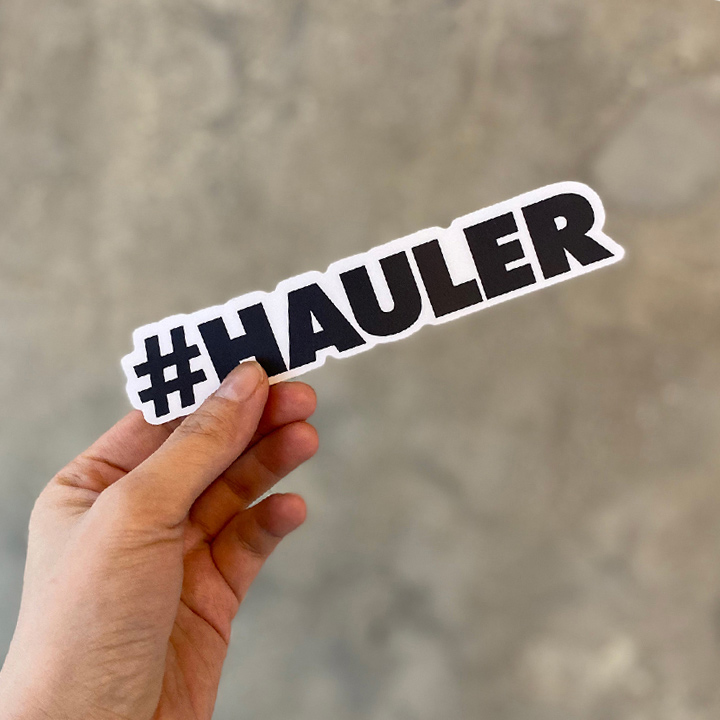
Credit: www.stickeryou.com
Frequently Asked Questions
How Do I Choose The Right Sticker Size?
Choose a size based on your design and where you’ll place the sticker. Consider visibility and surface area. Measure the space before ordering to ensure a perfect fit. Most printing services offer size guides to help you select the best dimensions for your needs.
What File Format Is Best For Sticker Printing?
Use high-resolution PNG, JPEG, or PDF files for sticker printing. PNG supports transparent backgrounds, ideal for custom shapes. Ensure the resolution is at least 300 DPI to maintain image quality. Check your printer’s requirements for specific format preferences.
How Many Stickers Should I Order At Once?
Order a minimum quantity based on your budget and purpose. Larger orders usually reduce cost per sticker. For promotions, order enough to distribute widely. For personal use, smaller batches are sufficient. Always confirm minimum order quantities with the printer.
What Materials Are Available For Printed Stickers?
Common materials include vinyl, paper, and polyester. Vinyl is durable and water-resistant, perfect for outdoor use. Paper is cost-effective for indoor applications. Polyester offers high durability and a glossy finish. Choose based on your sticker’s intended environment and usage.
Conclusion
Ordering printed stickers can be simple and quick. Choose the right size, shape, and material. Check your design carefully before placing the order. Compare prices and read reviews from other customers. Ask questions if you are unsure about anything. Stickers help share your message or brand with others.
Take your time to make the best choice. Enjoy the process and the final product. Printed stickers add fun and color to many things. Ready to start your sticker project?