Are you looking to make your brand, laptop, or personal items stand out? Designing stickers and printing them is a simple way to add a unique touch that grabs attention instantly.
Thank you for reading this post, don't forget to subscribe!Imagine having stickers that tell your story or promote your business exactly how you want. You’ll discover easy steps to create eye-catching designs and print them with the best quality. By the end, you’ll have everything you need to turn your ideas into vibrant, lasting stickers that speak directly to your audience.
Ready to make your vision stick? Let’s dive in!
Sticker Design Basics
Designing stickers is a fun way to share ideas and express creativity. Good sticker design catches the eye quickly. It works well in small spaces and stays clear at a glance. Stickers must be simple but interesting. Each part of the design helps to make the sticker memorable and useful.
Understanding the basics helps create better stickers. Focus on shapes, colors, and text. These elements shape how people see your sticker. They also affect how easy the sticker is to read and use. Let’s explore these key points in sticker design.
Choosing Shapes And Sizes
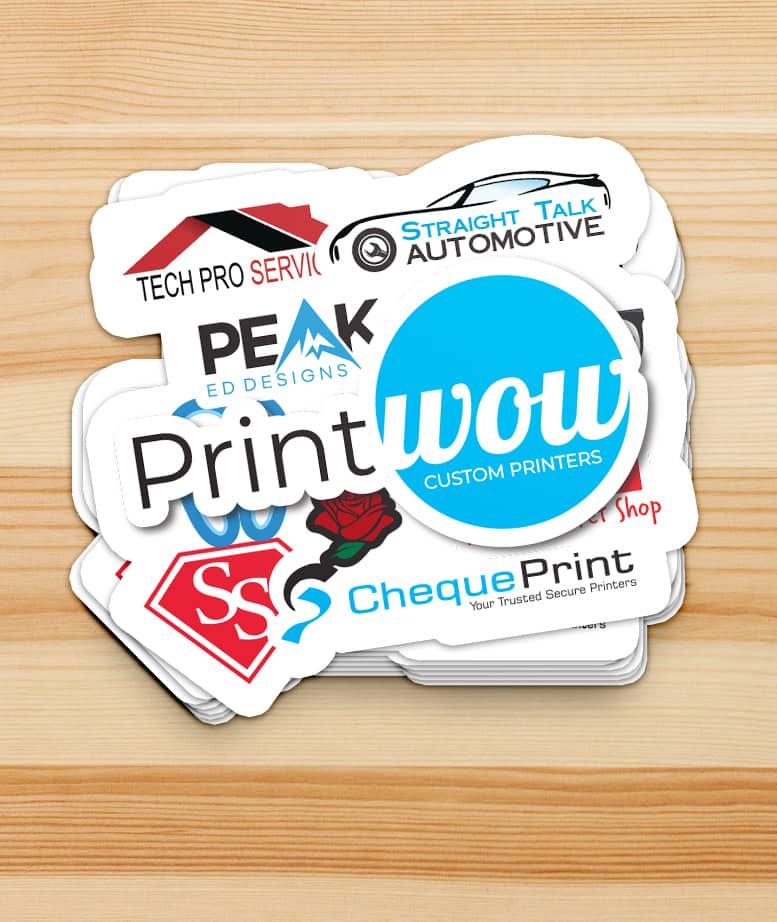
Shapes give stickers their personality. Circles feel friendly and soft. Squares look strong and stable. Custom shapes add uniqueness and style. Size matters for visibility and use. Small stickers fit tight spaces. Larger ones hold more details and stand out. Pick shapes and sizes that fit your message and place.
Color Selection Tips
Colors draw attention and set moods. Bright colors catch the eye fast. Pastel tones feel calm and soft. Contrast helps text and images stand out. Use two or three colors for balance. Avoid too many colors that confuse the viewer. Stick to colors that match your brand or theme.
Typography For Stickers
Text must be clear and easy to read. Use simple fonts with clean lines. Avoid fancy or thin fonts that blur at small sizes. Keep words short and to the point. Bold fonts work well for headlines. Make sure text size fits your sticker size. Good typography helps your message stick.
Credit: www.printwow.ca
Design Tools And Software
Designing stickers and prints needs the right tools. Good software helps create clear, attractive designs. It saves time and makes the process easy. Many options fit different skill levels and budgets. Choosing the right program improves your final product.
Popular Design Programs
Adobe Illustrator leads for vector design and precision. It is perfect for sharp, scalable images. Canva suits beginners with drag-and-drop simplicity. CorelDRAW offers powerful features for detailed work. Procreate works well on tablets for drawing by hand. These programs serve various needs and styles.
Using Templates Effectively
Templates provide a quick start for sticker and print layouts. They help keep designs consistent and balanced. Customize colors, fonts, and images to match your brand. Templates save time by providing ready-made structures. They guide your creativity without limiting it.
Incorporating Graphics And Icons
Graphics and icons add interest and clarity to designs. Use simple, clean shapes that fit your message. Vector icons scale well without losing quality. Avoid clutter by choosing only needed elements. Good graphics make your sticker or print more memorable.
Printing Methods
Design stickers and prints come to life through different printing methods. Each method offers unique benefits and fits specific needs. Choosing the right printing method impacts the look, feel, and durability of your stickers.
Understanding these methods helps you make better choices for your projects. The quality of the print depends on the technique and materials used. Below, explore some common printing methods and tips for paper selection.
Digital Printing Advantages
Digital printing is fast and cost-effective for small runs. It produces sharp, full-color images with great detail. There is no need for printing plates, reducing setup time and cost. It suits designs with many colors or gradients. Changes to the design are easy and quick to apply. This method works well for custom stickers and short deadlines.
Screen Printing Process
Screen printing uses a mesh screen to apply ink layer by layer. It is ideal for large print runs and simple designs. The ink used is thick and vibrant, creating a durable finish. This process works best on flat surfaces and solid colors. Preparing screens takes time, making it less suitable for small batches. Screen printing stickers last longer and resist fading well.
Choosing The Right Paper
Selecting the proper paper affects sticker appearance and durability. Matte paper offers a smooth, non-glossy look and reduces glare. Glossy paper enhances colors and adds shine to your design. Vinyl paper is waterproof and ideal for outdoor use. Consider the sticker’s purpose before picking paper type. Proper paper choice ensures your stickers look great and last long.
Credit: www.etsy.com
Material Options
Choosing the right material for your stickers is key. It affects the look, feel, and durability. Different projects need different materials. This guide covers popular options for design stickers and print.
Vinyl Vs. Paper Stickers
Vinyl stickers are strong and long-lasting. They resist water, dirt, and fading. Vinyl works well outdoors and on rough surfaces. Paper stickers are cheaper and easier to print. They suit indoor use or short-term needs. Paper stickers tear easily and don’t hold up well to moisture.
Waterproof And Weatherproof Materials
Waterproof stickers keep colors bright through rain and spills. Weatherproof stickers handle sun, wind, and cold. Most waterproof options use vinyl or polyester. These materials protect ink and prevent peeling. Ideal for cars, windows, or outdoor gear.
Eco-friendly Choices
Eco-friendly stickers use recycled or biodegradable materials. They reduce waste and pollution. Options include kraft paper and plant-based vinyl. These materials break down faster in nature. A smart pick for brands that care about the planet.
Cutting And Finishing Techniques
Cutting and finishing techniques shape the look and feel of stickers. These methods affect the sticker’s edges, durability, and overall appeal. Choosing the right technique can make stickers stand out on any surface.
Die-cut Stickers
Die-cut stickers have custom shapes. The cutting follows the sticker’s outline exactly. This makes each sticker unique and eye-catching. They fit well on items like laptops and water bottles. The edges are clean and smooth.
Kiss-cut Stickers
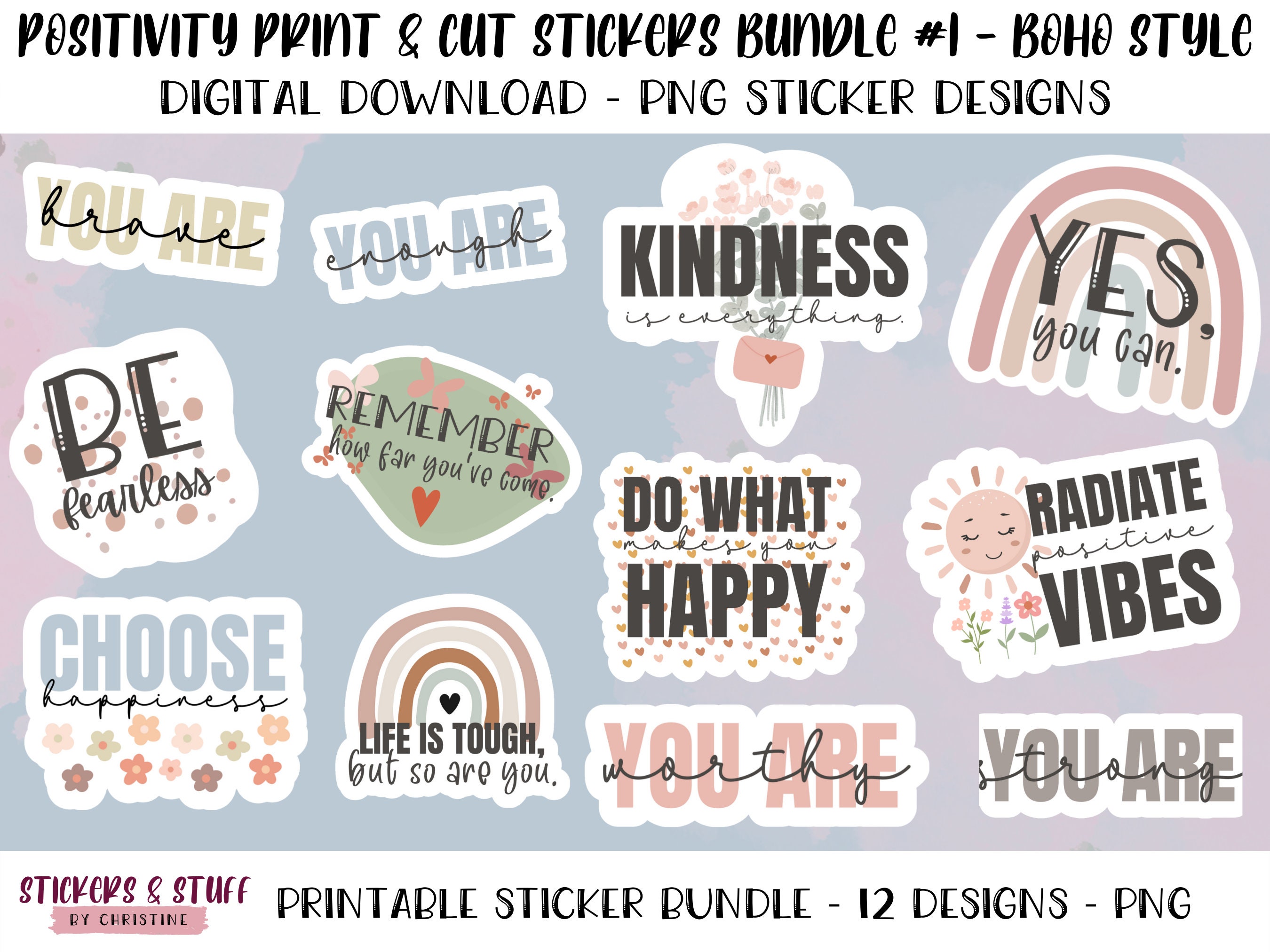
Kiss-cut stickers keep a backing sheet around the design. The cut goes through the sticker but not the paper underneath. This makes peeling easier and protects the sticker’s shape. Ideal for sticker sheets or multiple designs on one sheet.
Lamination And Coating
Lamination adds a protective layer on stickers. It guards against water, scratches, and sunlight. Coating can make stickers shiny or matte. Both improve sticker durability and look. Great for outdoor use or rough surfaces.
Tips For Effective Sticker Design
Designing stickers is both fun and challenging. A great sticker grabs attention quickly. It must send a clear message. Good design helps stickers stand out on any surface. Here are simple tips to create effective sticker designs.
Keeping Designs Simple
Simple designs catch the eye faster. Avoid too many details or colors. Use clean shapes and bold lines. A simple design looks good from far away. It also prints better on small stickers.
Ensuring Readability
Text on stickers must be easy to read. Choose clear fonts with enough space between letters. Avoid using small or fancy fonts. Use high contrast colors between text and background. Make sure the message is short and direct.
Brand Consistency
Keep your stickers aligned with your brand. Use your brand colors, fonts, and style. Consistent design builds trust and recognition. Your sticker should feel like part of your brand story. This helps people remember your business better.
Applications Of Stickers
Stickers have many uses in daily life and business. They are simple yet powerful tools. Their applications span from marketing to decoration. Stickers help communicate messages clearly and attract attention. They come in various shapes, sizes, and designs. This makes them very flexible for different needs.
Marketing And Branding
Stickers are excellent for marketing products and services. Businesses use them to display logos and slogans. They increase brand visibility at low cost. Stickers can be placed on packages, windows, or cars. This spreads brand awareness to a wide audience. They also serve as giveaways in events or promotions. Custom stickers create a memorable impression on customers.
Personal Use And Gifts
People use stickers for personal projects and gifts. They decorate laptops, phones, and notebooks. Stickers add personality to everyday items. They are perfect for scrapbooks and journals. Customized stickers make gifts special and unique. They help express feelings or celebrate occasions. Kids and adults both enjoy collecting and sharing stickers.
Decorative And Functional Uses
Stickers also serve decorative and practical purposes. Homeowners decorate walls, furniture, and appliances with them. They brighten rooms and add style with ease. Functional stickers include labels and warning signs. These keep spaces organized and safe. They help identify items quickly. Stickers combine beauty and utility in many settings.

Credit: designbundles.net
Ordering And Production
Ordering and producing design stickers involves clear steps. Understanding these steps helps create the best product. It also saves time and money.
Choosing the right print shop is the first task. Knowing costs and how long production takes helps plan better.
Working With Print Shops
Find a print shop with good reviews and samples. Talk about your sticker size, shape, and material needs. Ask about file formats they accept for designs. Clear communication helps avoid mistakes. Many shops offer proofs before printing. Check these carefully for colors and details. Use shops that respond quickly and clearly. This makes the process smooth and stress-free.
Cost Considerations
Sticker prices depend on size, quantity, and material. Larger orders usually cost less per sticker. Special finishes like gloss or matte add to the price. Custom shapes may increase costs too. Ask print shops about hidden fees, like setup or shipping. Budget carefully to avoid surprises. Compare prices from several shops before deciding.
Turnaround Times
Production time varies by shop and order size. Small orders may take a few days. Larger or complex orders need more time. Rush orders often cost extra. Ask about shipping times and options. Plan your order well before any deadline. Patience pays off with better quality stickers.
Frequently Asked Questions
What Materials Are Best For Designing Stickers?
Vinyl and paper are popular sticker materials. Vinyl is durable and weather-resistant, ideal for outdoor use. Paper stickers are cost-effective and suitable for indoor applications. Choose based on your sticker’s purpose and environment.
How Do I Create Custom Sticker Designs?
Use graphic design software like Adobe Illustrator or Canva. Start with a clear concept, use high-resolution images, and maintain a proper size. Save your design in a print-friendly format like PNG or PDF for best results.
What Printing Methods Are Used For Stickers?
Common printing methods include digital, screen, and offset printing. Digital printing suits short runs with vibrant colors. Screen printing is cost-effective for large batches. Offset printing offers high-quality results for detailed designs.
Can I Print Stickers At Home?
Yes, with a good inkjet or laser printer and sticker paper. Use high-quality printable vinyl or adhesive paper. Adjust printer settings for best color accuracy and durability. Home printing suits small, personalized projects.
Conclusion
Designing and printing stickers can be simple and fun. Choose colors and shapes that fit your style. Use good quality materials for best results. Print your stickers clearly so they look great. Stickers can show your personality or brand well.
Share your designs with friends or customers easily. Keep practicing to improve your skills step by step. Enjoy creating stickers that stand out everywhere you place them.