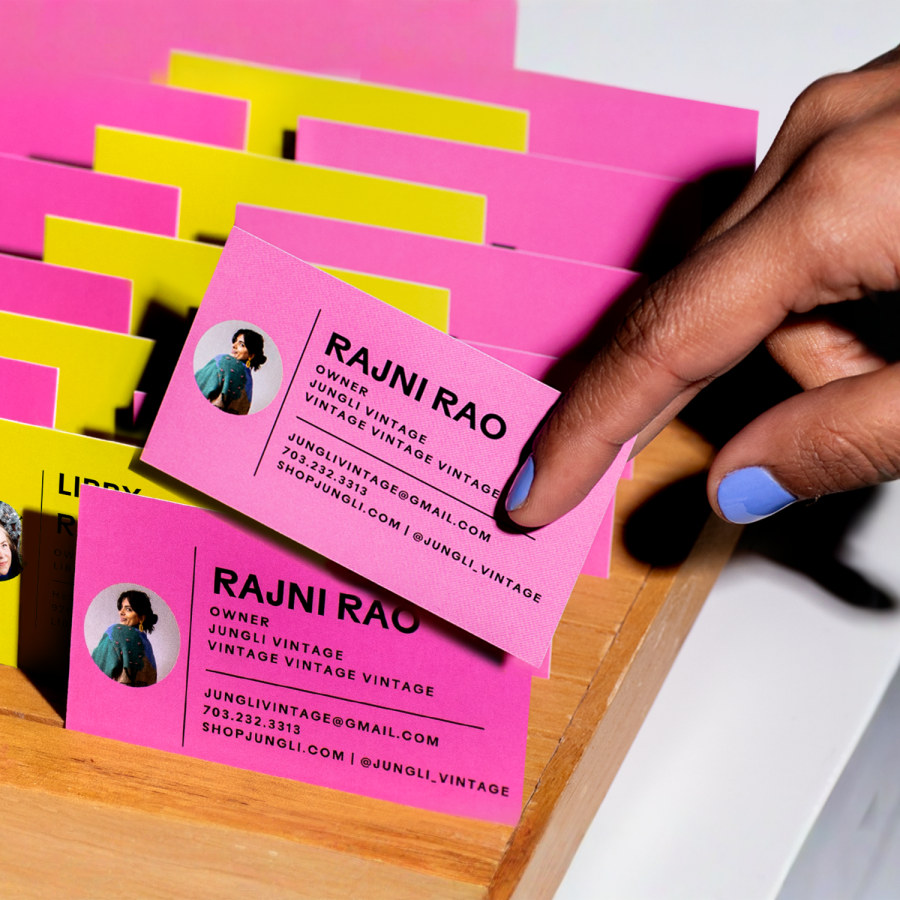
Your business card is more than just a piece of paper—it’s your first impression, your handshake before you even meet someone. When it comes to business card and printing, every detail matters.
Thank you for reading this post, don't forget to subscribe!The colors you choose, the quality of the paper, and the design all work together to tell your story and capture attention. If you want your card to stand out and make people remember you, this guide will show you exactly how to create a powerful, professional card that speaks for your brand.
Keep reading to discover smart tips and insider secrets that will take your business card from ordinary to unforgettable.
Credit: www.vistaprint.com
Types Of Business Cards
Business cards come in many types. Each type serves a unique purpose. Choosing the right card helps you make a good impression. Here are the main types of business cards you can consider.
Standard Cards
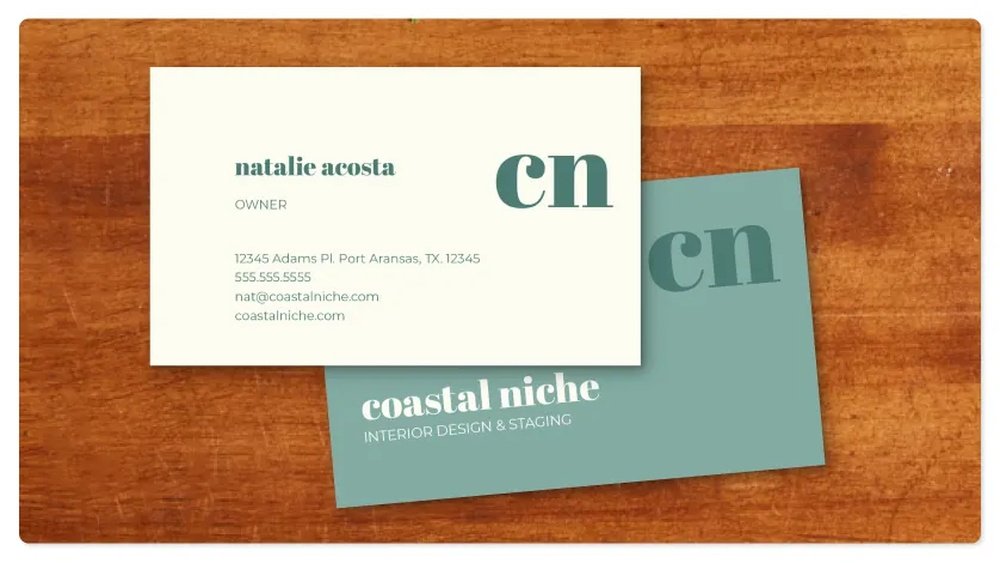
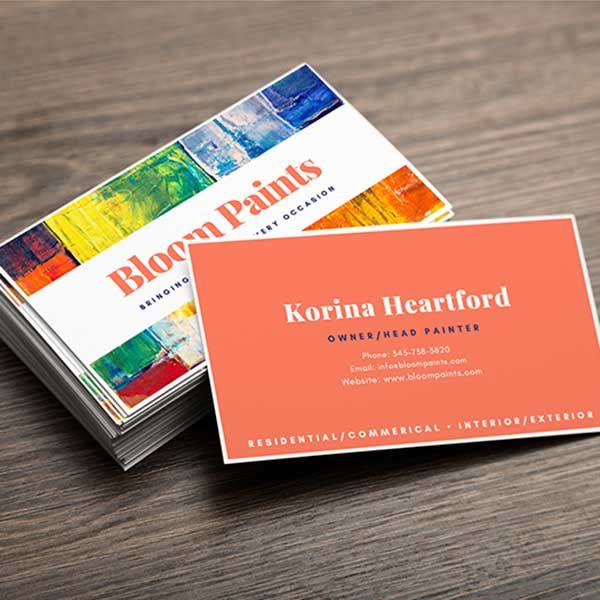
Standard cards are the most common choice. They have a simple design with clear text. These cards usually have a white or light background. They are easy to print and cost less. Standard cards work well for many businesses. They show your name, job title, and contact information clearly.
Premium Cards
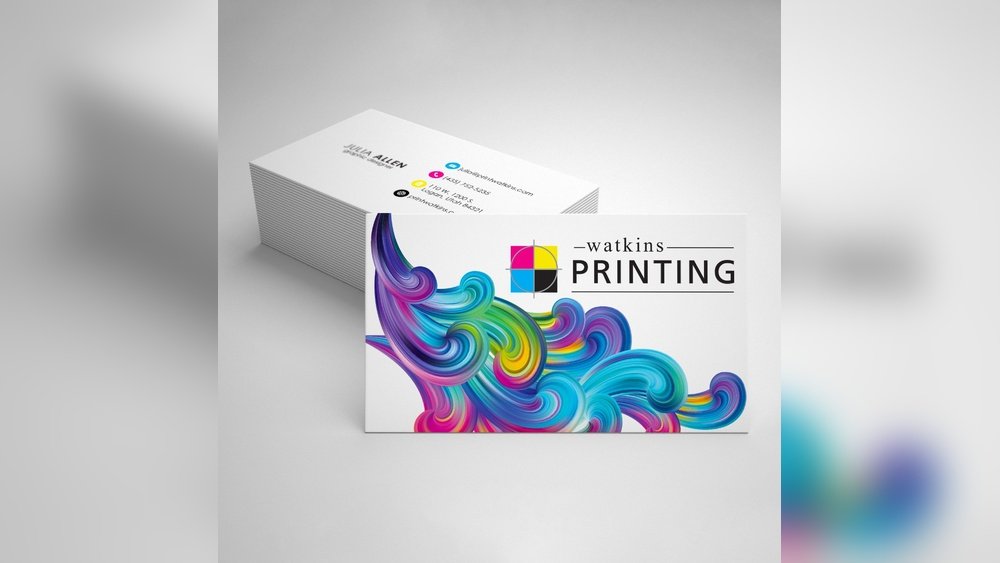
Premium cards use thicker paper or special materials. They feel heavier and more durable in your hand. Some have glossy or matte finishes that look elegant. Foil stamping or embossing can add texture and shine. Premium cards help create a strong, professional image. They are great for making your card stand out.
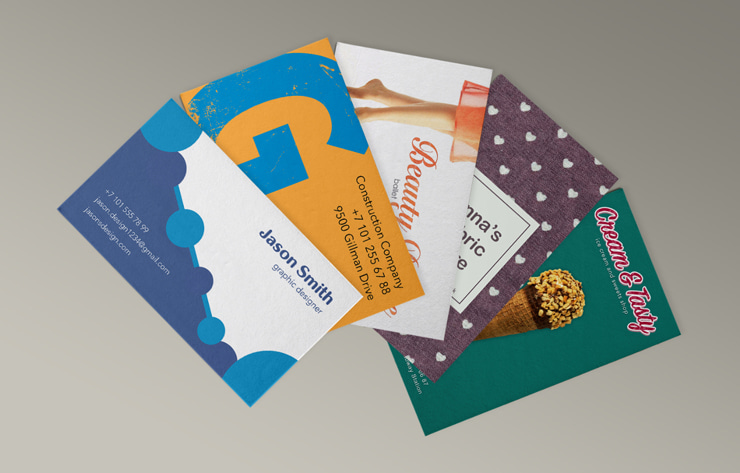
Creative Designs
Creative designs break the usual card shape and style. They use unique shapes, colors, or materials. Some cards have cut-outs, textures, or double layers. Creative cards catch attention quickly and show creativity. They work well for artists, designers, and startups. These cards express your brand’s personality clearly.
Credit: www.swiftpublisher.com
Materials Used In Business Cards
Business cards create the first impression of your brand. The material you choose affects how people feel about your business. Different materials give different looks and durability to your cards. Understanding these options helps you pick the best one for your needs.
Paper Stocks
Paper is the most common material for business cards. It is affordable and easy to print on. Paper cards come in many types, like matte, glossy, and textured. Thick paper feels sturdy and high quality. Thin paper is lighter but less durable. Choose paper based on the style and budget you want.
Plastic And Metal Options
Plastic cards stand out with a smooth, shiny finish. They resist water and tearing better than paper. Metal cards offer a strong, sleek look. They last long and feel heavy in hand. Both plastic and metal make a bold statement. They are perfect for premium brands or special events.
Eco-friendly Materials
Eco-friendly materials protect the planet while looking good. Recycled paper uses old paper to make new cards. Seed paper grows flowers or herbs after use. Bamboo and cork cards are natural and unique. These materials show your care for the environment. They help build a green image for your brand.
Design Elements To Consider
Design plays a big role in making your business card stand out. The right elements create a strong first impression. Careful choices help your card look professional and clear. Focus on key parts like colors, fonts, and logo placement. These shape how people see your brand.
Color Schemes
Colors affect mood and brand identity. Choose colors that match your business style. Use two or three colors for a clean look. Avoid too many bright colors that clash. Contrast helps text and details show clearly. Consider colors that print well on paper.
Typography Choices
Fonts tell a lot about your brand’s personality. Pick simple, easy-to-read fonts. Avoid using many different fonts on one card. Keep font sizes balanced for titles and details. Use bold or italics to highlight important info. Ensure text is clear at small sizes.
Logo Placement
The logo is the face of your business. Place it where it draws attention quickly. Top left or center often works best. Make sure the logo size fits the card well. Leave enough space around the logo to avoid clutter. The logo should support, not overpower, other elements.
Printing Techniques
Printing techniques shape the look and feel of business cards. They decide how colors appear, how sharp the text is, and the card’s overall quality. Different methods suit different needs and budgets. Knowing the main printing types helps you pick the right one for your business card.
Digital Printing
Digital printing uses lasers and inkjets to print directly on paper. It works fast and is best for small runs. Colors look bright and clear. Changes to design are easy before printing. It costs less for small orders but can be pricier for large amounts.
Offset Printing
Offset printing uses metal plates to transfer ink onto paper. It gives sharp images and smooth colors. Best for large orders because it lowers cost per card. Setup takes more time and money than digital printing. The quality lasts longer and looks very professional.
Specialty Finishes
Specialty finishes add style and texture to business cards. Examples include foil stamping, embossing, and spot UV coating. These finishes highlight logos or text with shine or raised effects. They make cards stand out and feel unique. Often used with offset or digital printing for best results.
Choosing The Right Printing Service
Choosing the right printing service is key for your business cards. It affects quality, price, and delivery time. Picking the best service saves money and ensures a great first impression.
Local Vs Online Printers
Local printers offer personal service and quick help. You can see paper samples and colors before printing. Online printers provide more design options and often lower prices. They deliver straight to your door. Decide based on your need for speed or variety.
Cost Factors
Price depends on paper type, card size, and print quality. Extra features like embossing or special finishes add cost. Bulk orders usually cost less per card. Watch for hidden fees like setup charges or shipping costs.
Turnaround Time
Fast printing is possible but may cost extra. Local printers can offer same-day or next-day service. Online printers usually take several days to ship. Plan your order early to avoid rush fees and delays.
Tips For Effective Business Cards
Business cards remain a key tool for making strong first impressions. A well-designed card can open doors and create lasting connections. Simple changes can make your card effective and memorable.
Focus on clear design and useful details. Avoid clutter and too much text. A clean, easy-to-read card stands out and invites interest.
Keep It Simple
Use clean fonts and plenty of white space. Avoid too many colors or images. A simple layout helps people read and remember your card.
Choose one or two colors that match your brand. Too many colors can confuse the eye. Keep the design neat and balanced.
Include Essential Information
Add your name, job title, and company name. Include a phone number and email address. These help people contact you easily.
Do not crowd the card with unnecessary details. Keep only the most important information. This makes your card useful and clear.
Make It Memorable
Use a unique shape or texture to stand out. A thicker card or special finish can catch attention. These small touches make your card hard to forget.
Consider adding a simple logo or icon. It helps people recognize your brand quickly. A memorable card increases your chances of follow-up contact.
Common Mistakes To Avoid
Business cards are a key tool for making a strong first impression. Avoid common mistakes to ensure your card stands out. Simple errors can make your card look unprofessional or hard to read. Focus on clear design and quality printing to create a lasting impact.
Overcrowded Layout
A crowded card confuses readers. Too much text or too many images make it hard to find important information. Use space wisely. Keep only essential details like name, title, and contact info. White space helps the card breathe and look clean.
Poor Print Quality
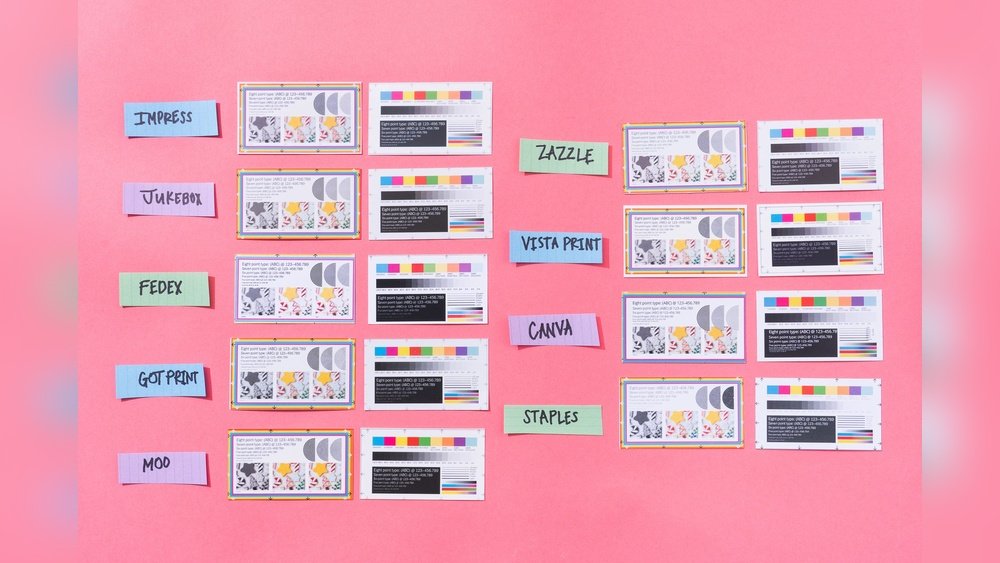
Low-quality printing reduces your card’s impact. Blurry text or faded colors seem careless. Choose a reputable printer and quality paper. Crisp lines and sharp colors show professionalism. A well-printed card feels trustworthy and valuable.
Ignoring Brand Consistency
Your card should match your brand style. Use the same colors, fonts, and logo as your website or other materials. Inconsistent design confuses people about your business. A consistent look builds trust and makes your brand memorable.
Future Trends In Business Card Printing
Business cards remain a key tool for networking. Their design and printing methods evolve with technology. New trends make cards more useful and memorable. The future of business card printing looks exciting and smart.
Augmented Reality Features
Augmented reality (AR) brings business cards to life. Users can scan cards with a phone camera. Then, videos, 3D models, or websites appear on screen. AR helps share more information without cluttering the card. It creates a unique and modern experience for clients.
Interactive Elements
Interactive features add fun and function to cards. QR codes link directly to contact info or portfolios. Some cards have touch-sensitive spots or pop-up parts. These elements invite people to engage with the card. Interaction leaves a lasting impression and builds interest.
Sustainable Printing Practices
Eco-friendly printing is growing in importance. Businesses choose recycled paper or plant-based inks. Some use seed paper that can grow into plants. Sustainable choices reduce waste and show care for the planet. Green business cards appeal to conscious customers and partners.
Credit: www.office.fedex.com
Frequently Asked Questions
What Is The Best Paper Type For Business Card Printing?
The best paper type is usually thick cardstock with a matte or glossy finish. It ensures durability and a professional look. Choose based on your brand style and budget. Premium options include textured or recycled paper for unique appeal.
How Many Business Cards Should I Print Initially?
Printing 250 to 500 cards initially is common. It balances cost and supply for networking events. Printing in bulk reduces cost per card but risks excess stock. Start with a manageable number and reorder as needed.
What Information Is Essential On A Business Card?
Include your name, job title, company name, phone number, email, and website. Adding social media handles can enhance connectivity. Keep the design clean and readable. Avoid clutter to ensure key details stand out.
Can I Print Business Cards At Home Effectively?
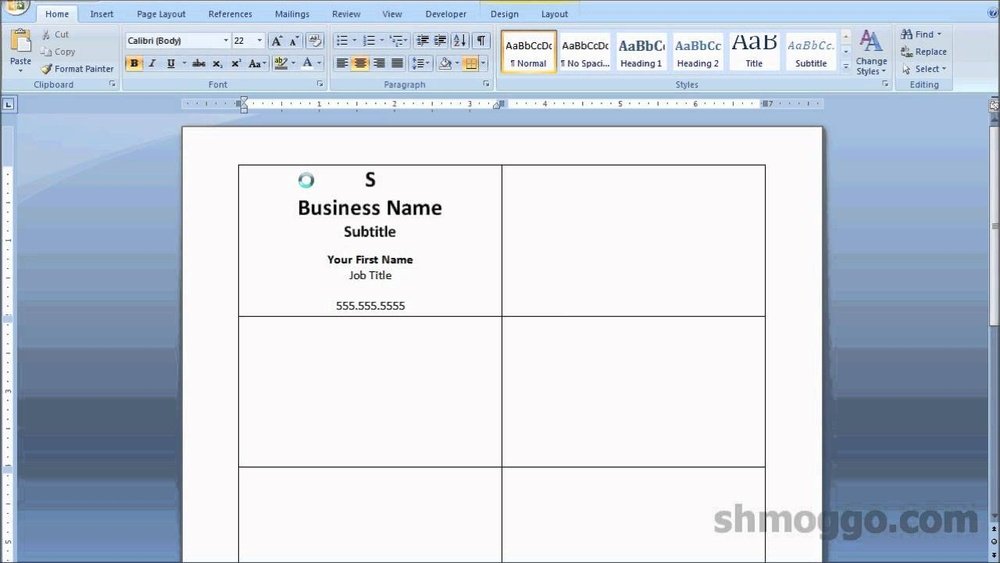
Home printing is possible but may lack professional quality. Invest in good paper and ink for better results. For bulk or premium designs, professional printing services are recommended. They offer consistent color and finish.
Conclusion
Business cards remain a key tool for business success. They share your contact details quickly and clearly. Good printing makes your card look sharp and professional. Choose styles and materials that match your brand. Keep designs simple to make a strong impression.
A well-made card helps people remember you. Print enough to always have some on hand. Small effort, big impact. Your business card speaks for you before you do.