Looking to make your business card stand out in a crowded market? Your card is more than just contact info—it’s a chance to leave a lasting impression.
Thank you for reading this post, don't forget to subscribe!With 3D printing, you can transform a simple card into a memorable, tactile experience that grabs attention and sparks curiosity. Imagine your clients holding a card that feels unique and exciting, one they won’t want to toss aside. You’ll discover creative business card ideas using 3D printing that can boost your brand and make your first impression unforgettable.
Ready to see how you can turn your card into a powerful marketing tool? Keep reading.
Unique Materials
Choosing unique materials for 3D printed business cards sets them apart. Different filaments offer various looks and feels. They bring creativity and personality to your cards. Materials can affect durability and texture too. Explore options beyond standard plastic for better impact.
Using Pla And Abs
PLA and ABS are common 3D printing plastics. PLA is easy to print and eco-friendly. It has a smooth finish and bright colors. ABS is stronger and heat-resistant. It offers a more professional, solid feel. Both materials can be customized with different colors and patterns. They make great base materials for business cards.
Incorporating Flexible Filaments
Flexible filaments add soft, bendable qualities to cards. TPU is a popular flexible material choice. It feels rubbery and resists bending damage. Cards made with flexible filaments stand out by touch. They are less likely to crack or break. This option suits creative designs with curves or folds.
Metallic And Composite Options
Metallic filaments mimic metal look and shine. They give cards a high-end, luxurious style. Composite filaments mix plastic with wood or carbon fiber. These blends create unique textures and appearances. Cards made with composites feel different and eye-catching. These materials add a premium, tactile quality to your business cards.

Credit: www.printshaq.com
Creative Shapes
Creative shapes make 3D printed business cards stand out. They catch the eye and leave a strong impression. Unique shapes can match your brand style and personality. They show that you care about details and quality.
Geometric Designs
Geometric shapes give a modern and clean look. Triangles, hexagons, and circles create sharp, clear edges. These shapes look professional and artistic at the same time. They fit well with minimalist and tech brands. You can also combine shapes for a layered effect.
Custom Logos And Icons
Use your logo as the shape of the card. This makes your brand instantly recognizable. Icons related to your business work well too. For example, a camera shape for photographers or a leaf for eco-friendly brands. This personal touch adds meaning and style.
Interactive Elements
Interactive shapes invite people to touch and explore the card. Moving parts or puzzle pieces create curiosity. Foldable or pop-up sections add surprise and fun. These elements make the card memorable and encourage sharing. They show creativity and innovation at work.
Text And Typography
Text and typography play a vital role in 3D printed business cards. They make your card stand out and show your style. The right text design can catch attention and leave a strong impression. Choosing the best text style is key for clear communication and visual appeal.
3D printing allows unique text effects that are hard with regular cards. You can create depth, texture, and layers that add interest. This section explores creative text ideas using 3D printing to enhance your business card.
Embossed And Debossed Text
Embossed text rises above the card surface. It feels smooth and adds a classy touch. Debossed text presses into the card, creating a sunken look. Both techniques give a tactile experience. They make your card easy to recognize by touch. Choose embossing for a bold look. Use debossing for subtle elegance. These textures work well with simple fonts and clean layouts.
Layered Lettering Techniques
Layered lettering uses multiple 3D print layers for depth. Letters appear stacked or floating over the card base. This adds a modern and dynamic look. You can mix colors and materials in layers. Layering highlights key information like your name or company. It creates shadows and contrast, making text pop. Keep layers thin to avoid a bulky card. Layered text suits bold and block fonts best.
Readable And Stylish Fonts
Font choice affects readability and style. Select clear fonts easy to read at small sizes. Sans-serif fonts often work well for 3D printing. Avoid very thin or script fonts that blur details. Bold fonts hold up better in 3D textures. Stylish fonts add personality but must stay legible. Test your font choice before printing. Good typography balances form with function on your card.
Functional Features
Functional features make 3D printed business cards stand out. They offer more than just contact details. These cards can hold small items, stand on their own, or connect to digital info. Functional designs add value and catch attention.
Built-in Holders Or Stands
Built-in holders keep pens, USB drives, or small tools handy. A stand feature lets the card sit upright on a desk. This keeps your card visible and useful. People will keep it longer because it serves a purpose.
Multi-use Cards
Multi-use cards combine different functions in one. They might work as a bottle opener, ruler, or phone stand. This adds fun and utility. Such cards create a lasting impression and invite interaction.
Incorporating Qr Codes
QR codes link offline cards to online content. They can lead to websites, portfolios, or social profiles. 3D printing allows embedding QR codes in unique ways. This makes scanning easy and visually interesting.
Color And Finish
Color and finish play a big role in 3D printed business cards. They affect how your card looks and feels. Choosing the right options makes your card stand out. It also shows your style and professionalism. Here are some ideas to explore for color and finish.
Dual-color Printing
Dual-color printing adds two colors to one card. This option creates contrast and draws attention. You can highlight logos, names, or key details easily. Using two colors helps separate text from the background. It gives a clean and modern look. Dual-color printing works well with bold and simple designs.
Post-processing Options
Post-processing changes the card after printing. Techniques like sanding, painting, or coating improve the final look. You can smooth rough edges or add a shiny surface. Post-processing allows custom finishes that printing alone cannot achieve. It gives you more control over texture and color depth. This step makes your card feel more polished.
Matte Vs Glossy Textures
Matte textures have a soft, non-shiny surface. They reduce glare and feel smooth to touch. Matte finishes look elegant and subtle. Glossy textures reflect light and shine brightly. They make colors appear more vibrant and bold. Glossy cards catch the eye quickly. Choose matte for a professional tone and glossy for a lively style.
Design Software Tips
Choosing the right software is key for 3D printed business cards. The design process needs tools that balance ease and power. Good software helps create shapes that print well and look great.
This section covers popular tools, print-friendly design tips, and file exporting advice. These ideas help you make the best business card designs for 3D printing.
Popular 3d Modeling Tools
Many designers use software like Tinkercad, Fusion 360, and Blender. Tinkercad suits beginners with its simple interface. Fusion 360 offers more features for detailed work. Blender is free and powerful but has a steeper learning curve. Choose a tool that fits your skill level and project needs.
Designing For Printability
Keep designs simple and avoid very thin parts. Thin sections can break during printing or handling. Check that your model has no holes or non-manifold edges. These errors cause printing problems. Use solid shapes and test your design in the software’s preview mode. This step saves time and materials.
File Formats And Exporting
Export your design as STL or OBJ files. These formats are widely accepted by 3D printers. Make sure to check the scale before exporting. Incorrect scale means cards could print too big or small. Always save a backup copy in the original format for future edits.
Printing Techniques
Printing techniques play a big role in creating unique 3D printed business cards. These techniques affect the card’s look and feel. Understanding them helps you make better choices. You can control details like smoothness, strength, and design complexity. Each method offers different results and costs. Let’s explore key printing factors that shape your business card.
Layer Height And Resolution
Layer height is the thickness of each printed layer. Smaller layers mean higher resolution and smoother surfaces. This helps fine details stand out on your card. Larger layers print faster but may look rough. Choose a balance based on your design needs. Thin layers suit intricate text or logos. Thick layers work for simple, bold shapes.
Supports And Rafts
Supports help print overhangs and complex shapes without collapsing. They act as temporary scaffolding during printing. Rafts are flat bases that stick the card to the print bed. They improve adhesion and reduce warping. Removing supports and rafts requires care to avoid damaging the card. Plan your design to minimize the need for them.
Speed Vs Quality Trade-offs
Printing faster saves time but lowers quality. Slower printing improves detail and surface finish. Choose speed for quick prototypes or low-detail cards. Pick quality for professional, polished cards. Adjust speed and layer height to find your best mix. Remember, better quality may increase print time and cost.

Credit: www.instructables.com
Inspiration And Examples
Business cards made with 3D printing offer new ways to stand out. They bring texture, shape, and style that flat cards cannot match. This section shares ideas and examples to inspire your own unique design.
Explore different styles that fit your business or personality. See how creativity and technology combine for memorable cards.
Innovative Industry Designs
3D printing lets you create cards shaped like tools or products. Architects might use miniature building models as cards. Tech companies can design cards with circuit-like patterns. These designs show what the business does at a glance. It makes a strong impression on clients and partners.
Personal Branding Ideas
Use 3D printing to reflect your style and skills. Add raised initials or a unique logo that pops out. Choose textures that match your personality, like smooth or rough finishes. Personal details in 3D form make cards feel special and memorable. They help people remember your name and work.
Eco-friendly Concepts
3D printing allows use of biodegradable materials for cards. Some use recycled plastics or plant-based filaments. These cards show care for the environment. Lightweight designs save material and reduce waste. Eco-friendly cards appeal to green-minded clients and build a positive image.
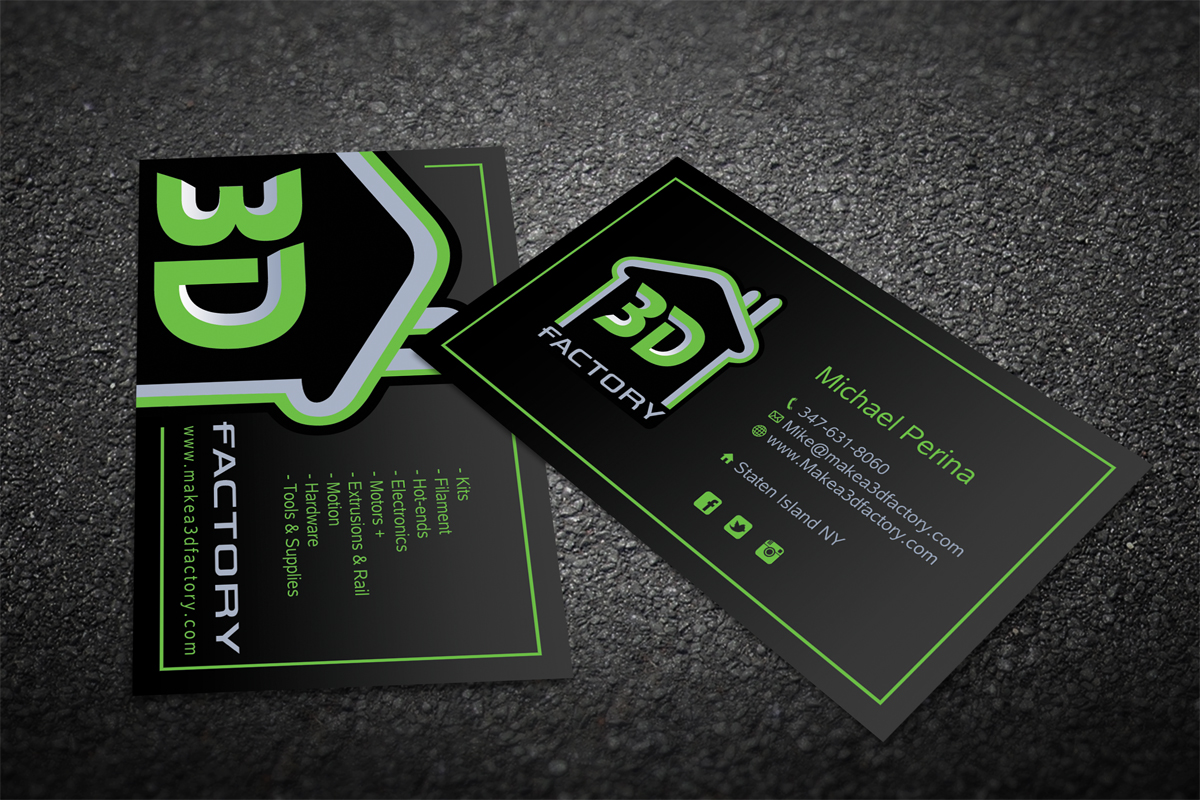
Credit: www.designcrowd.com
Frequently Asked Questions
What Materials Work Best For 3d Printed Business Cards?
PLA, ABS, and resin are popular materials for 3D printed cards. They offer durability and detailed finishes. Choose based on your design needs and printer capabilities.
How Can 3d Printing Enhance Business Card Design?
3D printing allows unique textures, shapes, and layers. It creates memorable, tactile experiences that traditional cards can’t match. This boosts brand impression and engagement.
Are 3d Printed Business Cards Cost-effective?
3D printing costs vary by design complexity and material. Small batches may be pricier than traditional cards but offer higher impact and uniqueness. Consider your budget and goals.
What Design Tips Improve 3d Printed Business Card Usability?
Keep text legible with raised or recessed lettering. Balance aesthetics with practicality by avoiding overly fragile features. Use contrasting colors for better readability.
Conclusion
3D printed business cards stand out with unique designs. They show creativity and leave a strong impression. Simple shapes or complex patterns work well. Materials and textures add a special touch. Personalizing cards helps people remember you better. Experiment with colors and styles for best results.
Use 3D printing to make your cards different. This approach helps your business appear modern and smart. Try these ideas to make your card unique today.