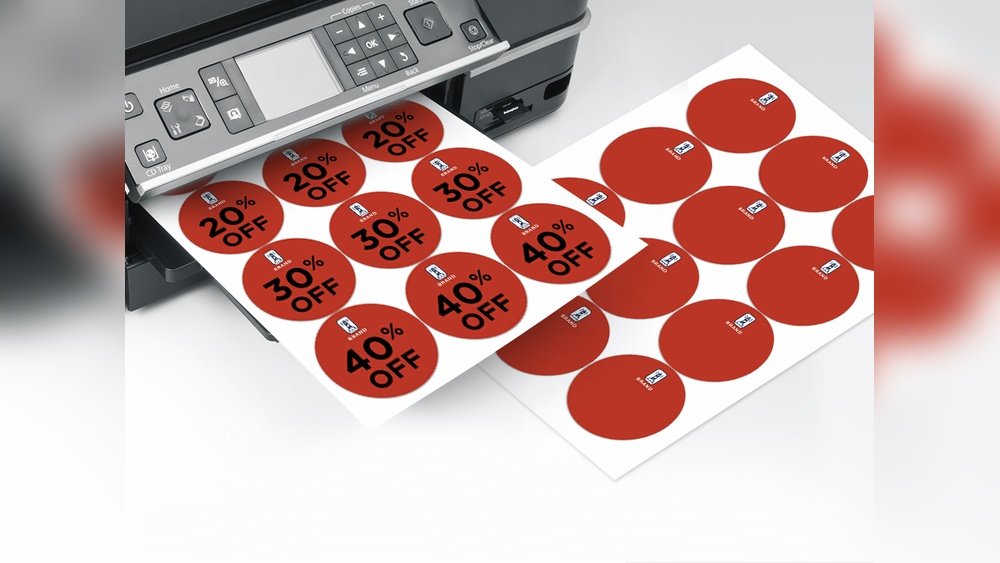
Are you looking to create eye-catching custom stickers that stand out? Printing your own stickers at Staples is easier than you might think.
Thank you for reading this post, don't forget to subscribe!Whether you want stickers for your business, events, or personal projects, this guide will walk you through every step. By the end, you’ll know exactly how to design, order, and pick up your stickers without any hassle. Ready to bring your ideas to life with vibrant, high-quality prints?
Let’s dive in!
Choosing Sticker Types
Choosing the right sticker type is key to a great final product. Staples offers many options to match different needs. Think about where and how you will use the stickers. This helps pick the best material and size. The right choice makes your stickers look professional and last longer.
Consider the feel and durability you want. Some stickers work best indoors, others outdoors. Size and shape also change the sticker’s impact. Let’s explore these choices to help you decide.
Material Options
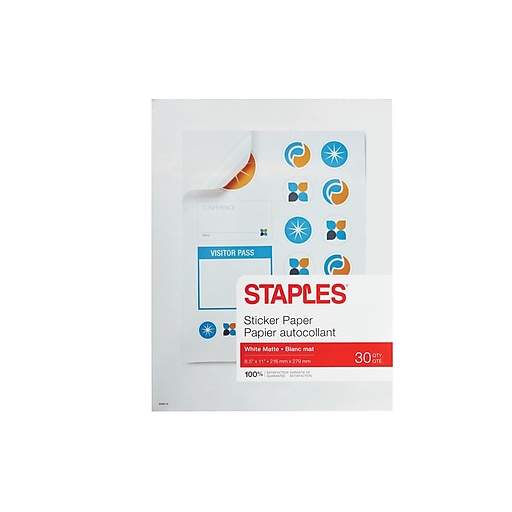
Staples provides several sticker materials. Paper stickers are affordable and good for short-term use. Vinyl stickers resist water and sunlight, ideal for outdoor use. Clear stickers offer a sleek, modern look on glass or plastic. Matte finishes reduce glare for easy reading. Glossy finishes make colors pop and look bright. Each material fits different uses and budgets.
Size And Shape Choices
Sticker size affects visibility and design space. Small stickers suit logos or labels. Large stickers work well for signs or decoration. Choose shapes that fit your design. Circles and squares are classic and simple. Custom shapes add uniqueness and catch attention. Staples can cut stickers to many shapes and sizes. Pick what fits your style and purpose best.
Credit: www.staples.com
Designing Your Sticker
Designing your sticker is the first step to creating something unique. This step lets you bring your idea to life. A good design helps your sticker stand out. You want your sticker to look clear and eye-catching. Keep your design simple and bold. This makes it easy to see from far away. Colors and shapes play a big role in sticker design. Choose colors that match your message or brand. Think about where you will place the sticker. The design should fit the size and shape of the sticker perfectly.
There are two main ways to create your sticker design at Staples. You can use design software or get help from Staples Design Services. Both options help you get the best look for your sticker. Choose the one that suits your skills and needs.
Using Design Software
Design software lets you create your sticker on your own. Programs like Adobe Illustrator and Canva work well. They offer many tools to add text, shapes, and colors. You can start with a blank canvas or use templates. Templates save time and guide your design. Make sure your design matches the sticker size you want. Save your file in a format Staples accepts, like PDF or PNG. Check the resolution to keep your image sharp. Most software allows you to zoom in and edit small details. This helps your sticker look professional and neat.
Staples Design Services
Staples Design Services offers help if you don’t want to design alone. Their experts create or improve your sticker design. You can share your ideas and they will make it real. This service is good for complex or custom designs. The designers know what works best for printing. They ensure your sticker looks great on paper. Using this service saves time and stress. You get a proof before printing to approve the design. This step avoids mistakes and ensures satisfaction.
Preparing Your File
Preparing your file is an important step to print custom stickers at Staples. A well-prepared file helps ensure your stickers look sharp and professional. It saves time and avoids errors during printing. Follow these simple tips to get your file ready.
File Formats Accepted
Staples accepts several file formats for printing stickers. The most common are PDF, JPEG, PNG, and TIFF. PDF files keep your design clear and sharp. JPEG and PNG work well for images but avoid low-quality versions. TIFF files keep high detail but have larger sizes. Choose the format that fits your design best.
Resolution And Quality Tips
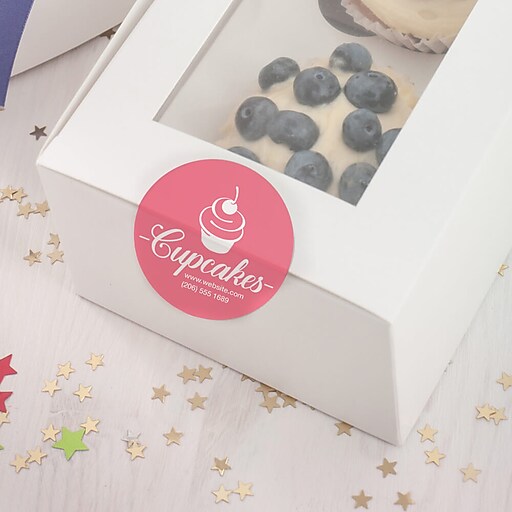
High resolution is key for clear stickers. Set your file to at least 300 dots per inch (DPI). Lower DPI can make your stickers look blurry or pixelated. Use original images instead of screenshots. Check your design on a zoomed-in view to spot any flaws. Keep colors bright and avoid dark backgrounds that hide details.
Credit: www.staples.com
Ordering Stickers At Staples
Ordering custom stickers at Staples is simple and fast. You can choose to order online or visit a local store. Both options give you control over your design and print quality. Whether you want a few stickers or a large batch, Staples makes the process easy.
Online Ordering Process
Start by visiting the Staples website. Select the “Custom Stickers” option under print services. Upload your design file in a supported format. Pick the size, shape, and finish of your stickers. Choose the quantity you want to print. Review your order details carefully before checkout. Pay securely using your preferred payment method. Staples will notify you when your stickers are ready for pickup or delivery.
In-store Ordering Steps
Go to the nearest Staples store with your sticker design file. Use an in-store computer or tablet to upload your design. Speak with a staff member if you need help choosing options. Select size, shape, and quantity for your stickers. Confirm all details with the staff before printing. Pay at the counter and wait for your stickers. Pickup times vary depending on the order size and store workload.
Pickup And Shipping Options
Staples offers flexible pickup and shipping options for your custom sticker orders. You can choose the method that fits your needs best. Both options are easy and convenient.
Store Pickup Details
Choose store pickup to get your stickers fast. Your order will be ready in a few hours or days. Staples notifies you by email or text when your stickers arrive. You can pick them up at the customer service desk. No extra fees apply for store pickup. This option saves shipping costs and waiting time. It suits those who live near a Staples store.
Shipping Services
Staples ships custom stickers directly to your address. You can select standard or expedited shipping. Delivery times depend on the shipping option you choose. Tracking information is provided to follow your package. Shipping fees vary based on speed and distance. This option is perfect for people who want stickers at home or office. Staples packs stickers securely to avoid damage during transit.
Credit: www.staples.com
Cost And Turnaround Time
Understanding the cost and turnaround time is key to printing custom stickers at Staples. These factors help you plan your order and budget. Knowing what affects price and how long it takes ensures a smooth experience.
Pricing Factors
Sticker size plays a big role in cost. Larger stickers need more material. The quantity also matters. Ordering more stickers usually lowers the price per piece. The type of material affects the price too. Vinyl stickers cost more than paper ones. Full-color printing costs more than black and white. The shape of the sticker can add to the price. Custom shapes take more work and time to cut.
Estimated Production Times
Staples usually takes 1 to 3 business days to produce stickers. Simple orders may finish faster. Complex designs or large orders take longer. Rush orders might be available but cost extra. Picking up in-store can save shipping time. Shipping takes 2 to 5 business days depending on location. Planning ahead helps avoid delays and extra fees.
Tips For Best Results
Printing custom stickers at Staples can be easy and fun. To get the best results, a few simple tips help. These tips focus on making your stickers look bright and last long. Follow these ideas to get stickers that match your needs well.
Color Accuracy
Choose the right colors before printing your stickers. Use high-quality images with clear colors. Staples printers work best with bright and simple colors. Avoid dark or dull shades that may print poorly. Check your design on a screen that shows true colors. Ask for a proof print to see the actual colors. Small changes can improve how your stickers look.
Sticker Durability
Pick strong materials to make stickers last longer. Staples offers vinyl and laminated options that resist water and sunlight. Laminated stickers stay safe from scratches and fading. Tell Staples staff about your sticker use to get the best material. Keep stickers away from harsh chemicals to keep colors bright. Proper care helps your stickers stay fresh for a long time.
Frequently Asked Questions
How Do I Order Custom Stickers At Staples?
You can order custom stickers at Staples online or in-store. Upload your design, choose size and quantity, then place your order. Staples offers various materials and finishes for stickers.
What Are The Sticker Printing Options Available At Staples?
Staples provides options like glossy, matte, clear, and vinyl stickers. You can select shapes such as circle, square, or custom die-cut. Each option suits different branding and personal use needs.
How Long Does Staples Take To Print Custom Stickers?
Printing typically takes 1-3 business days, depending on order size. Expedited services may be available for faster delivery. You’ll receive an estimated pickup or shipping date during checkout.
Can I Design Stickers Directly On Staples’ Website?
Yes, Staples offers an online design tool for creating stickers. You can add text, images, and customize colors easily. This tool helps if you don’t have a ready-made design file.
Conclusion
Printing custom stickers at Staples is easy and fast. You choose your design, size, and quantity. Their tools help you see how stickers will look. You get good quality prints without stress. Perfect for personal or business use. Visit Staples and bring your ideas to life today.
Stickers made simple and affordable. Your creativity, printed just the way you want.